6. LSServer, Scanner Shell and Download
2004-11 Operating Manual for the LS Series Scanner No. 30001798 Rev. No. 1.5 6-73
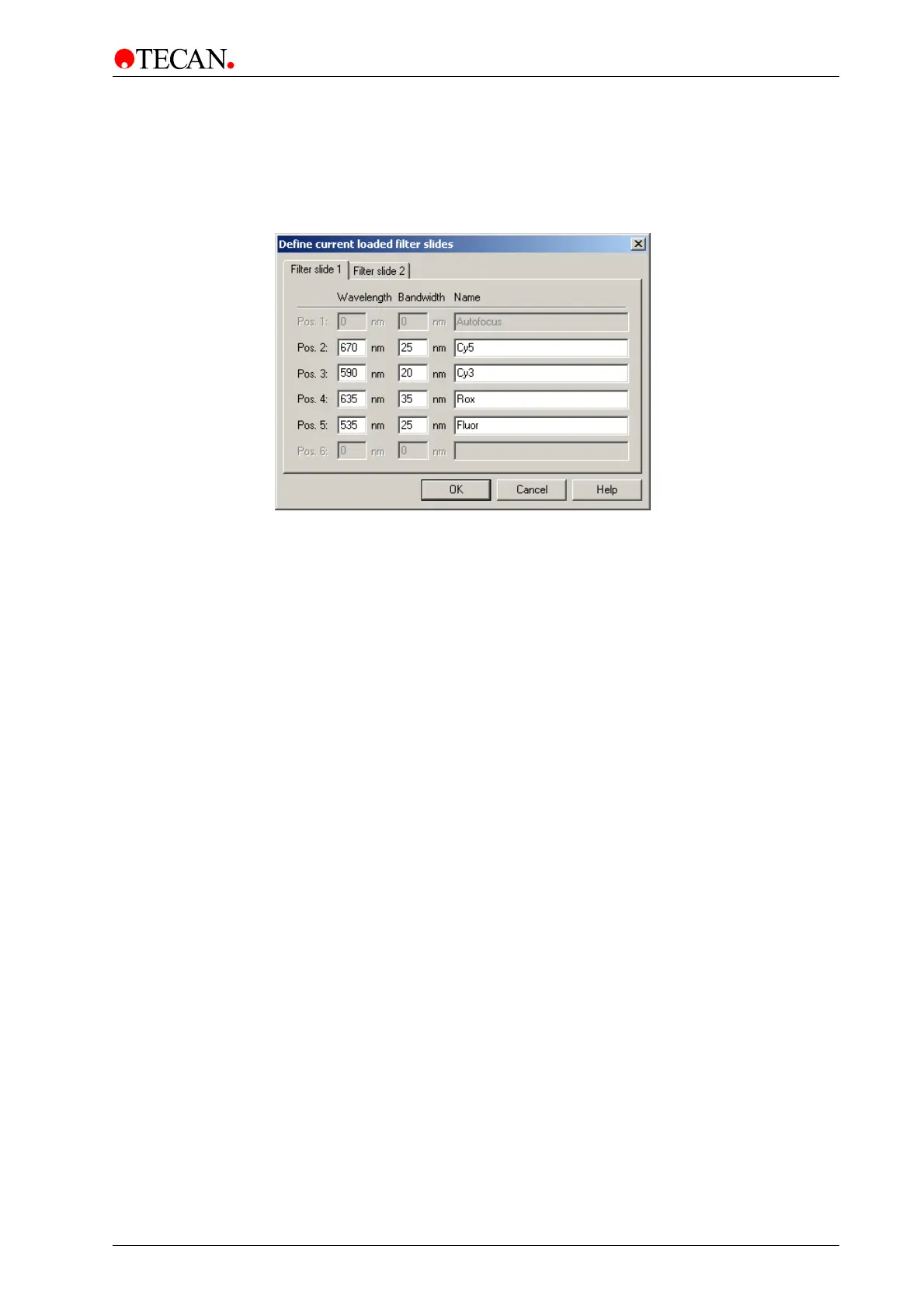
Filter Slide 1 tab
The Filter Slide 1 tab window contains all data definitions for the filter slide
loaded in channel 1 slot.
The
Filter Slide 1 tab window:
The
Filter Slide 1 tab window consists of the following elements:
Pos. 1 - Pos. 6 static text This static text corresponds to the filter positions on
the filter slide loaded in filter slot 1:
•
Pos. 1 is reserved for focus measurement
•
Pos. 2 - 5 are free for filter definition
•
Pos. 6 is reserved
Wavelength edit box In this field the Wavelength of corresponding filter
must be entered.
Bandwidth edit box In this field the Bandwidth of corresponding filter must
be entered.
Name edit box In this field the Name for a specific dye used for
detection of corresponding filter must be entered.
No spaces are allowed in the name.



 To Next Page