6. LSServer, Scanner Shell and Download
2004-11 Operating Manual for the LS Series Scanner No. 30001798 Rev. No. 1.5 6-83
Advanced Menu
Open SAF…
In the Instrument menu, select Connect to connect the instrument.
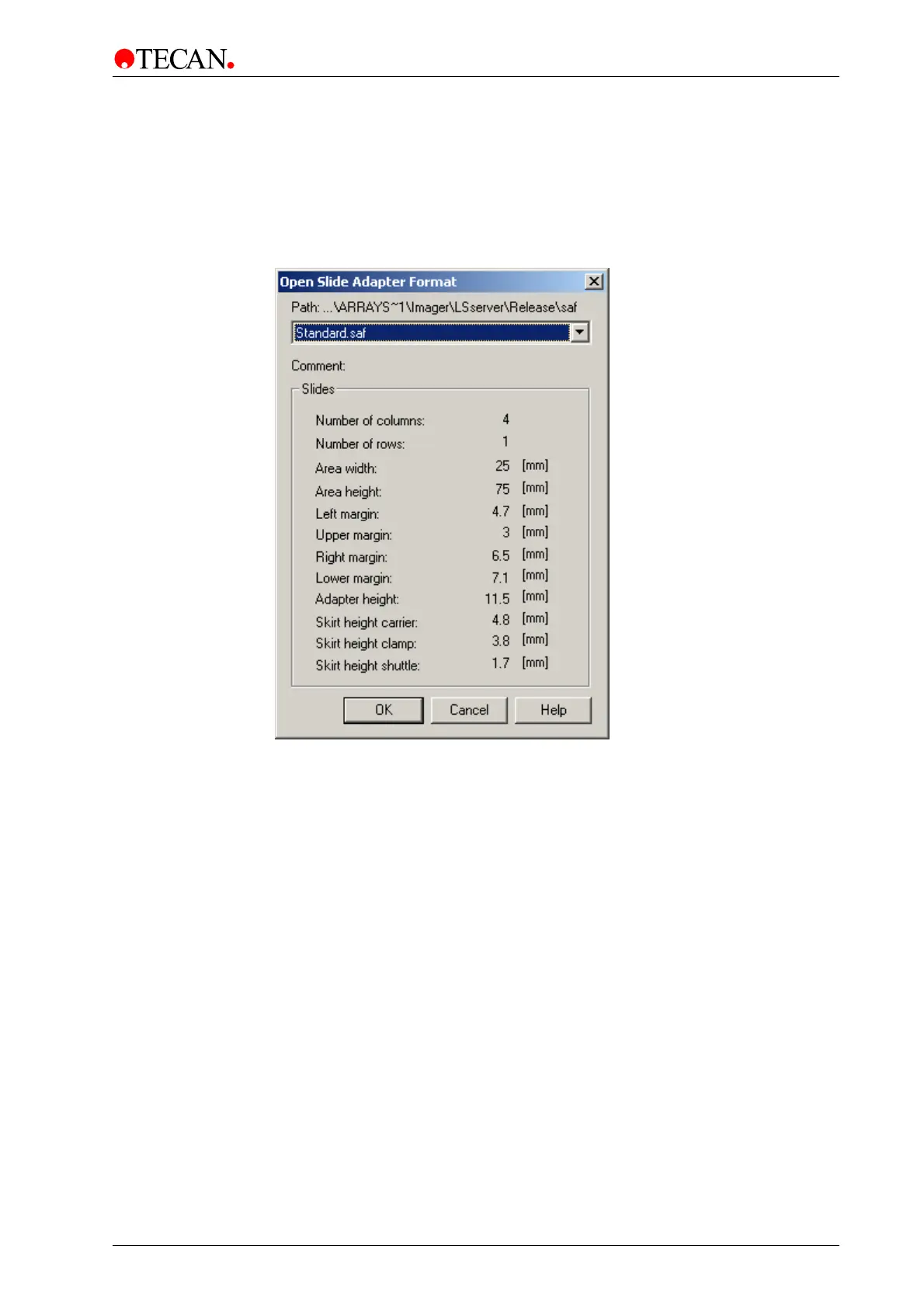
In the Advanced menu, select
Open SAF… and the Open Slide Adapter Format
dialog box is displayed:
The
Open SAF dialog box is used to load special slide adapter files. For further
information about creating and editing Slide Adapter Format files refer to the
chapter Advanced Menu - Edit SAF… on page 6-85 description in this manual.
In the
Open Slide Adapter Format dialog box the last loaded adapter file and its
contents are displayed:
A drop-down list contains all of the available
Slide Adapter Format files.
Selecting a file shows all file data in the
Comment: text and Slide group box.
Click
OK to set the selected Slide Adapter Format file as the current file format
and close dialog box.



 To Next Page