6. LSServer, Scanner Shell and Download
2004-11 Operating Manual for the LS Series Scanner No. 30001798 Rev. No. 1.5 6-103
Print Report
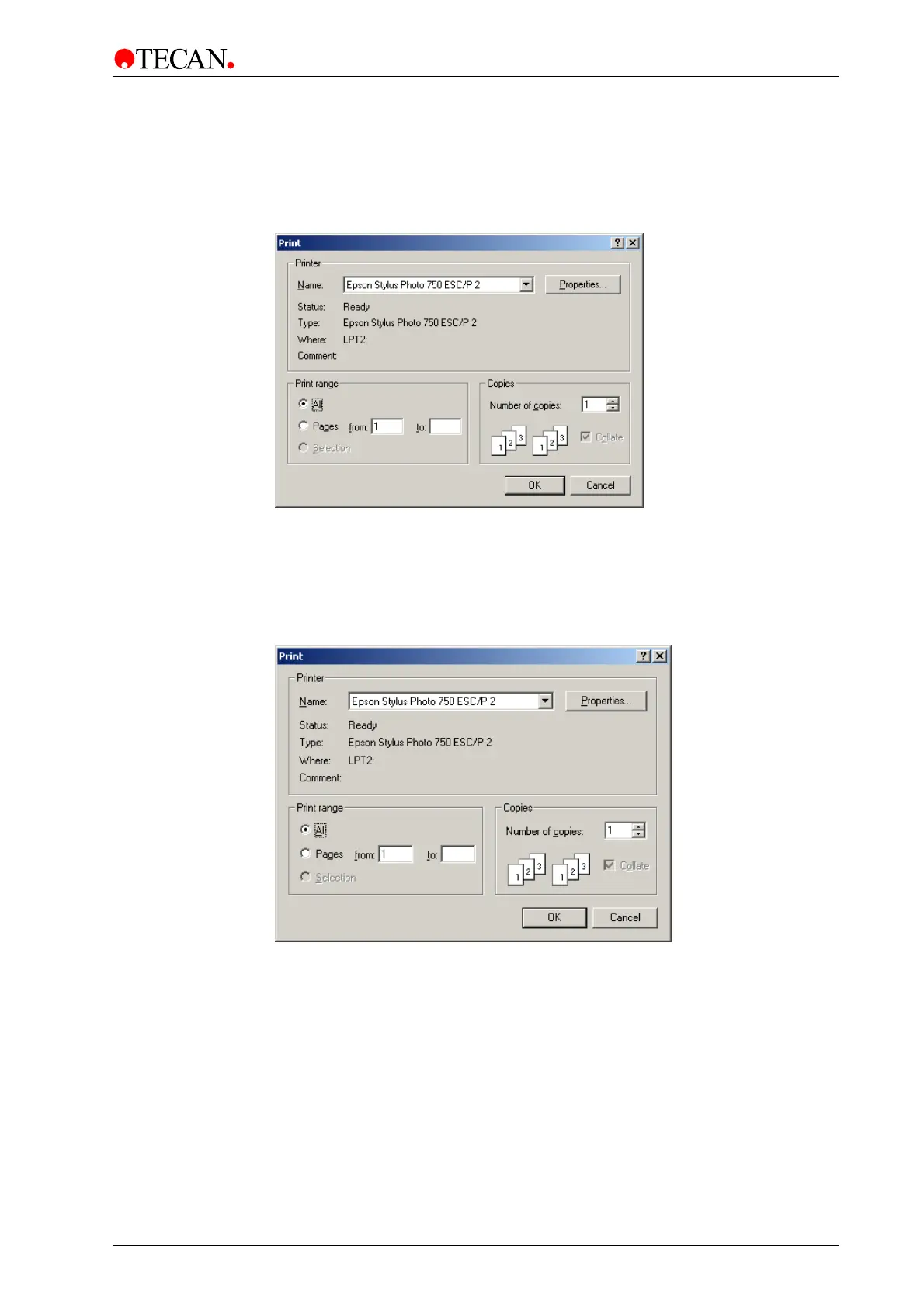
To print the report of the current download select the Print Report… option in the
File menu or press Ctrl + P.
The following dialog box is displayed:
This is the standard Windows Print dialog box.
Click
OK and the printing of the report of the current download is started.
Print Setup
The Print Setup option in the File menu is used to select the desired printer and
set the options for the printer.
See the Microsoft Windows manual for more details about the Print Setup dialog
box. When the required options are set, click
OK to close the dialog box.



 To Next Page