6. LSServer, Scanner Shell and Download
2004-11 Operating Manual for the LS Series Scanner No. 30001798 Rev. No. 1.5 6-29
General Tab
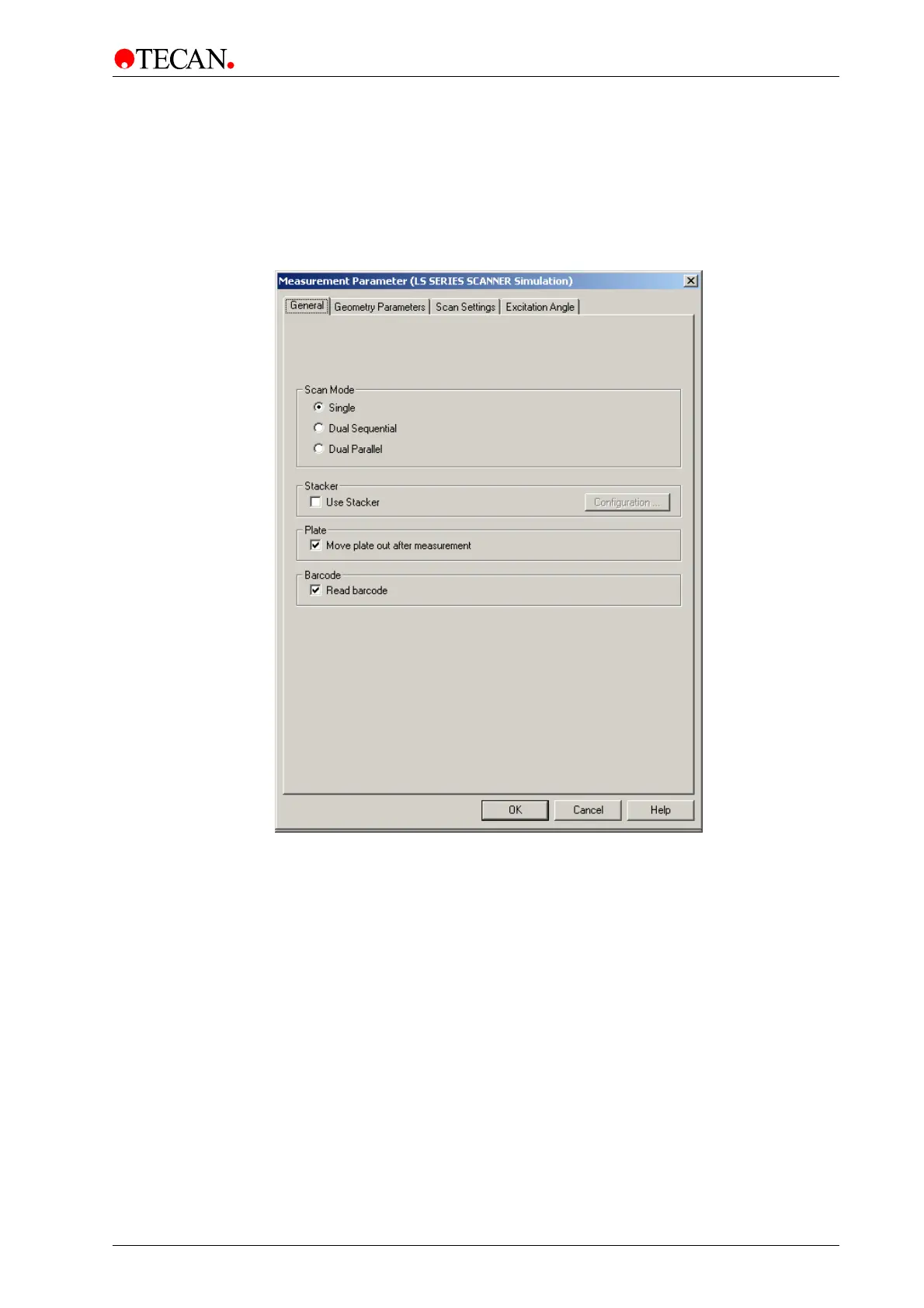
In the General tab the type of Scan mode can be selected, as well as the
Barcode reader and the Stacker options for automation purposes. The user can
also select the option of having the plate move out of the instrument after
scanning.
The General tab:
The General tab contains the following elements:
• Scan Mode group box
• Stacker group box
• Plate group box
• Barcode group box



 To Next Page