3. Installation
3-8 Operating Manual for the LS Series Scanner No. 30001798 Rev. No. 1.5 2004-11
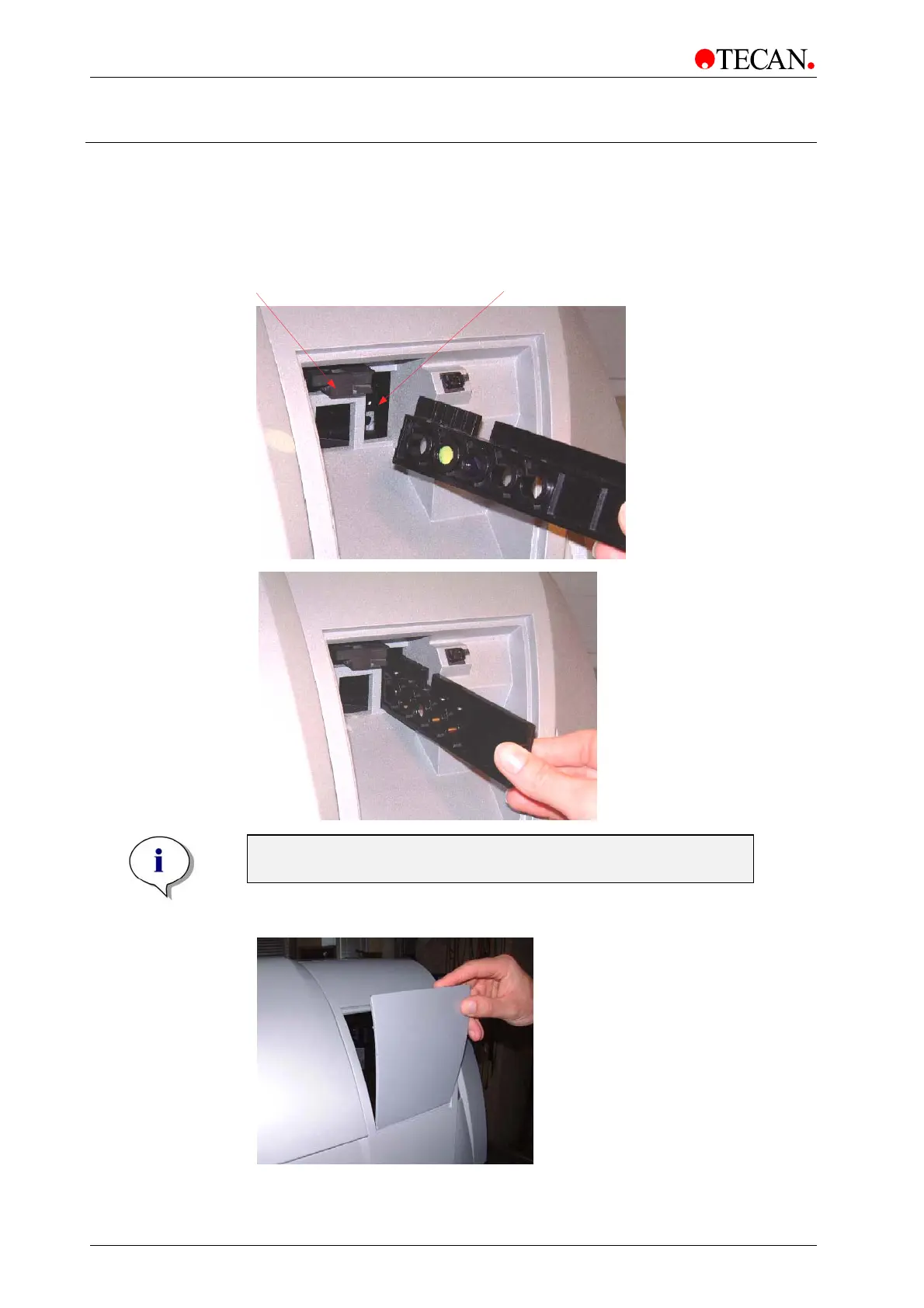
3.3 Filter Installation
Insert the Filter Slides into Filter Channel 1(vertical orientation) and Filter Channel
2 (horizontal orientation) and make sure that the filters are oriented properly, (see
pictures below).
Filter Channel 1 Filter Channel 2
Note
Both filter slides are only necessary in dual channel instruments.
• Close the filter compartment



 To Next Page