6. LSServer, Scanner Shell and Download
6-92 Operating Manual for the LS Series Scanner No. 30001798 Rev. No. 1.5 2004-11
6.4.9 The Transport Lock Wizard
General
The Transport Lock wizard is designed to quickly guide the user through the
transportation lock procedure.
From the
Service menu select Transport Lock… and the Transport Lock
wizard is started and the following dialog boxes appear in succession:
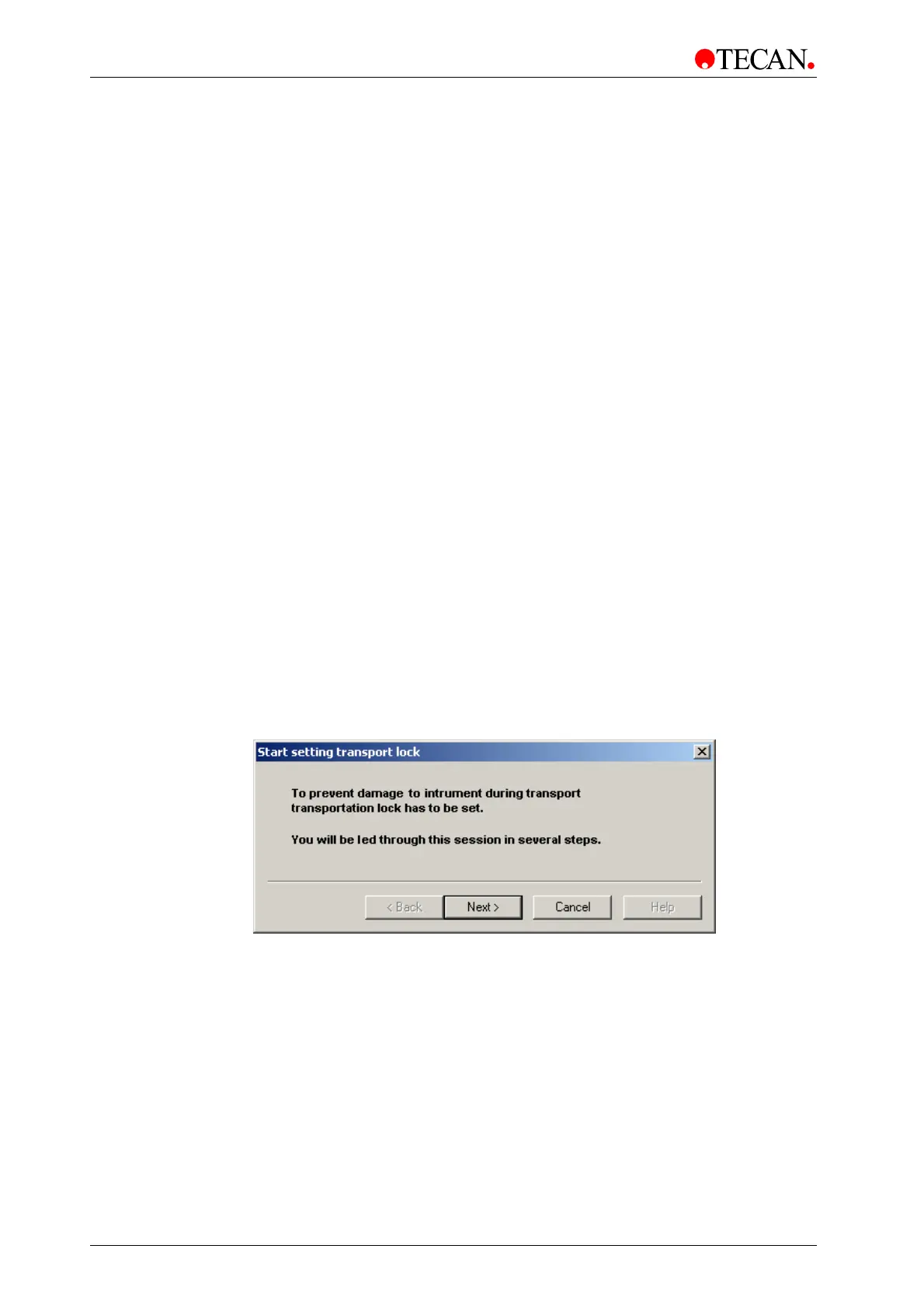
• The Start Setting Transport Lock window gives a short overview of the
main focus of the wizard.
• In the Position Transport window the plate is moved in and transports are
initialized.
• In the Apply Absorber Pad window the user is asked to insert the shock
absorber pad.
• In the End Setting Transport Lock window, the transport lock procedure
is completed.
Once the instrument is locked no further measurement is possible. To unlock
instrument, the
Transport Unlock wizard must be started. This is done
automatically at every attempt to connect to a locked instrument.
For further information about
Transport Unlock wizard refer to 6.4.10 The
Transport Unlock Wizard in this manual.
The Start Setting Transport Lock window
The Start Setting Transport Lock screen gives a short overview of the main
focus of the wizard. The static text displays information about starting
Transport
Lock.
This is a purely informational window and no actions must be carried out in
this window.
The
Start Setting Transport Lock window:
The
Next button guides the user to the next screen of the wizard: the Position
Transport
window.



 To Next Page