6. LSServer, Scanner Shell and Download
6-28 Operating Manual for the LS Series Scanner No. 30001798 Rev. No. 1.5 2004-11
6.3.6 Measurement Parameter
Edit…
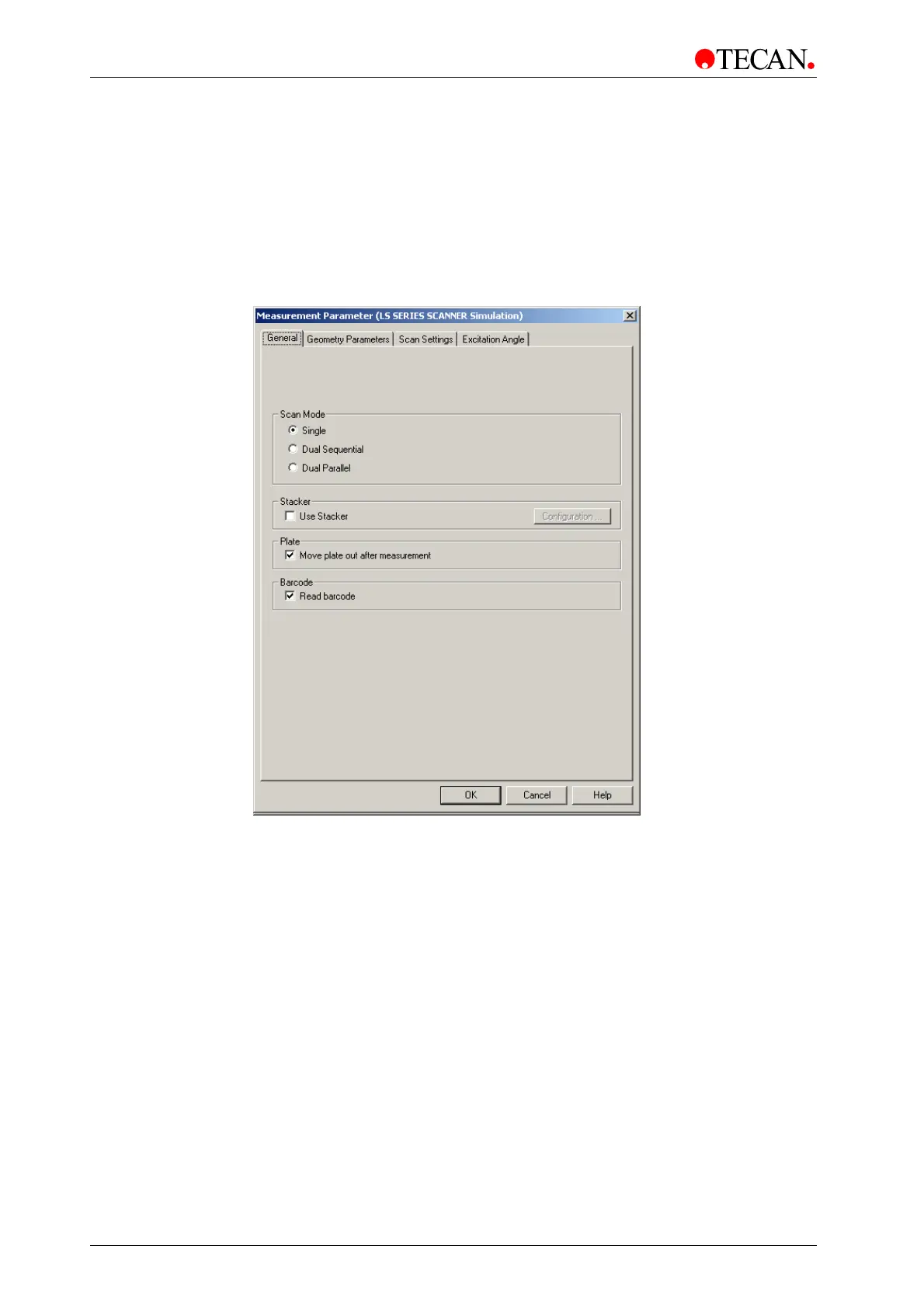
In the Measurement Control dialog box, click Edit… to edit general options like
Scan Mode, Stacker and/or Barcode as well as define Geometry Parameters,
Scan Settings and Autofocus Settings. The Measurement Parameter dialog box
appears:
The Measurement Parameter dialog box contains the following elements:
• General Tab
• Geometry Parameter Tab
• Scan Settings Tab
Depending on the installed hardware features, a fourth element can also appear:
• Excitation Angle
(See 6.3.7 Excitation Angle).
OK
Click OK to save the selected options and close the dialog box.
Cancel
Click Cancel to close the dialog box without saving the options.
Help
Click Help to display the online help associated with the dialog box.



 To Next Page