6. LSServer, Scanner Shell and Download
6-108 Operating Manual for the LS Series Scanner No. 30001798 Rev. No. 1.5 2004-11
Disconnect
In the Instrument menu, select Disconnect to disconnect the currently connected
instrument. Another instrument can then be connected.
This option is only available, if an instrument is already connected.
Help Menu
Contents
In the Help menu, select Contents and the Online Help for LSServer, Scanner
Shell & Download
is displayed. Or press F1 to view the online help for the
current dialog box.
About
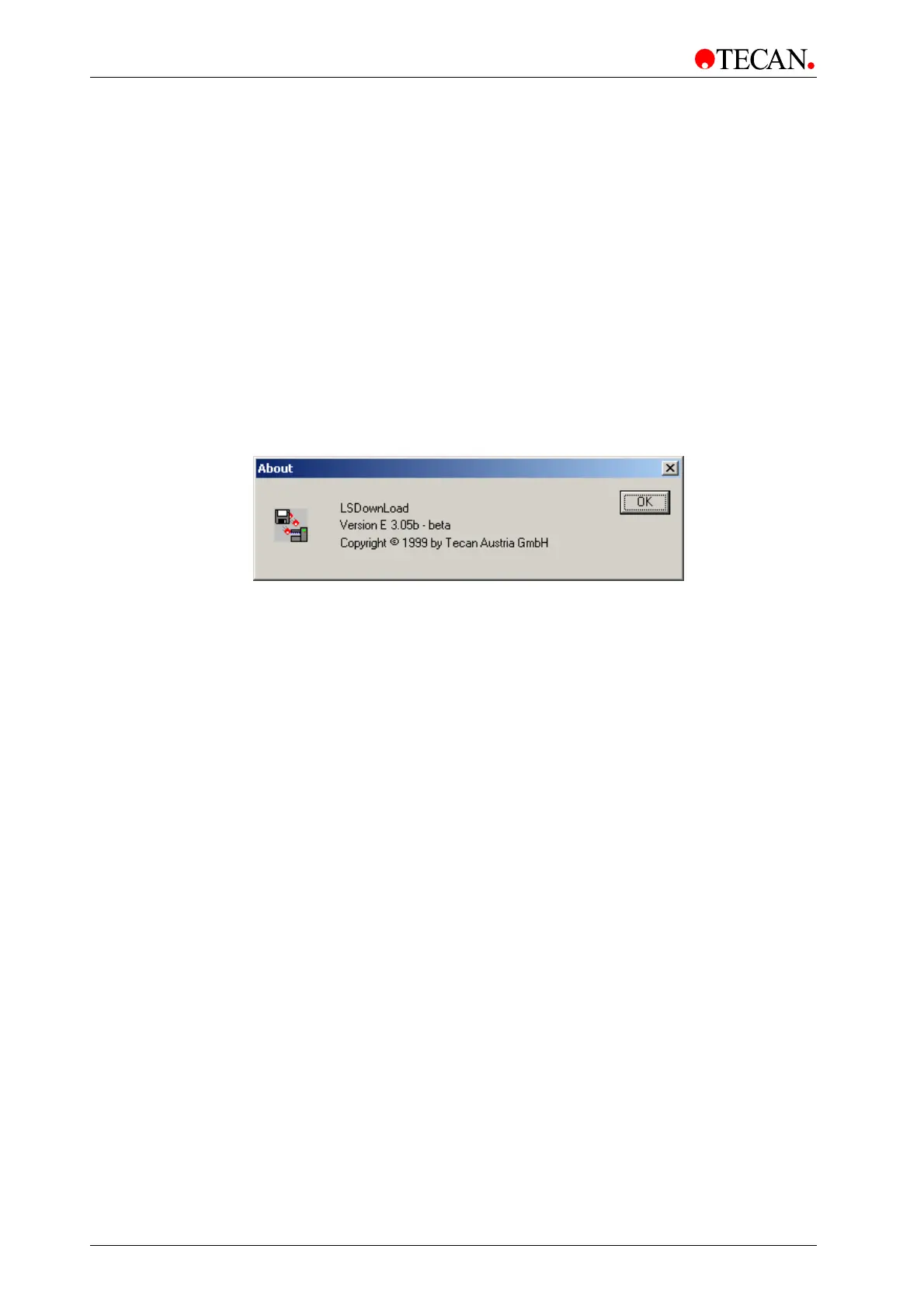
In the Help menu, select About and the About dialog box appears:
The software version and copyright information can be viewed.
Click
OK to close this dialog box.



 To Next Page