6. LSServer, Scanner Shell and Download
6-96 Operating Manual for the LS Series Scanner No. 30001798 Rev. No. 1.5 2004-11
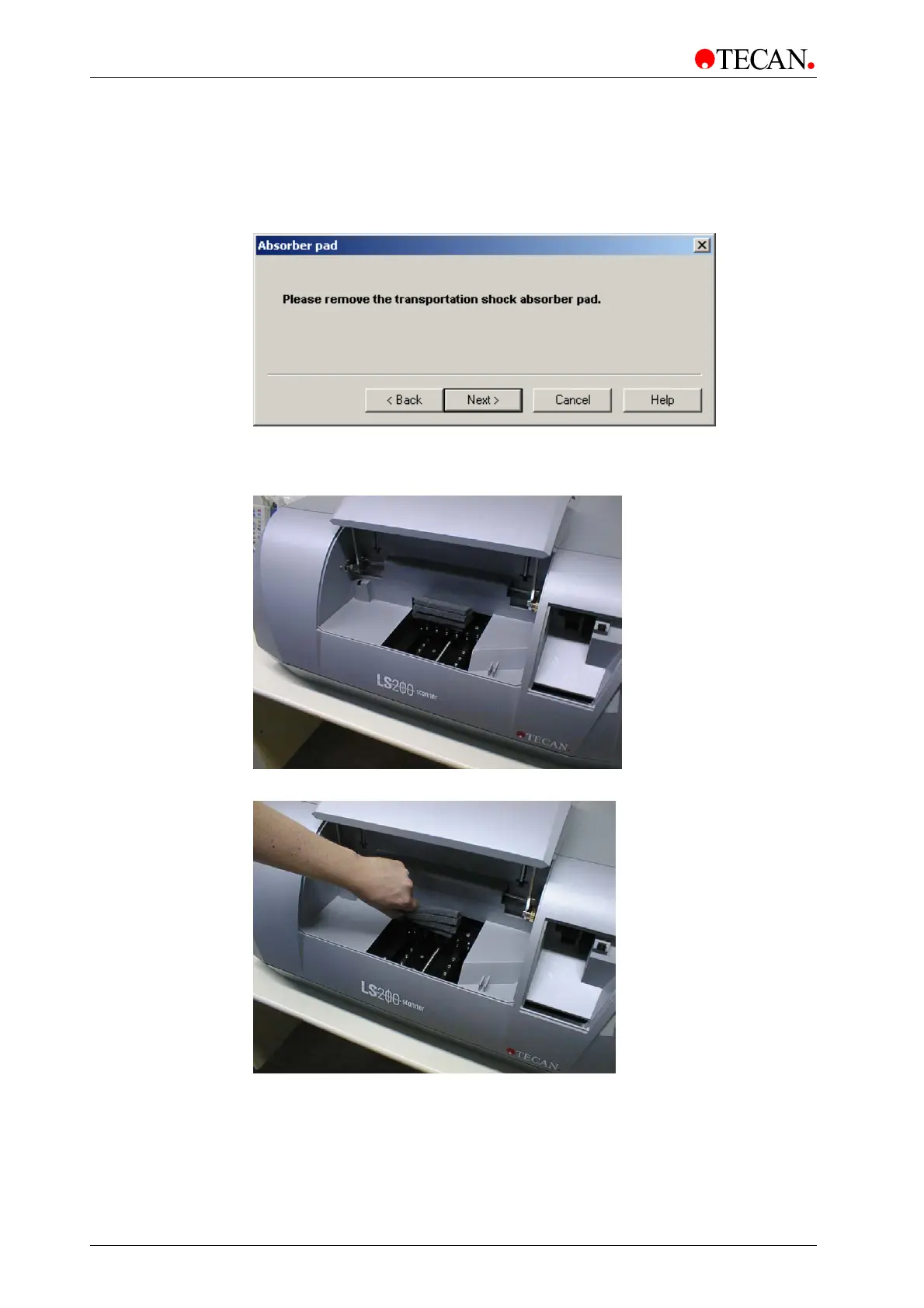
The Remove Absorber Pad window
In the Remove Absorber Pad window the user is instructed to remove the
transportation shock absorber pad found in instrument.
The
Remove Absorber Pad window:
The
Next button guides the user to the next screen of the wizard: the Reset
Transport Lock
window.
Remove the transportation shock absorber pad (see picture below)
Confirm that the transportation shock absorber pad has been removed.
Flap is closed automatically.


 To Next Page
 Loading...