8. Cleaning & Maintenance
8-4 Operating Manual for the LS Series Scanner No. 30001798 Rev. No. 1.5 2004-11
4.
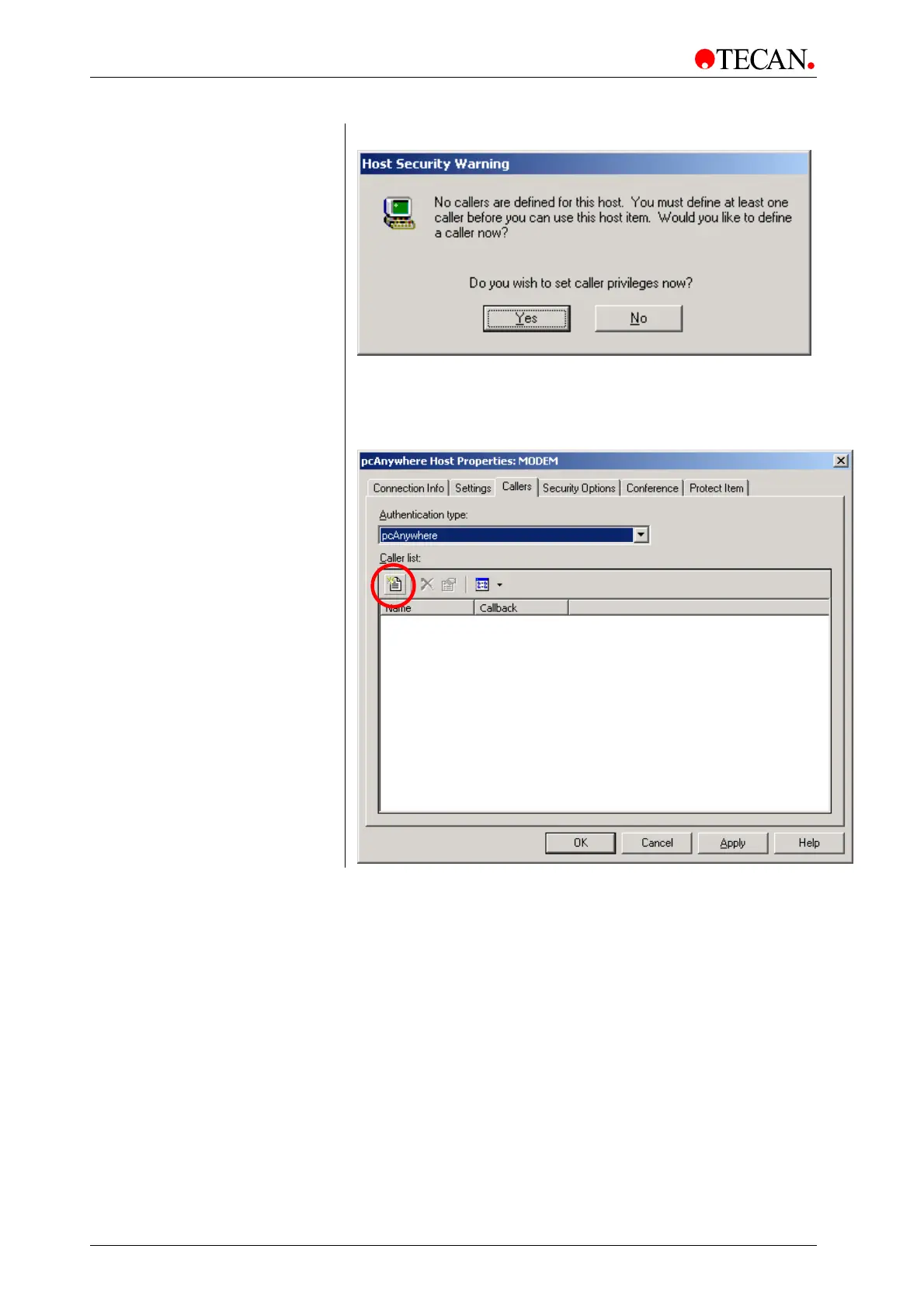
The fist time the software is started, the following warning appears:
Click
Yes and proceed with step 5.
If this message isn’t displayed, continue to step 7.
5.
Create a new caller. On the Callers tab, click the Create button in the
Caller list (button is marked by the red circle on the image below).



 To Next Page