6. LSServer, Scanner Shell and Download
6-50 Operating Manual for the LS Series Scanner No. 30001798 Rev. No. 1.5 2004-11
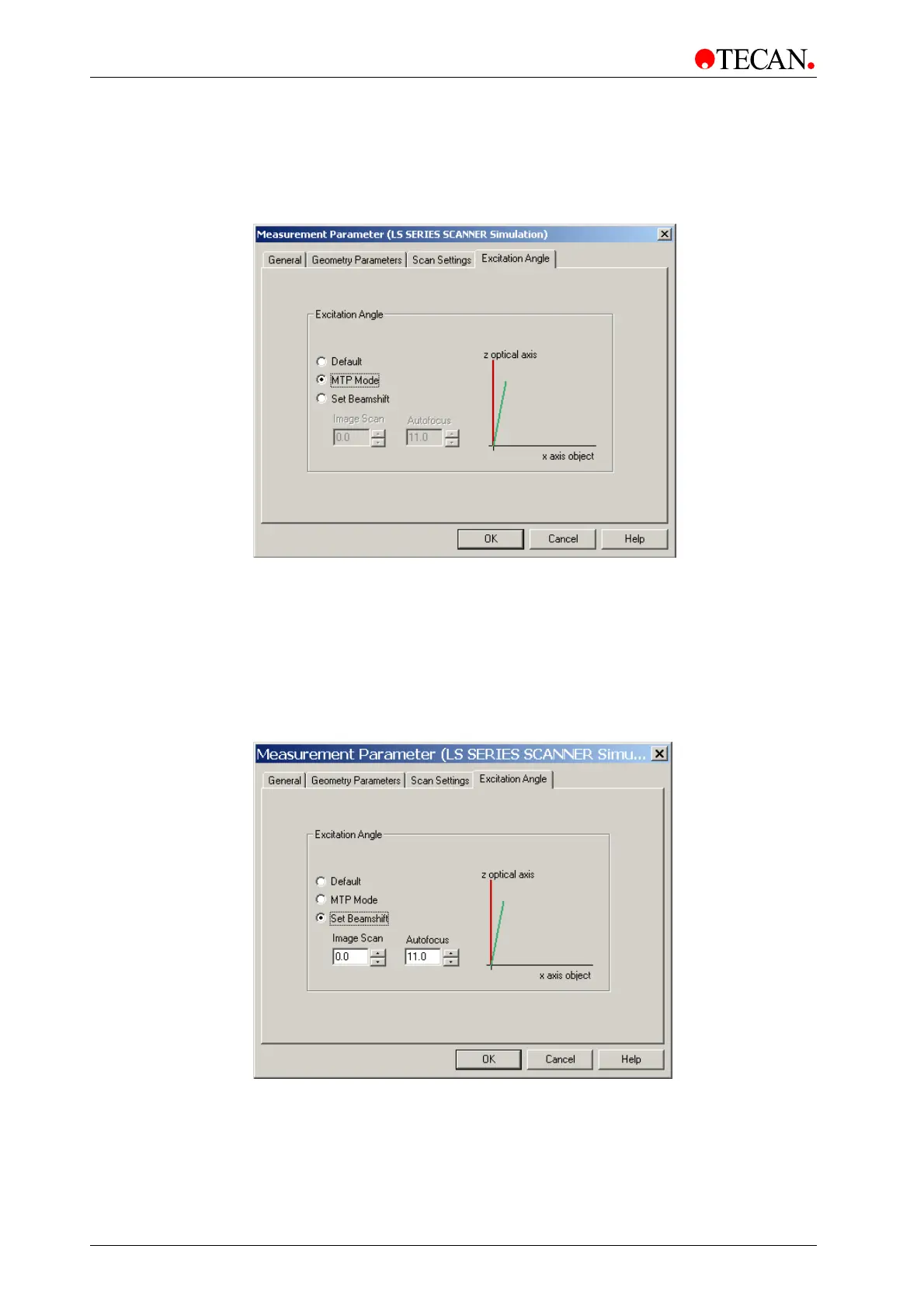
MTP Mode
Select MTP Mode for most MTP applications.
Angle is set to 0° (normal incidence) for image scan and 10° for autofocus.
Set Beamshift
Set Beamshift may be a useful optimization parameter if your sample has only
‘flat‘ walls with a relatively low aspect ratio.
The excitation angle for the image scan can be set to any value between 0° and
25° in 0.1° increments
The angle of incidence for the autofocus scan can be set to any value between
10° and 25° in 0.1° increments



 To Next Page