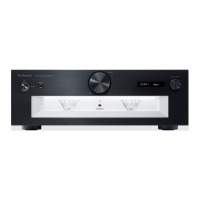
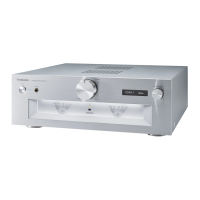
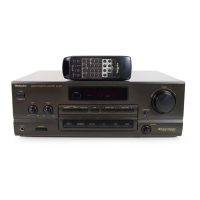
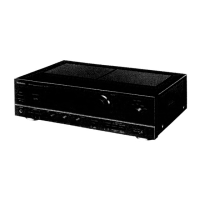
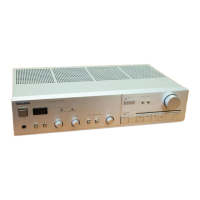
Go into Meter Adjustment mode:
Turn the unit off and disconnect the AC mains lead from wall outlet.
Reconnect the AC mains lead.
Step 1.
Step 3.
Step 2. Press “AMP” button on the remote control and keep pressing until step 4.
And then turn the unit on by pressing “Standby/on” button on the unit.
Rotate Volume knob from center to minimum (anticlockwise) position.
(Pressing “AMP” button on the remote control continuously.)
Step 4.
Release the pressing “AMP” button on the remote control.
Press “
LAPC” button on the remote control.
Exit from Meter Adjustment mode to Normal operation:
Press power button for AMP on the remote control or press “Standby/on” button to turn the unit off.
Step 2
Step 3
Step 4
Step 1
3
Step 5. The unit goes into Meter Adjustment mode.
“Adjustment” is indicated at Display.
Step 5
Adjustment procedure:
Step 1.
Adjustment of 2Vrms (0dB) Level
Play 2Vrms (0dB) of 1 kHz sine wave from CD player or Audio device.
Adjust each VR to set the needle at -20dB position shown in Figure 01.
L ch: VR6951
R ch: VR6952
Step 2. Exit from Meter Adjustment mode by turn the unit off.
Figure 01
-20dB position
R ch: VR6952
L ch: VR6951
AMP PCB


 To Next Page