RUNRACE : Service & Maintenance Manual - rev. 2.0
Page 7.5
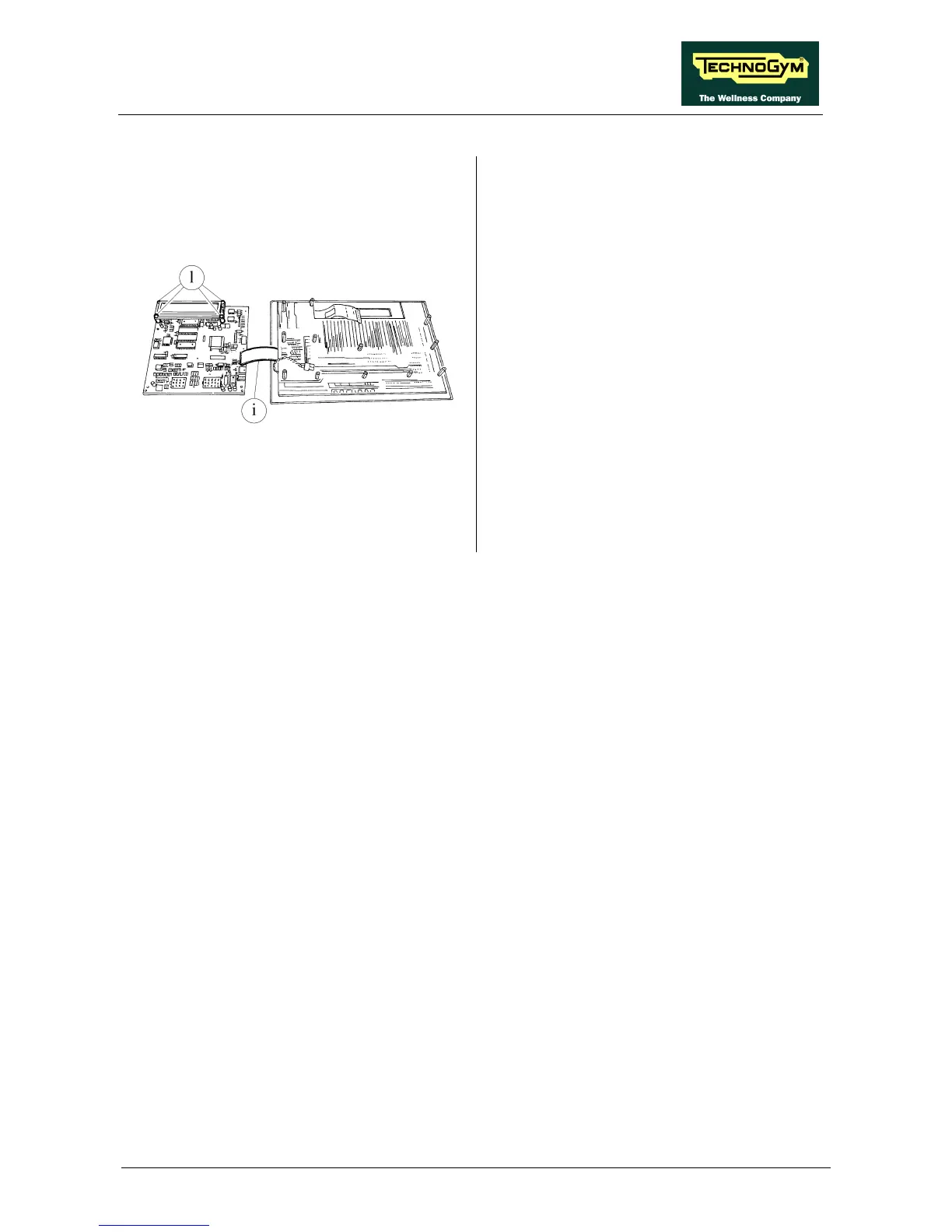
Figure 7.4-4
7. Separate the CPU board g from the LED
board h, turning it over toward the left and
being careful with strip i.
8. Using your hands, disconnect strip i from the
CPU board side.
9. Remove the circuit boards.
10. To disconnect the LCD from the CPU board,
back off the 4 screws l using a small Philips
screwdriver or release the 4 spring fasteners.
11. Disconnect or unsolder the cables on the
CPU board side.
12. Remove the LCD.
To reassemble the circuit boards, carry out the
above steps in reverse order.










 To Next Page