RUNRACE : Service & Maintenance Manual - rev. 2.0
Page 4.2
4.2. CONNECTING TO THE PRINTER
The machine provides a printing facility through the RS 232 port on the serial port panel.
If the machine is equipped with SW for the Technogym System, the print function is not
available.
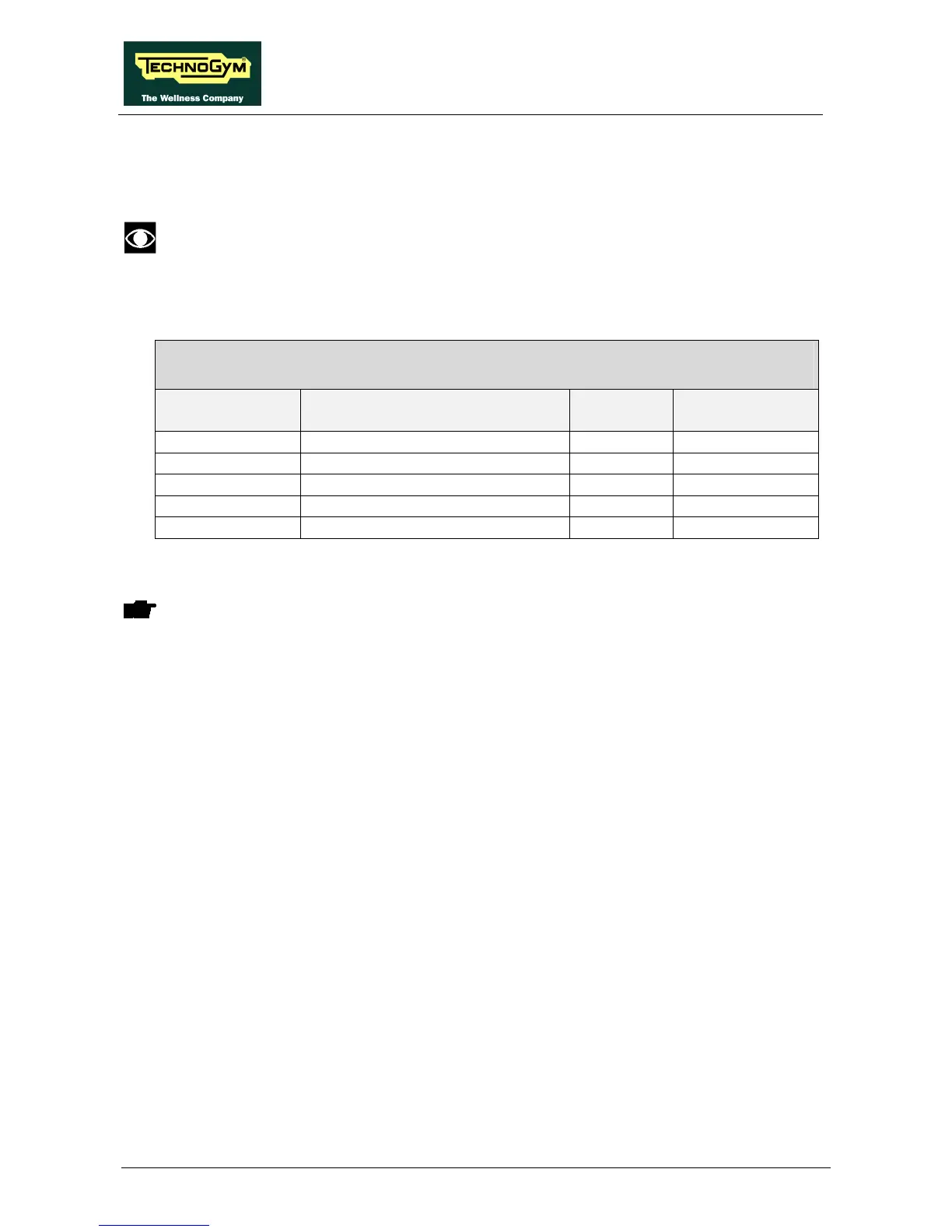
The cable for connecting to the printer is as follows:
RUNRACE PRINTER CABLE
Serial ports – Printer
Serial Port
RS 232
Signal Color Printer
1 Screen - 1
2 Tx - 3
3 Rx (not used) - 2
6 DTR - 20
7 Gnd - 7
The above cable can be ordered using code A434.
WARNING: To enable the print function, dip-switch No. 1 of the right-hand bank must
be placed in the ON position as described in paragraph 9.1. .
The printer used must conform to the following specifications:
• equipped with RS 232 serial port;
• 80 characters;
• 8 data bits;
• 1 stop bit;
• 9600 baud;
• no parity;
• ASCII characters.










 To Next Page