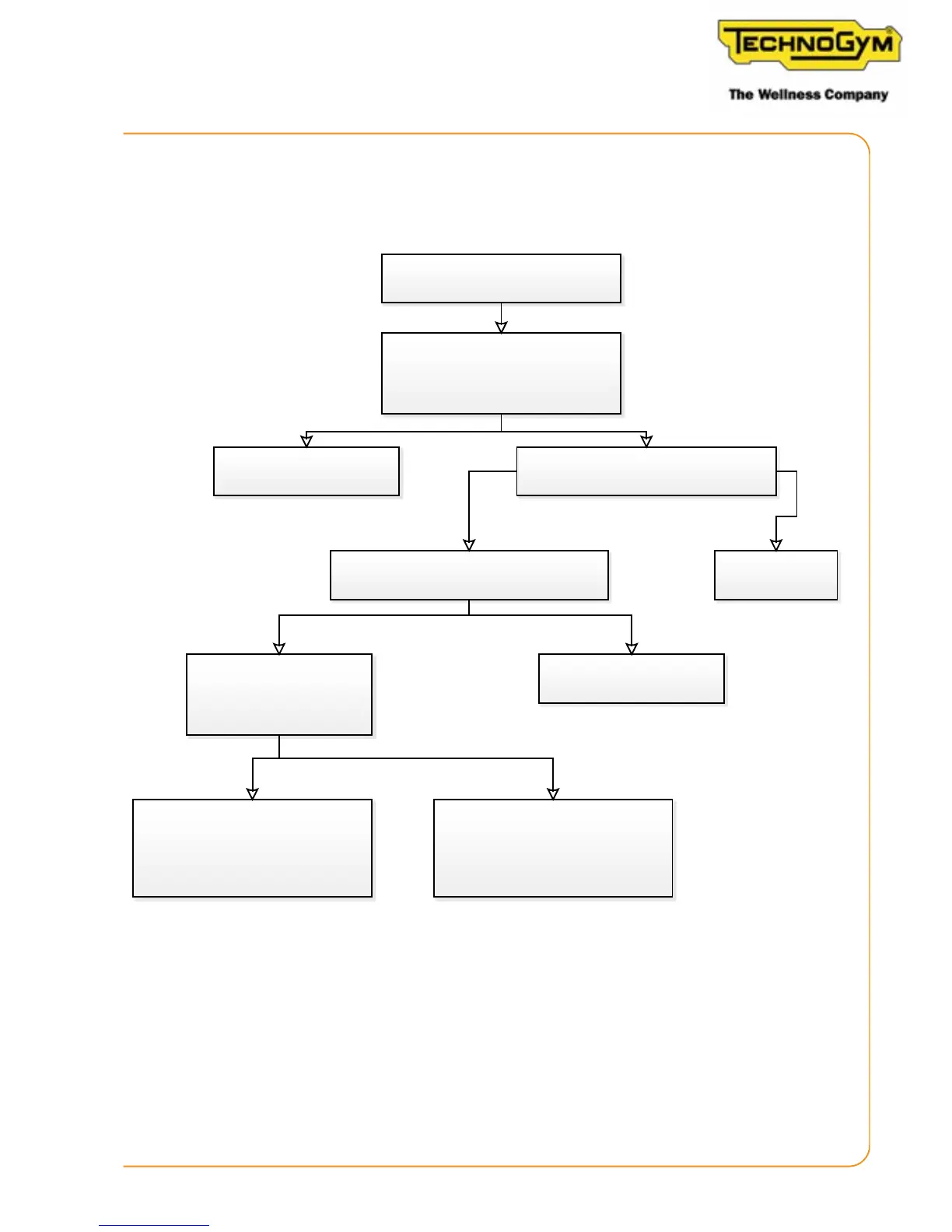
6.5.2 THE DISPLAY DOES NOT TURN ON (CONSOLE VERSION)
The display does not turn on
Skillmill console
Yes
No
No
Yes
Replace the display
Yes
No
- RPM not present
- Effort level does not change
- RPM not present
-
Effort level changes
REPLACE the RPM sensor
Lower the resistance to the
minimum and try to rotate the
running plaorm very quickly. The
display turns on
Adjust the posion of
the RPM sensor
Check that the baery is on and
charged 5 Vdc
Turn on the
baery/recharge it
Power the display using a USB socket.
Does it turn on?
Rotate the tread belt and try
to change the resistance.
There are two possibilies
REPLACE THE LOW KIT / display low
kit connecon cable
Skillmill:
Technical Service Guide - Rev. 2.2
Page 51












 To Next Page