EasyManua.ls Logo

Technogym Skillmill GO - 6.5.7.3 TGS_NFC LOGIN PROBLEMS

Technogym Skillmill GO
76 pages
Print Icon
To Next Page IconTo Next Page
To Previous Page IconTo Previous Page
Loading...
6.5.7.3 TGS_NFC LOGIN PROBLEMS
Blinking
Always off
No
Ok, done
Yes
No
Ok, done
Yes
Yes
Yes
No
No
Yes
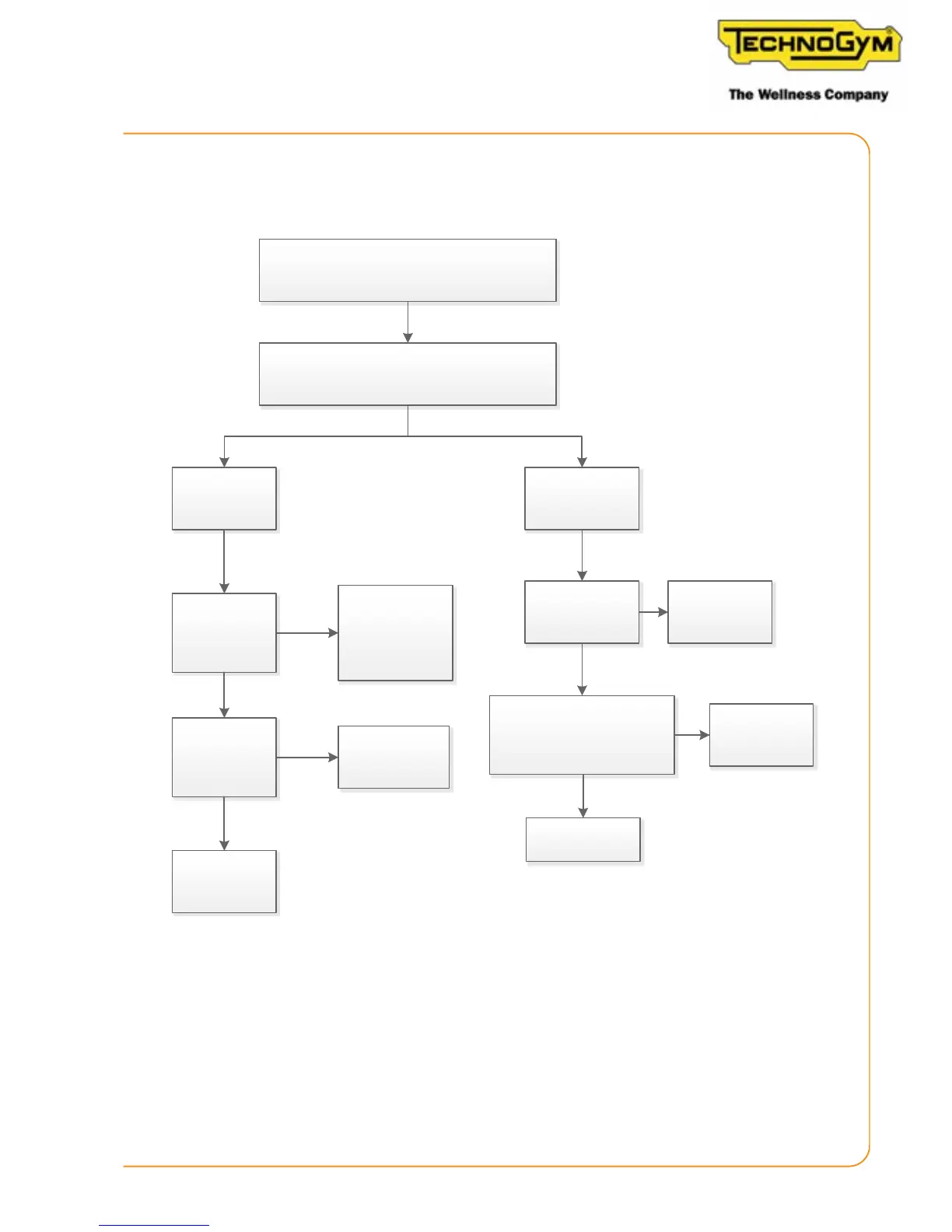
The customer cannot log in.
(TGS/NFC).
Check the status of the login icon.
The icon is:
Is the problem
repeated on
different
equipment?
Check if the
customer
network complies
with the minimum
configuraon
Configure the
network on the
display. Is the
problem solved?
Replace
display
Is the problem
repeated with
different keys?
Key defecve
Replace the TGS/ NFC board
and the connecon cable.
Problem solved?
Replace
display
Skillmill:
Technical Service Guide - Rev. 2.2
Page 57
e-mail: support@technogym.com

Table of Contents

Related product manuals