6.5.7 LOGIN PROBLEMS
Before facing the login problem, it is a good idea to understand the operation of the display.
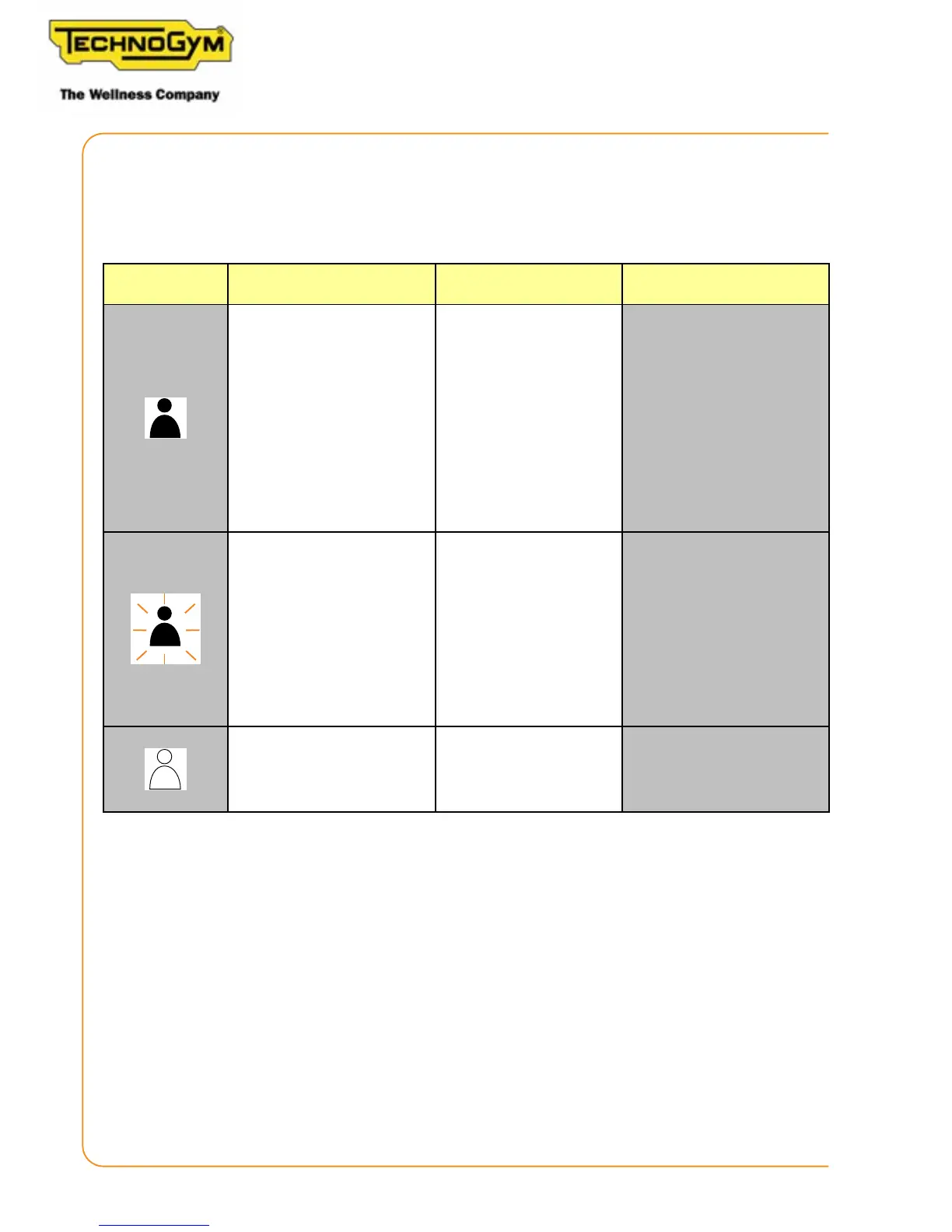
The icon of the connected user can help in troubleshooting, and can have 3 states:
Icon state
State present in
hardware
Event description
Qr code
If a user aempts to login
and the icon starts to ash,
this means that:
- in the case of TGS/NFC/
Bluetooth, the hard-
ware channel used does
not function;
- in the case of a QR code,
the problem is related
to the network.
-
console and while waiting for
If a user aempts to login
and the icon starts to ash,
this means that the hard-
ware channel used is func-
tioning.
If it does not pass to the
next channel, the problem
is relative to the network,
unity self conguration…..
Qr code
Login performed correctly.
Skillmill
Technical Service Guide - Rev. 2.2
Page 54












 To Next Page