EasyManua.ls Logo

Technogym Skillmill GO - SW UPDATE

Technogym Skillmill GO
76 pages
Print Icon
To Next Page IconTo Next Page
To Previous Page IconTo Previous Page
Loading...
9. SW UPDATE
1. Starting situation:


2. Procedure:



on the console.

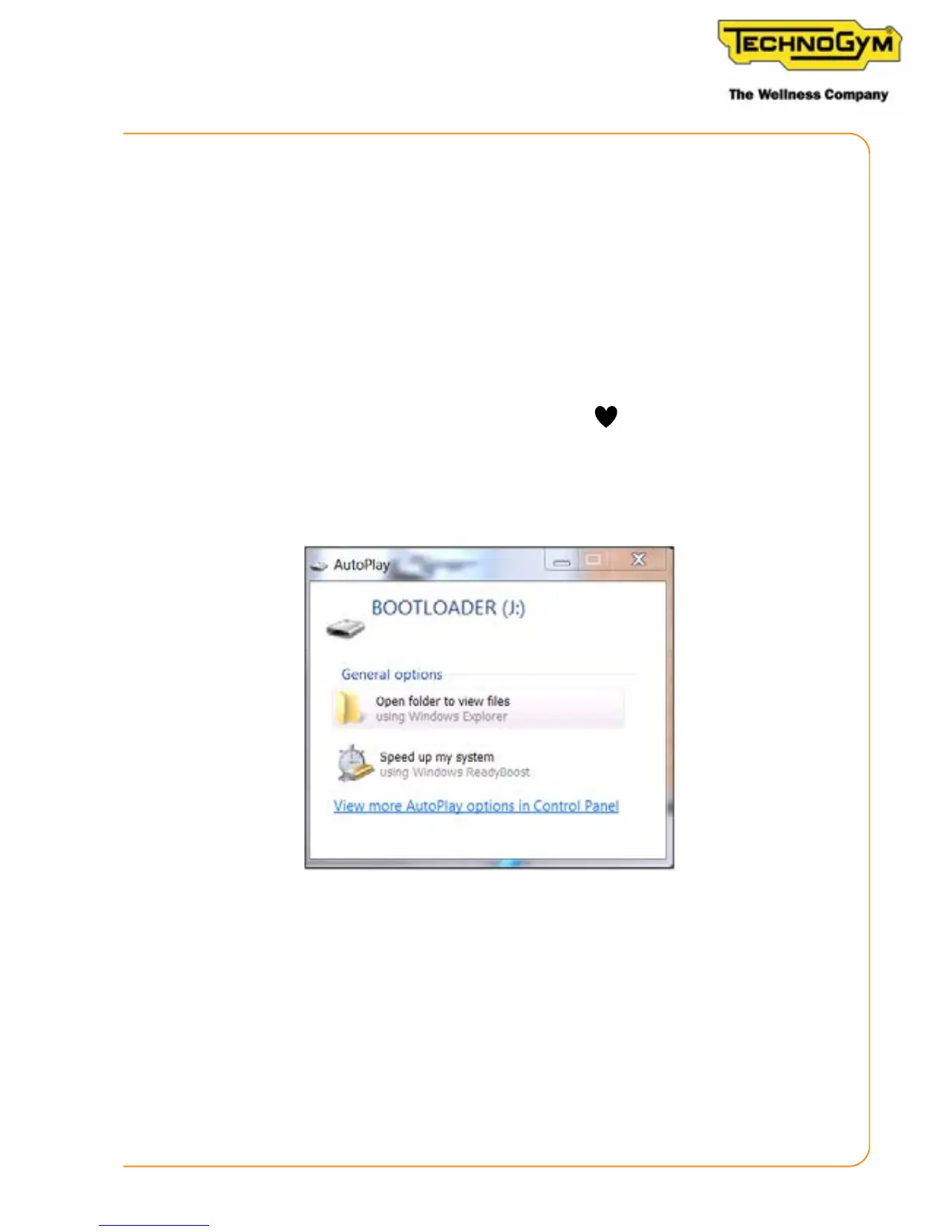
Figure 12
3. If asked (depending on the operating system installed) “Do you want to repair the content?”
respond: “Continue without analysing”.
4. Connect the upgrade USB key to the PC as soon as synchronised (with PC Synch):

Drag the SW (le with the .bin extension) to the equipment folder.
Skillmill:
Technical Service Guide - Rev. 2.2
Page 67

e-mail: support@technogym.com

Table of Contents

Related product manuals