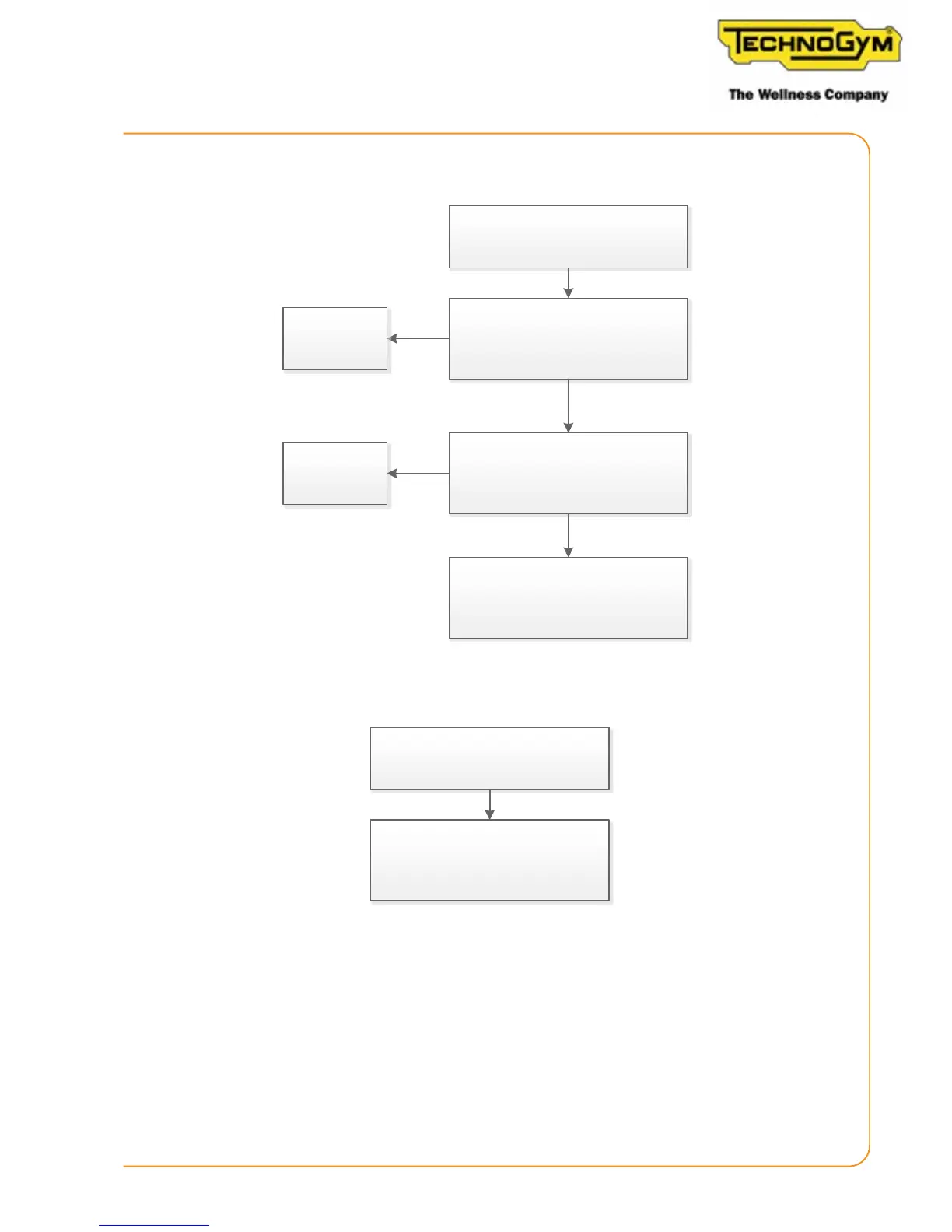
6.5.4 THE EFFORT LEVEL DOES NOT CHANGE ON THE DISPLAY
Ok finished
Yes
Ok finished
Yes
No
Replace the low kit
No
The effort level does not change
on the display, the real resistance
perceived by the client does change.
Calibrate the resistance. Is the
problem solved?
Replace the angle sensor and
perform calibraon. Is the
problem solved?
6.5.5 THE EFFORT LEVEL DOES NOT CHANGE
The effort level does not change on the
display and also the real resistance
perceived by the client does not change.
Mechanical problem, check the braking
system and the cable that connects the
lever with the brake
6.5.6 THE DISPLAY SHOWS AN ABNORMAL SPEED (CONSOLE VERSION)
If the display of the Skillmill Console version shows an abnormal speed (speed higher than the
real value), try to execute the following procedure:
- replace magnets with standard screws;
- verify that the distance between the RPM sensor and the nearest screw is D=0.8mm (D=0.0315’’)
.
Skillmill:
Technical Service Guide - Rev. 2.2
Page 53












 To Next Page