53
Configuration
To permanently save parameters, do the following:
1. From the left navigation pane, click Save Parameters.
The Save Parameters window opens.
2. Click Save Parameters.
The configuration is saved to the ADHB-4.
System Status
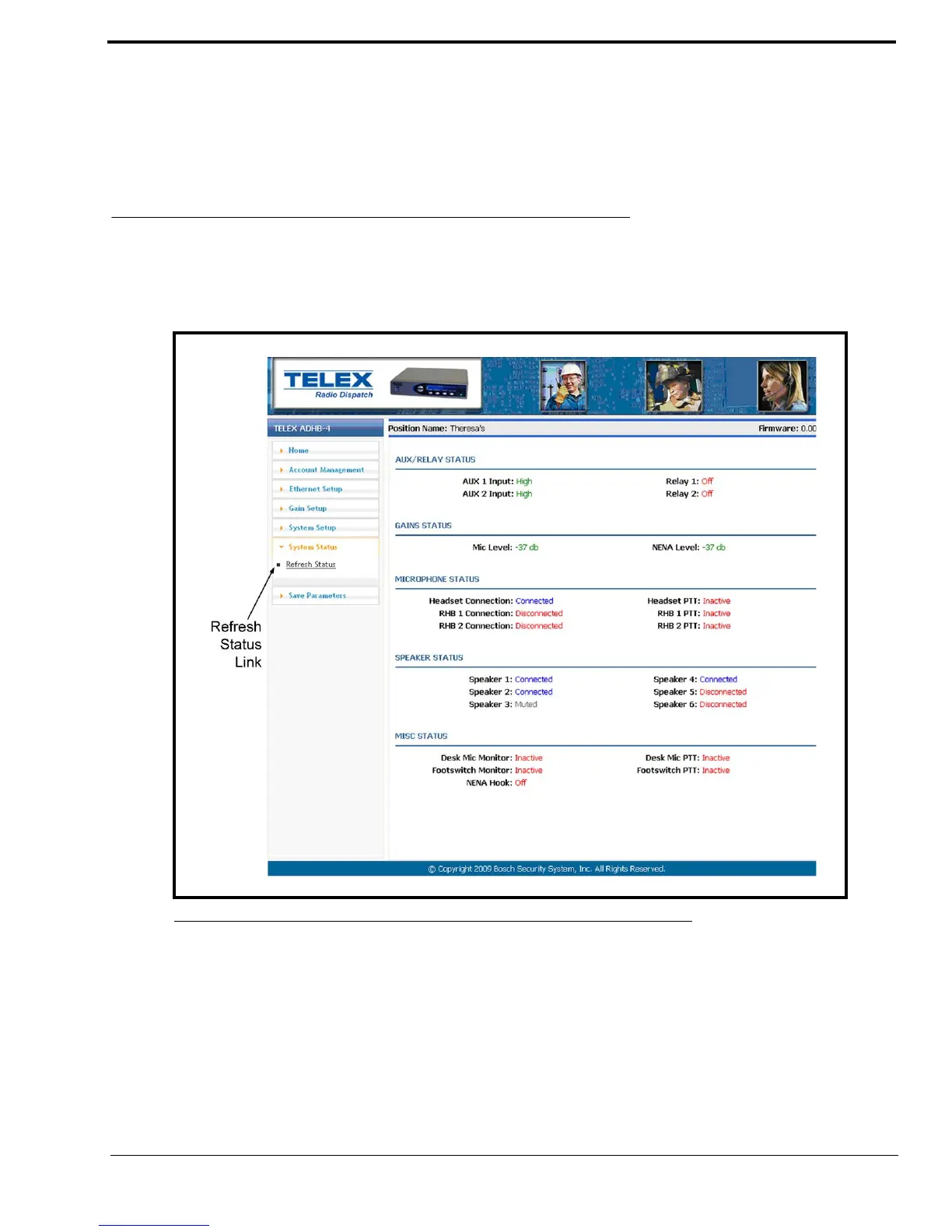
The System Status window, shown in Figure 28, summarizes the current ADHB-4 system setup and activity. From this
window, you can view the status of the auxiliary relays, gain levels, connected microphones, and speakers as well as monitor
PTT statuses.
Refresh Status Link
The Refresh Status link, located in the left navigation pane, is used to refresh the information in the System Status window.
NOTE: This link is a manual refresh. The statuses in this window automatically update when changes occur.
FIGURE 28. System Status Window



 To Next Page