6
Tempest900 2-Channel Operating Manual
4. Pair BeltStations to the BaseStation.
Pairing is a programming process that allows a BaseStation and BeltStation to recognize each other.
• Conrm that the BaseStation is powered ON.
• Conrm that the BeltStation is powered OFF.
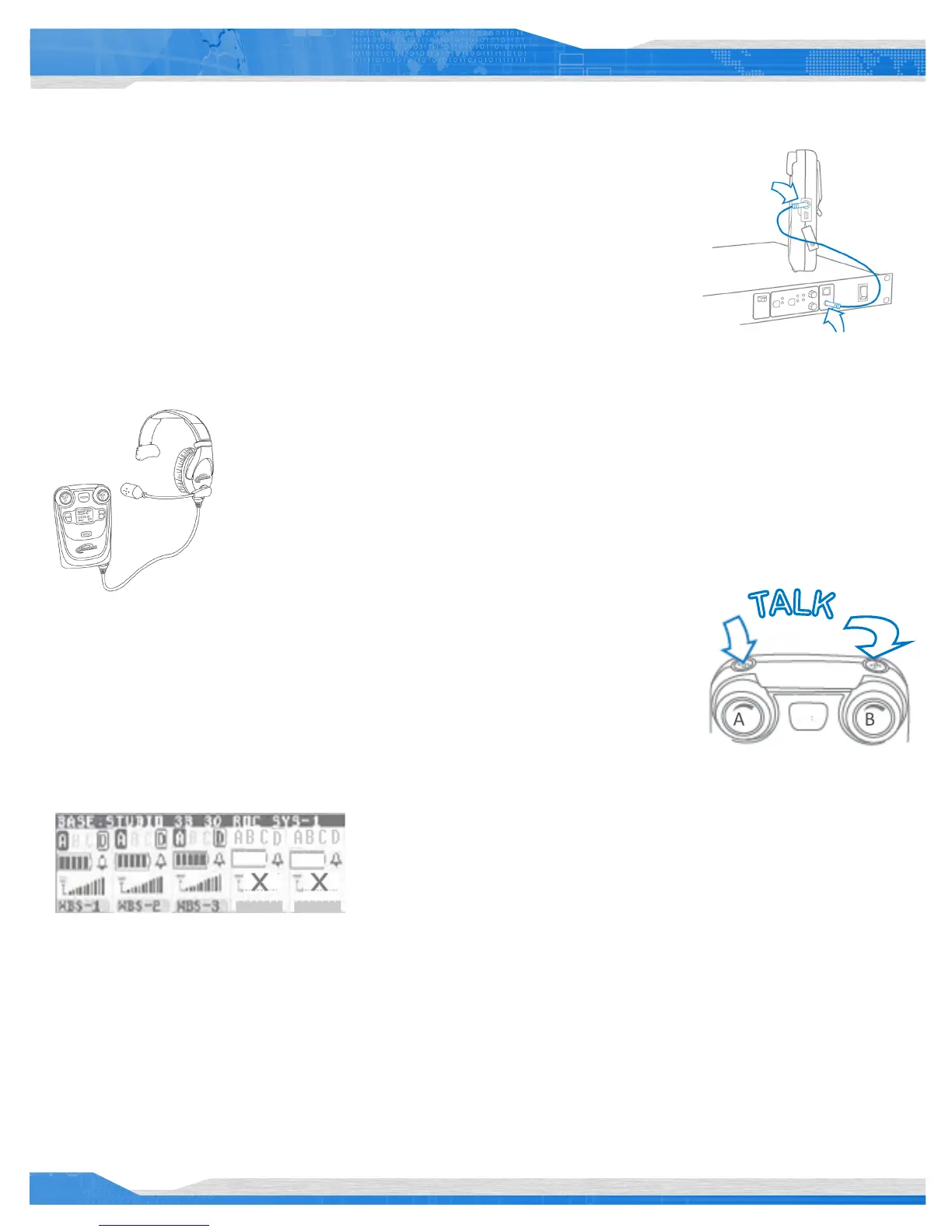
• Connect the Pairing Cable from the BaseStation to a BeltStation.
• Power ON the BeltStation and watch the BeltStation display for “Pairing Complete.”
• BeltStation status will become visible on the BaseStation display.
• Repeat with each BeltStation.
5. Connect Headsets to BeltStations.
Plug a headset into each BeltStation, and the BaseStation if desired.
6. Operation.
Select a channel on the BeltStations by pressing the CH A or CH B control.
Press the TALK button. A quick press latches the Talk button for “Hands Free” operation. Press and hold
the Talk button for more than two seconds while you talk and the button will release in a Push-To-Talk
manner. A solid LED means that Talk is active. A ashing LED means that Talk is not active.
Set the volume by rotating the CH A or CH B control.
You may conrm BeltStation operation on the BaseStation Operation screen. There is a
section for each BeltStation. In this illustration, each BeltStation is set to talk on
channel A and listen on channels A & D, with only three BeltStations in operation.
A headset may be connected to the front of the Base Station. Activate by pressing the TALK button. Select a channel by pressing the volume
knob.
Refer to the operating manual for detailed instructions regarding:
• Country limitation on 900MHz RF spectrum.
• Adjusting the Network Number and Lockout Key.
• Assigning names for equipment.
• Charging batteries.



 To Next Page