22
Tempest900 2-Channel Operating Manual
BaseStation Setup
Steps to Set Up the BaseStation
• Choose a location for the BaseStation
• Choose an antenna location and conguration
• Maximize performance
• Congure operation features
• Set Network Number and Lockout Key
» Name each BaseStation and BeltStation (optional, but encouraged)
» Set Static or Dynamic Display
• Congure optional features
Choose a Location
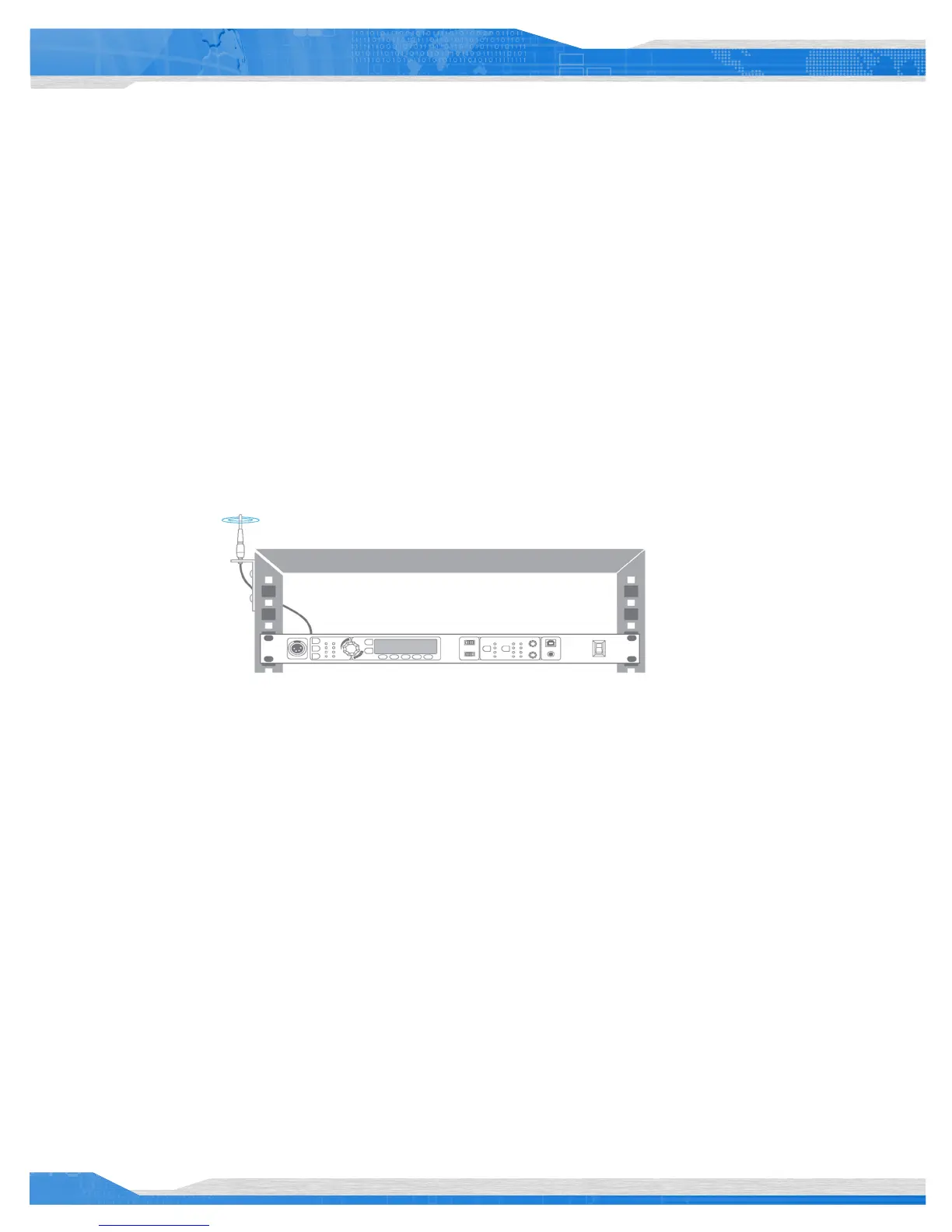
A Tempest BaseStation mounted in an equipment rack with optional cables and mounting hardware.
Tempest is a radio system. Choosing a location for your Tempest BaseStation and the associated antenna is one of the most important factors to
ensure proper system operation and achieve maximum operational range. As covered in the General Information and Theory of Operation section
of this manual, broadcasting and receiving RF signals can be greatly affected by physical and electromagnetic barriers.
Following the guidelines below for selecting a suitable BaseStation and antenna location will help to ensure that your system operates properly
and achieves the maximum possible operational range.
See the Antenna Conguration section of this manual for details about recommended cable type and other important information about
connecting the antenna to the Tempest BaseStation.
BaseStation Location
The location of the BaseStation is important, but it is the location of the antenna that will ensure maximum system performance and operational
range. Whenever possible, locate the BaseStation in close proximity to the desired coverage area. If this is not possible consider using the
optional Remote Transceiver to achieve optimal antenna positioning. It is not recommended to use RF coaxial cable lengths longer than 25 feet
to remote the antenna, as this will degrade system performance and operational range.
• The BaseStation must have a source of electric power available. This can be either AC or battery (DC) power.
• The front panel of the BaseStation must be accessible for conguration.
• The front panel may be used as a communication portal.



 To Next Page