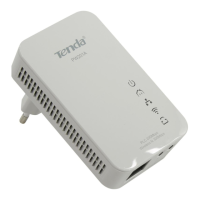
PW201A Wireless N Powerline AP User Guide
Chapter 3 Internet Connection Setup
3.1 Config TCP/IP settings on your PC
If you are using Windows XP, do as follows:
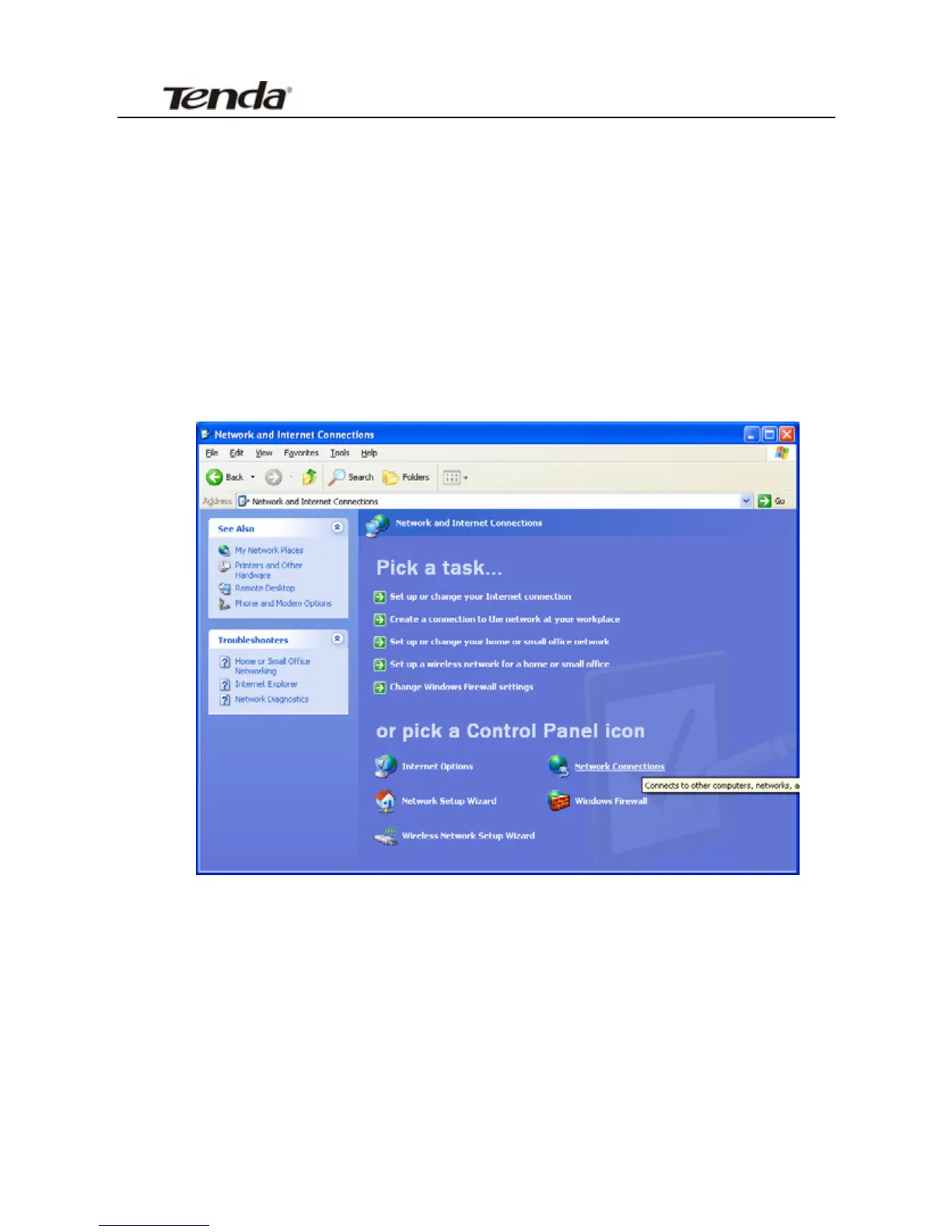
1. Click Start-> Control Panel-> Network and Internet Connections->
Network Connections
2. Right-click on the Local Area Connection and select Properties.
17


 To Next Page
 Loading...