48
7.3 Language Menu
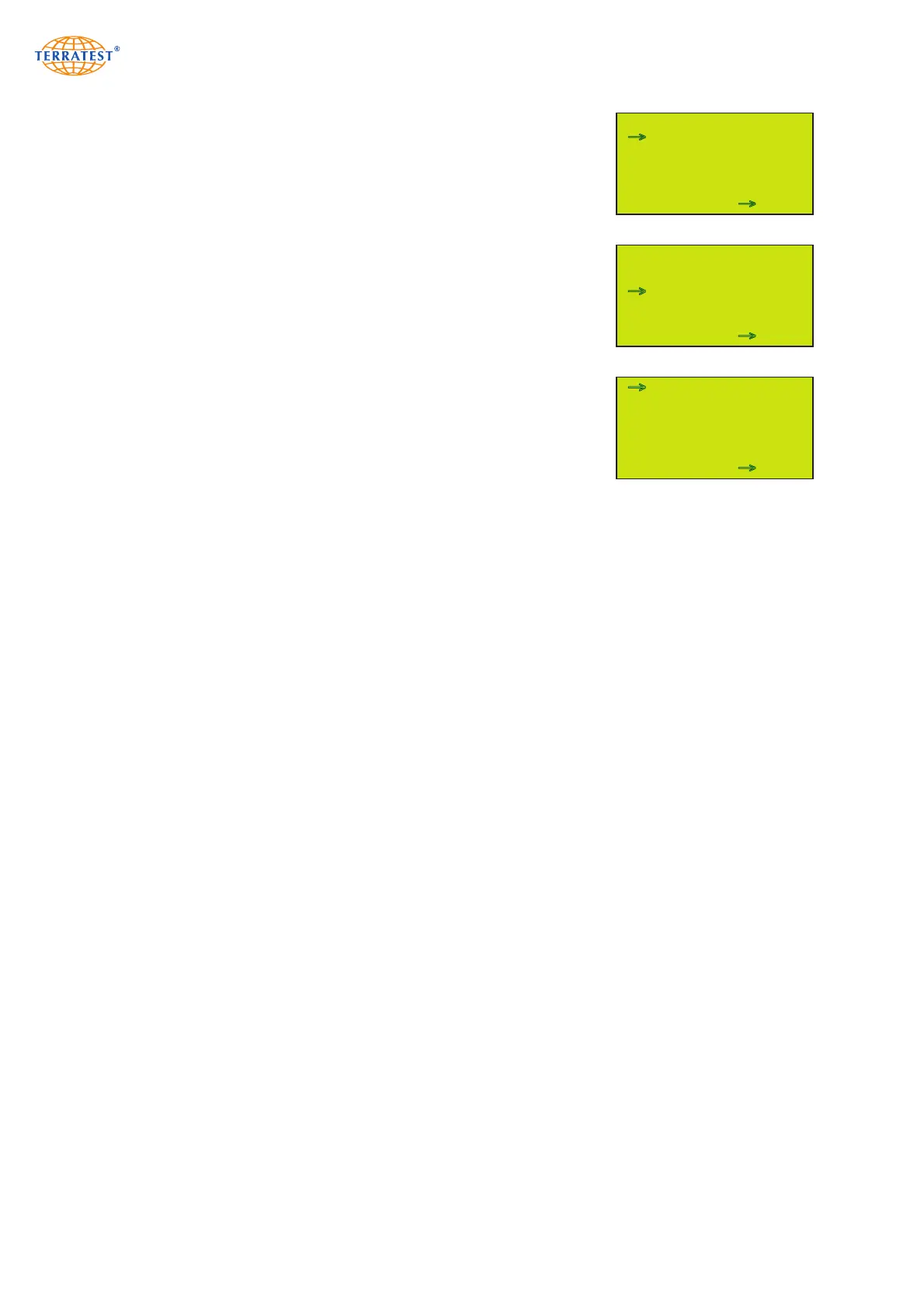
Turn on the device by pressing the ‘START’ button. Then enter the ‘MAIN
MENU’ by pressing the ‘SELECT’ button. Use the ‘SELECT’ button to
move the arrow and select ‘LANGUAGE’ from the menu. Then press the
‘START’ button to enter the ‘LANGUAGE’ menu.
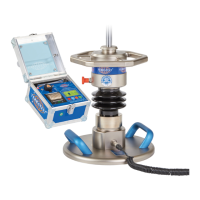
Choose the desired language by pressing the ‘SELECT’ button. To activate
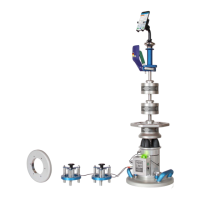
the selected language, press the ‘START’ button (SET). The ‘MAIN MENU’
will then appear automatically in your desired language.
Press the ‘RESET/OFF’ button (EXIT) to return to the ‘STATUS REQUEST’.
Pressing the ‘START’ button will start the test procedure.
MAIN MENU
USB-STICK
LANGUAGE
GPS / TIME
INTERNAL MEMORY
SERVICE
SENSOR
EXIT SET
→
→
LANGUAGE MENU
DEUTSCH
ENGLISCH
FRANCAIS
ITALIANO
POLSKI
TÜRKCE
SPAIN
EXIT SET
→
MAIN MENU
new language (Italian)
USB-STICK
LINGUA
GPS / ORA
MEMORIA INTERNA
SERVIZIO
SENSOR
MEMORIA CALIBRATURA
EXIT SET
→
→
→


 To Next Page