23
When disconnecting the cable always take hold of the plug.
Pulling on the cable may cause damage to the wires, fire or electric shock.
No tests should be performed while charging the device; doing so may distort test results.
3.11 USB Cable Port
The testing computer is equipped with a USB cable port on the partition panel of the storage box. This USB
port provides service access for the manufacturer, and can also be used by the operator to transfer test data
from the internal memory to a computer via a standard USB2.0-A/A-m/m cable (see also section 6.4.2 of
this manual).
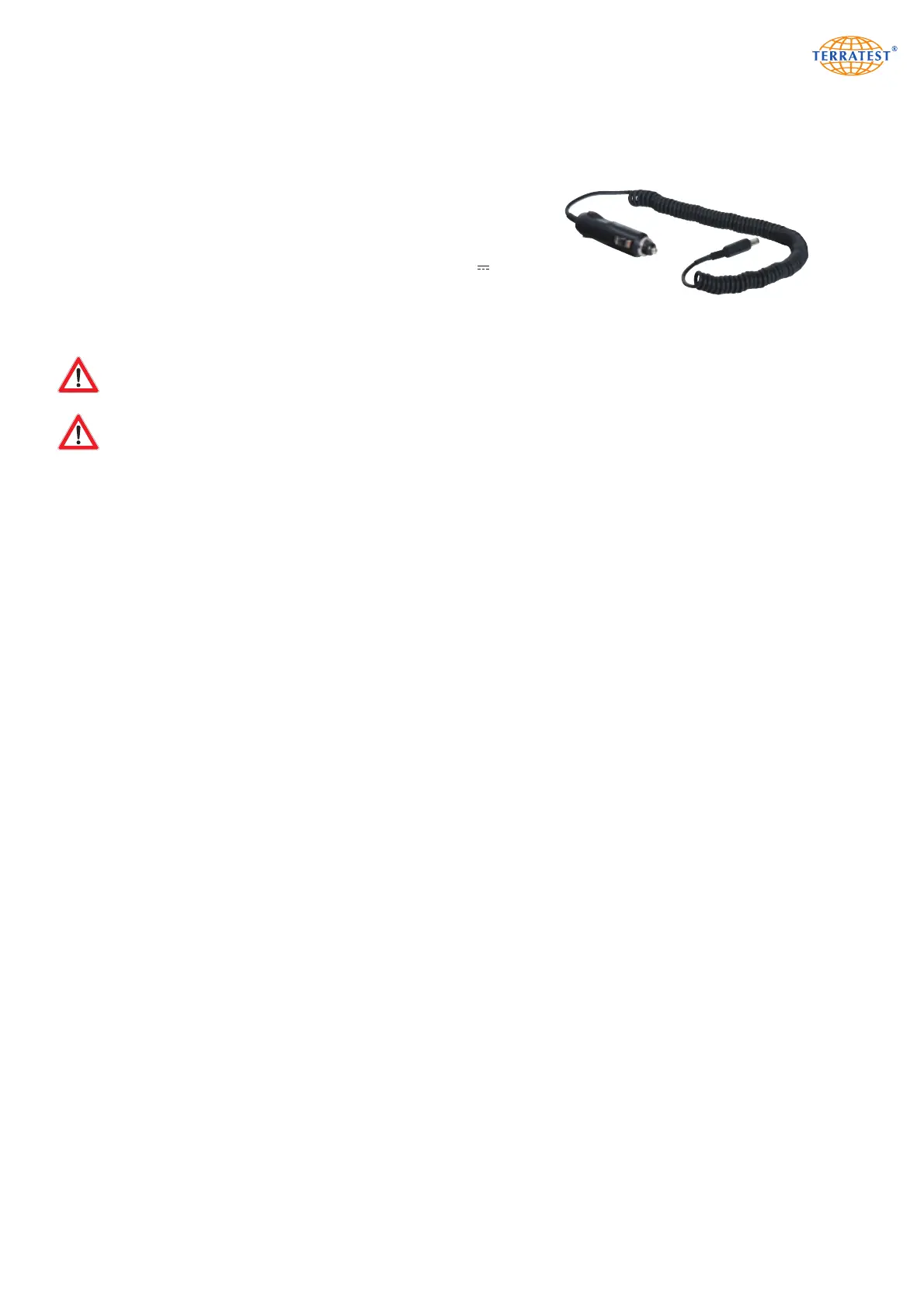
Car Charger for Testing Computer:
Only the car charger supplied by the manufacturer type MWCP1
(712026) should be used. Charge the device only in dry, indoors
locations (e.g. inside vehicles). The inner pole is the positive (+)
pole.
Type MWCP1 (712026)
inner pole positive (+)
Fuse T2A F (6.3mm x 32mm)
First plug the power cable into the appropriate ‘12V / max.
1.25A’ socket of the testing computer, located on the top left of
the control panel, beside the GPS antenna. Then plug the other
end of the car charger into the cigarette lighter socket.


 To Next Page