77
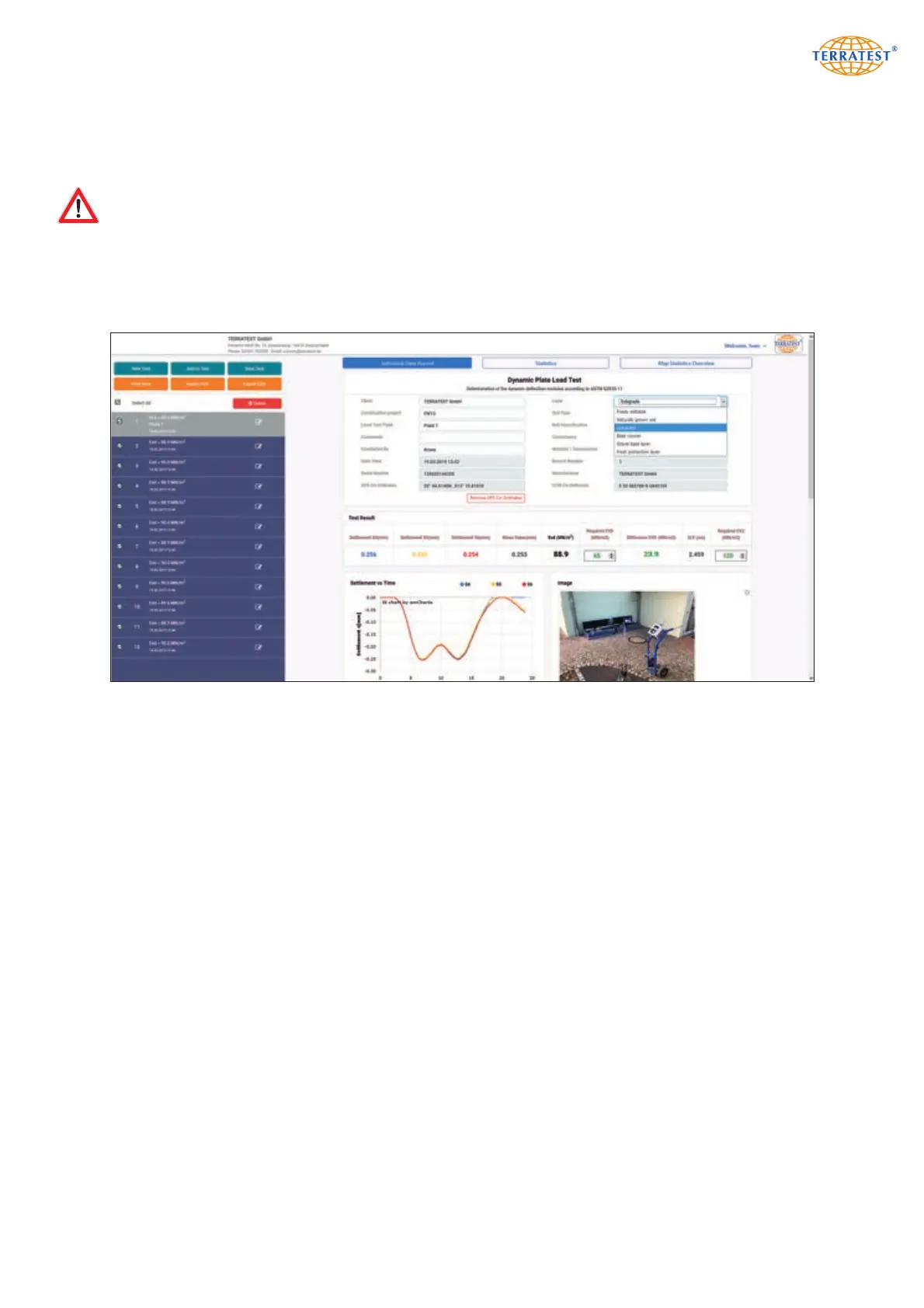
If a measurement has been selected for editing by mistake, or if the entries at the right side are not appli-
cable for this measurement, click into the preceding selection box of this element in the list, so the acti-
vation of this data set is cancelled, entries are erased and the pencil symbol disappears.
Note that read measuring data are not stored on server. They have to be stored on the local PC!
By a left click on button ‘Store measurements’, read data sets of a project are collected in a ZIP file which
is offered for download. According to the browser currently used, the ZIP file automatically is transferred
into download folder, or into a folder to be specified by the user. A ZIP file after download can be ope-
ned by double click. The file name of the stored measuring data is composed as follows:
<Data carrier>_<Data set>_<Date>_<Time>_<Evd value>.tc5.
8.2.7 Print protocol / Export as pdf or CSV file
Use buttons ‘Print data’ or ‘PDF export’ to perform the corresponding action for the single protocols selec-
ted for editing. ‘CSV Export’ of the measuring data is available as well.
Drop-Down-Menus simplify input of soil properties. Own descriptions may be used as well.


 To Next Page