63
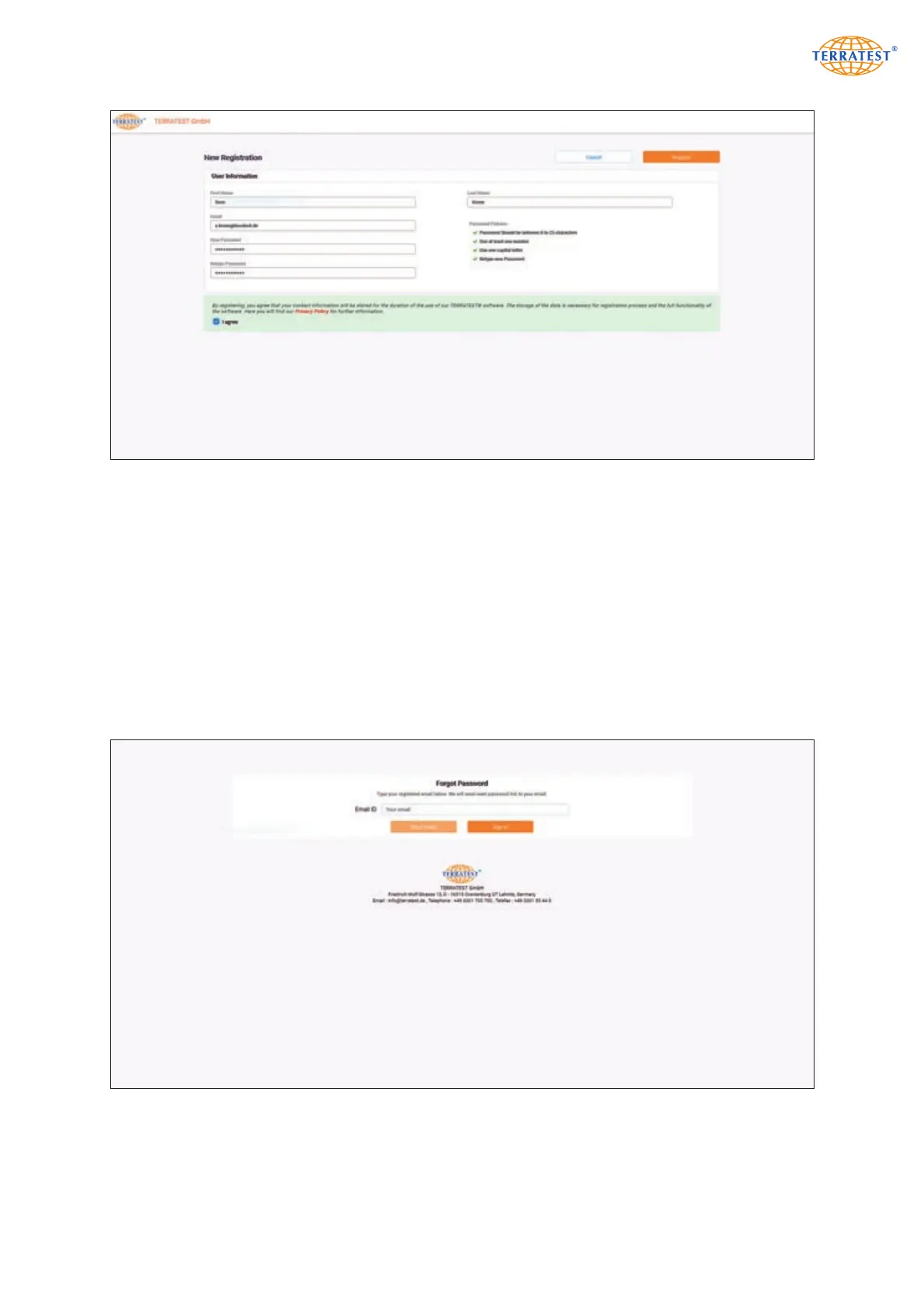
If the guidelines are correctly observed, the screen shows a green tick at the beginning of the correspon-
ding text, otherwise a red cross. As soon as all information is checked and data protection declaration
accepted, ‘Registration’ button is activated. Click on this button, so the system sends a mail to the speci-
fied mail address, and the link contained must be confirmed. When the E-Mail address specified by the
user has been checked, he is guided back to the Login page.
8.1.2 Login
Enter the E-Mail address registered beforehand and the corresponding password on the Login page. After
confirmation by Enter key or mouse click on the corresponding button, the user enters to the user inter-
face of ‘TEOLO’. In the case of incorrect E-Mail address or password, a corresponding message appears.
Correct the entry and repeat the procedure.
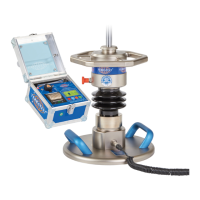
8.1.3 Password Reset


 To Next Page