65
8.2.1 Insert Logo and Modify Company Data
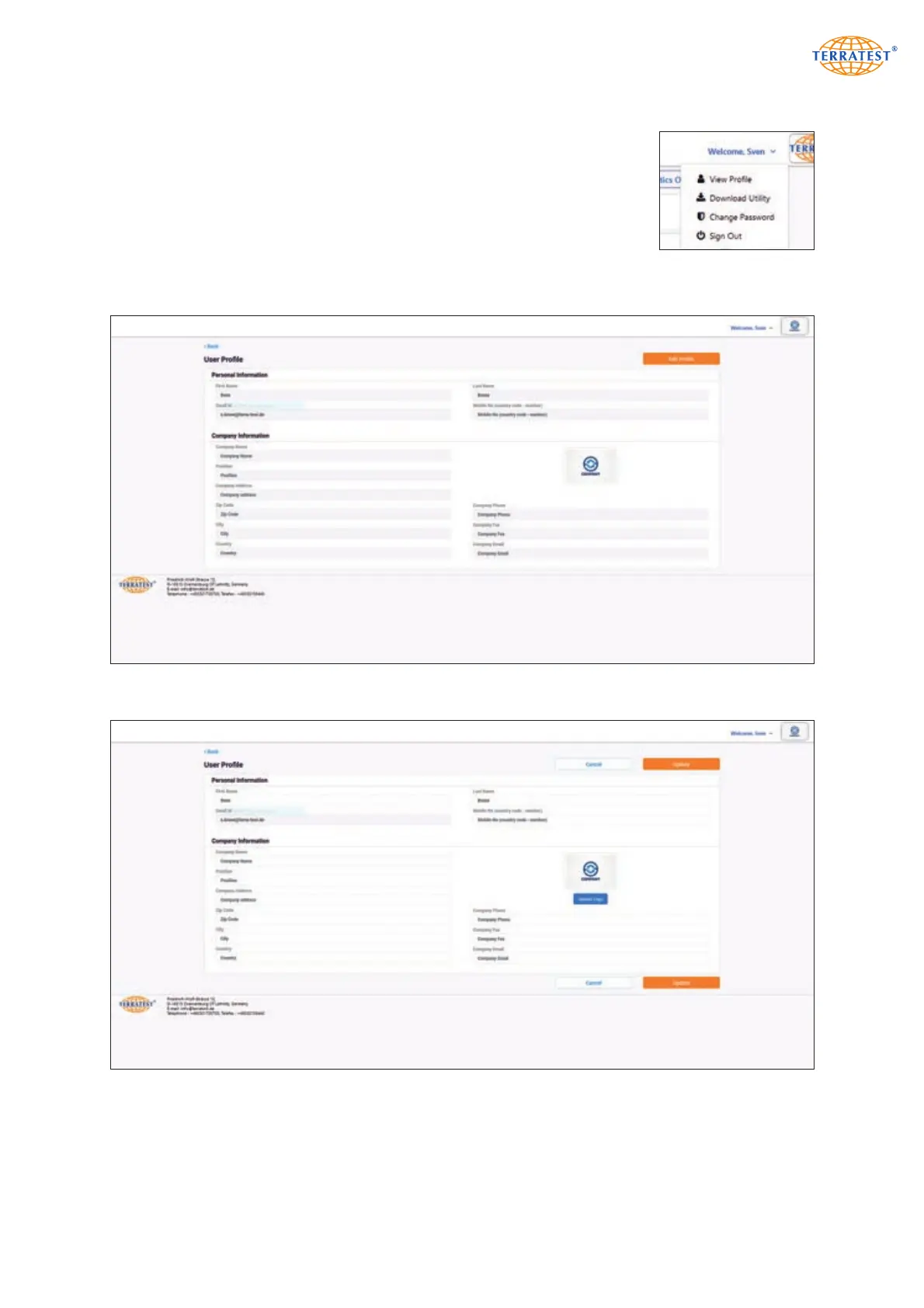
The menu with user functions opens after a click on the ‘Welcome’ line at the
upper right corner.
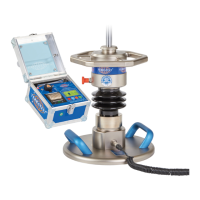
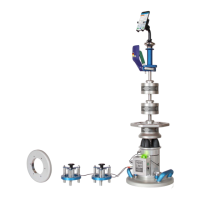
‘Show Profile’ calls up the profile page. After a left click on ‘Edit profile’, it is
possible to add personal data and to enter or edit company name, company
address and contact data. The company logo in form of a JPG or PNG file can
be uploaded as well. It is scaled automatically to the available space. Company
data and logo afterwards appear in printouts and pdf files of single protocols
and statistical evaluations.
User profile inactive
User profile after left click on ‘Edit Profile’ button


 To Next Page