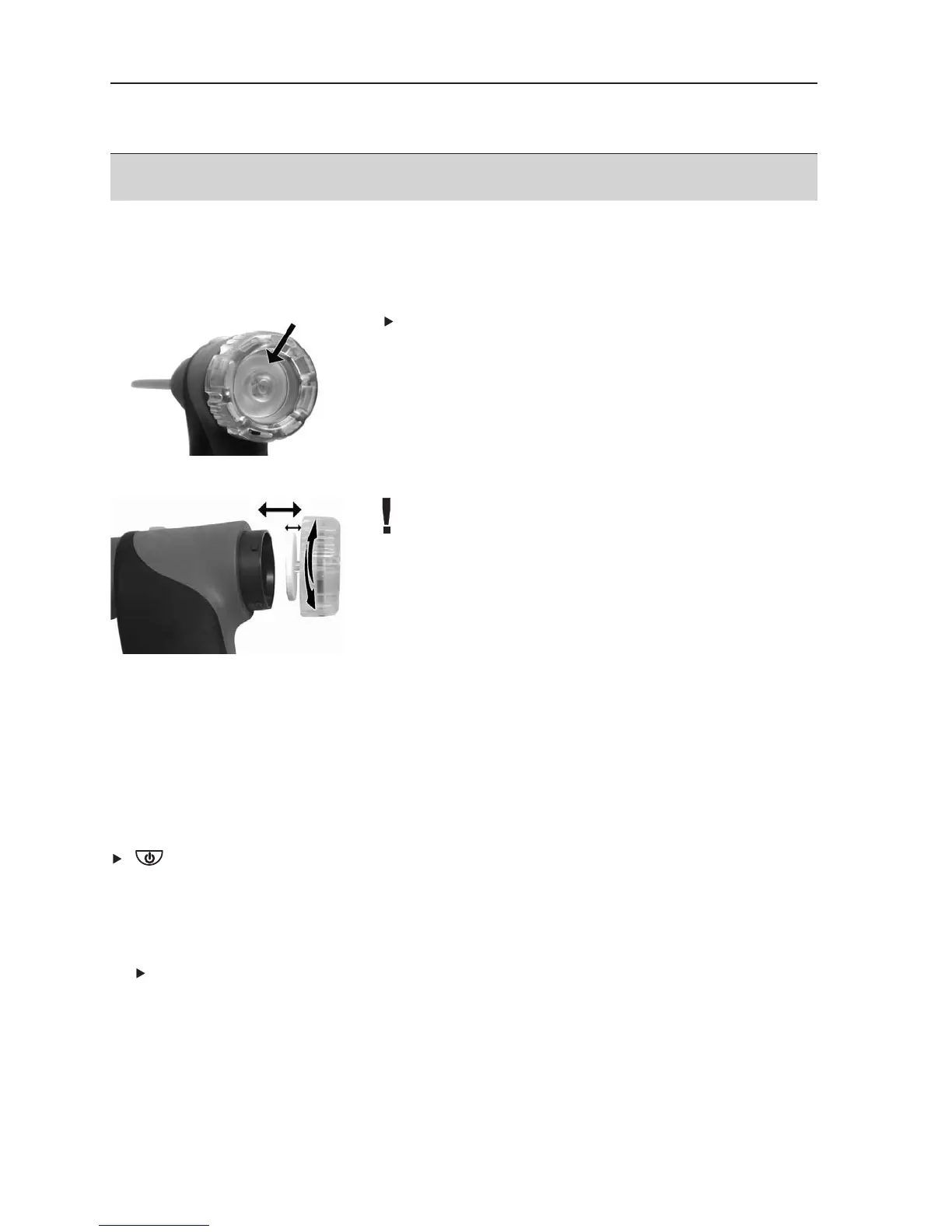
E.3.2 Checking/replacing the particle filter
Checking the particle filter:
Check the particle filter of the modular flue gas
probe for contamination at regular intervals: Check
visually by looking through the window of the filter
chamber.
Replace the filter if there are signs of contamination
Replacing the particle filter:
The filter chamber may contain condensate
1
Open the filter chamber by turning it gently
anticlockwise.
2
Remove the filter plate and replace it with a new
one (0554 3385).
3
Fit the filter chamber again and close it by turning it
gently clockwise.
E.4 Basic operating steps
E.4.1 Switching the measuring instrument on
.
- The start screen is displayed (for about 5 s).
- Display light is switched on for 10 s.
Option:
To go directly to a measurement while the start screen is being displayed, press
the function key for the desired measurement. See also
Start keys edit
, p. 29.
- The
Measurements menu is opened.
-oor-
- If the power supply was interrupted for a longer period: the
Date/Time menu is
opened.
-oor-
- There is a device error: The
Error diagnosis is displayed.
E. Operation
19



 To Next Page