3
.
- The data are read from the automatic furnace. An update of the data takes place
every 30s at the latest, this is dependent on the automatic furnace.
Reading out current status data:
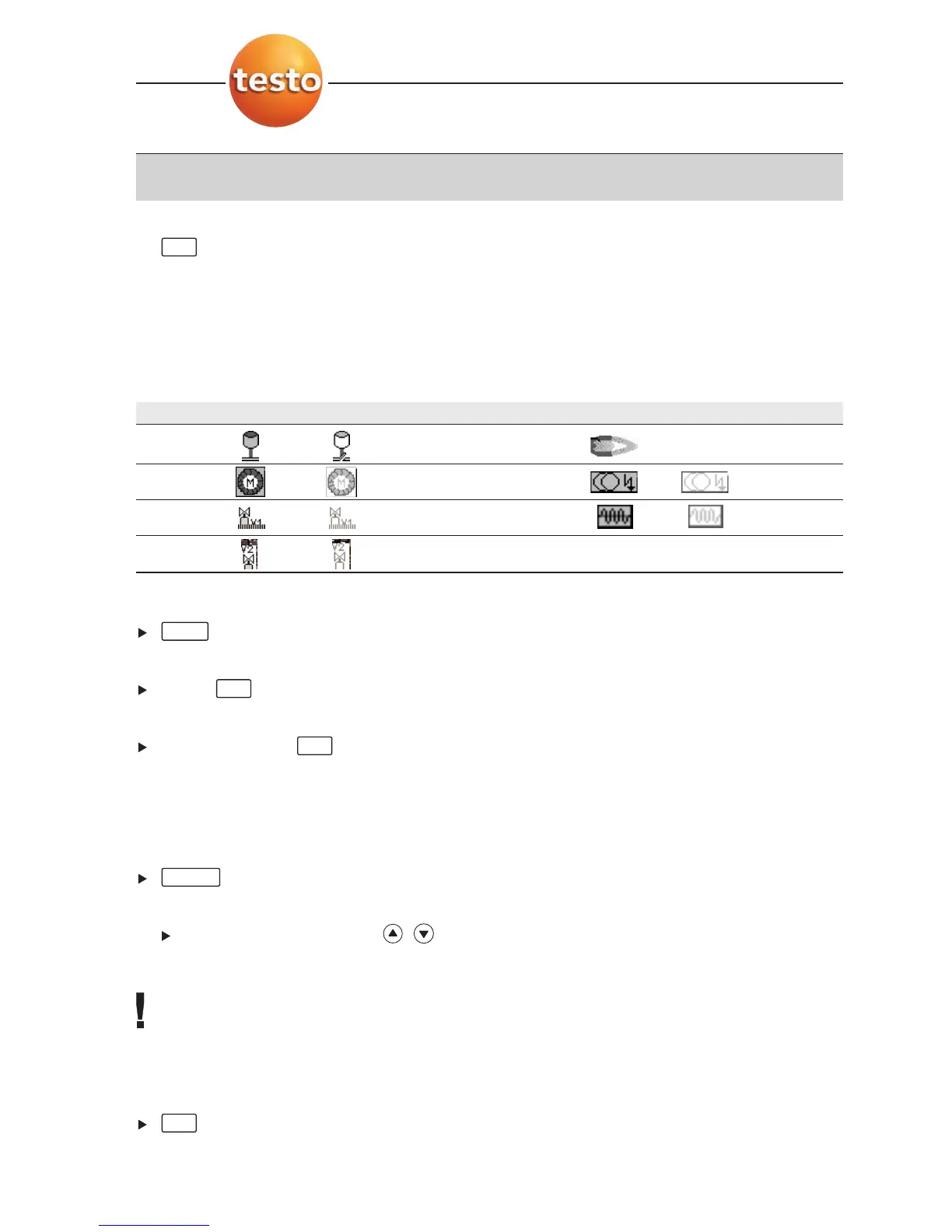
The current data are displayed when a connection to the automatic furnace exists. The
following data are displayed with the help of symbols:
Component Status ON Status OFF Component Status ON Status OFF
Air controller Flame Symbol
not displayed
Motor Ignition
Valve1 Oil prewarmer
Valve 2
Printing data:
.
Display identification data:
Info .
Display failure statistic:
Failure statistic .
Reading out failure store:
Automatic furnaces are equipped with circular buffer memories, i.e. failure reports are
overwritten when the failure store is full.. The last failure occurring is at position 1 in the
failure list.
.
Option:
Scroll through failure list: , .
Taking readings over into the menu Flue Gas:
The readings are not presented in the display, in the menu
Flue Gas they can be stored
with the readings from a flue gas measurement, stored in a measurement protocol or
transferred to a PC.
For taking data over into the menu
Flue Gas the function fields Info and Failure statistic
must not be active (grey background).
.
- The Menu
Measurements is opened.
OK
Failure
OK
OK
Print
OK
G. Measuring
44



 To Next Page