Chapter 2: DSM V6100 Hardware Appliance
Configuring a V6100 Appliance
DSM Installation and Configuration Guide
Copyright 2009 - 2020 Thales Group. All rights reserved.
38
0013:ipmi$ mask set <net mask>
5. Enable the KVM port using the command port enable kvm. The KVM port is required for remote Java console
support. At the prompt, type:
0014:ipmi$ port enable kvm
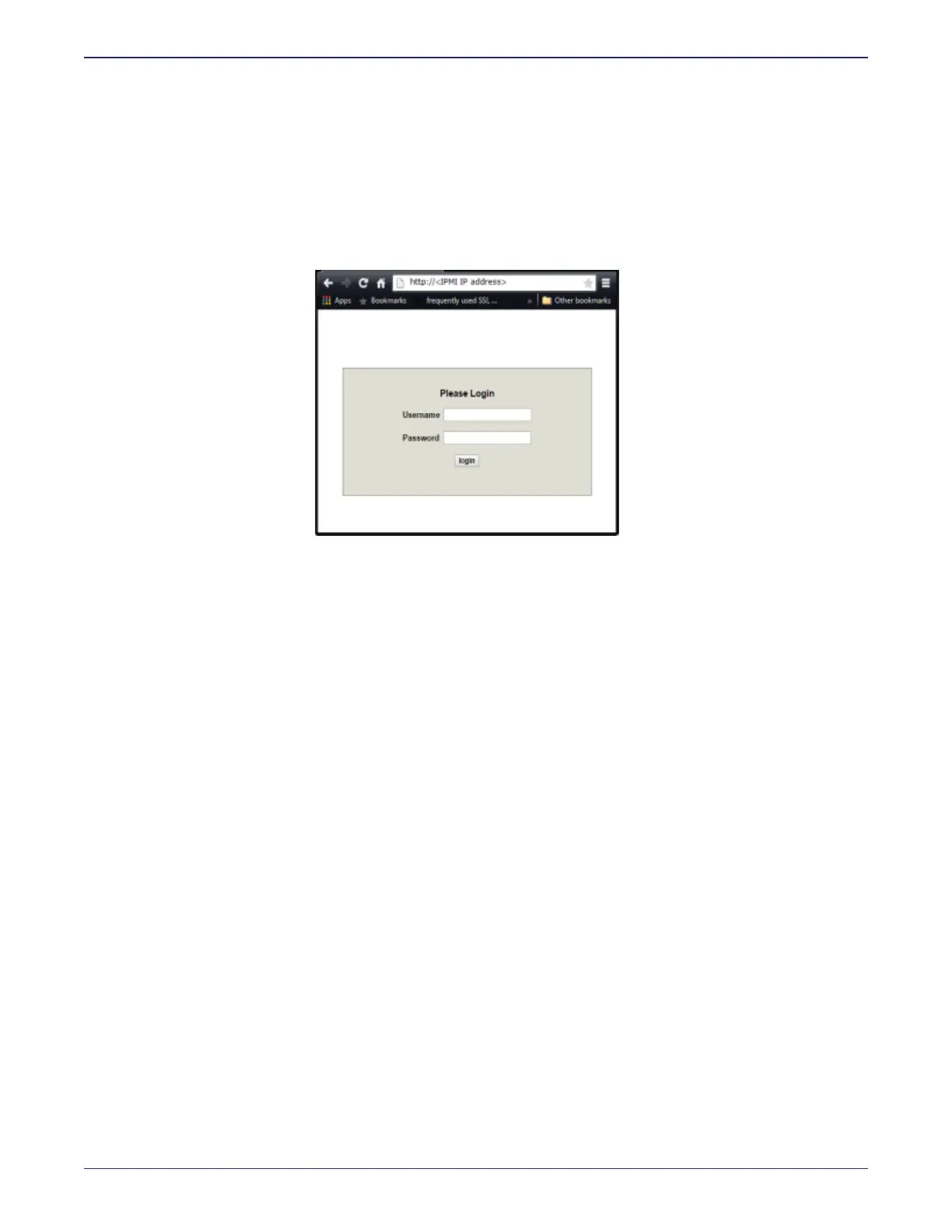
6. Open a browser session and point the browser to the URL that contains the IPMI IP address you just configured;
https://<IPMI IP address>. You will see the IPMI login screen, as shown in the following figure.
Figure 2-4: IPMI Login screen
The default login credentials are as follows; Username: ADMIN and password: ADMIN.
1. Navigate to Remote Control > Console Redirection and click Launch Console. Download and run the
resulting .jnlp file to open a Java console for your DSM. This Java console provides access to the DSM CLI.
2. Log on to the CLI using the default CLI administrator credentials; Username; cliadmin, password: cliadmin123.
You will be prompted to change the CLI administrator password. After that you will be prompted to change the
IPMI GUI login password as well.
The new password must be at least 8 characters long, must contain at least one upper case letter, one special
character, and one number.
3. Configure the network settings. See "Configuration tasks" on page27 and "Generate DSM Certificate Authority
and create ACS" on page82.
Verify Web Access
After configuring your appliance, you need to access the DSM Management Console from a browser, to administer the
DSM.
Open a browser and confirm access over HTTPS to either the DSM hostname (if configured in DNS) or the IP address
defined in "Configuration tasks" on page27. Example URL:
https://dsm.vormetric.com
If this doesn't work because, for example, port 443 was blocked by a firewall, specify port 8445. Example:
https://dsm.vormetric.com:8445
The default user name and password to log on to the DSM the for first time are; admin and admin123. You will be
prompted to reset the password. The password criteria are:
l
Does not have repeating characters
l
Uses at least 1 upper and 1 lower case character



 To Next Page