Chapter 4: Installing and Configuring a DSM
Overview
DSM Installation and Configuration Guide
Copyright 2009 - 2020 Thales Group. All rights reserved.
70
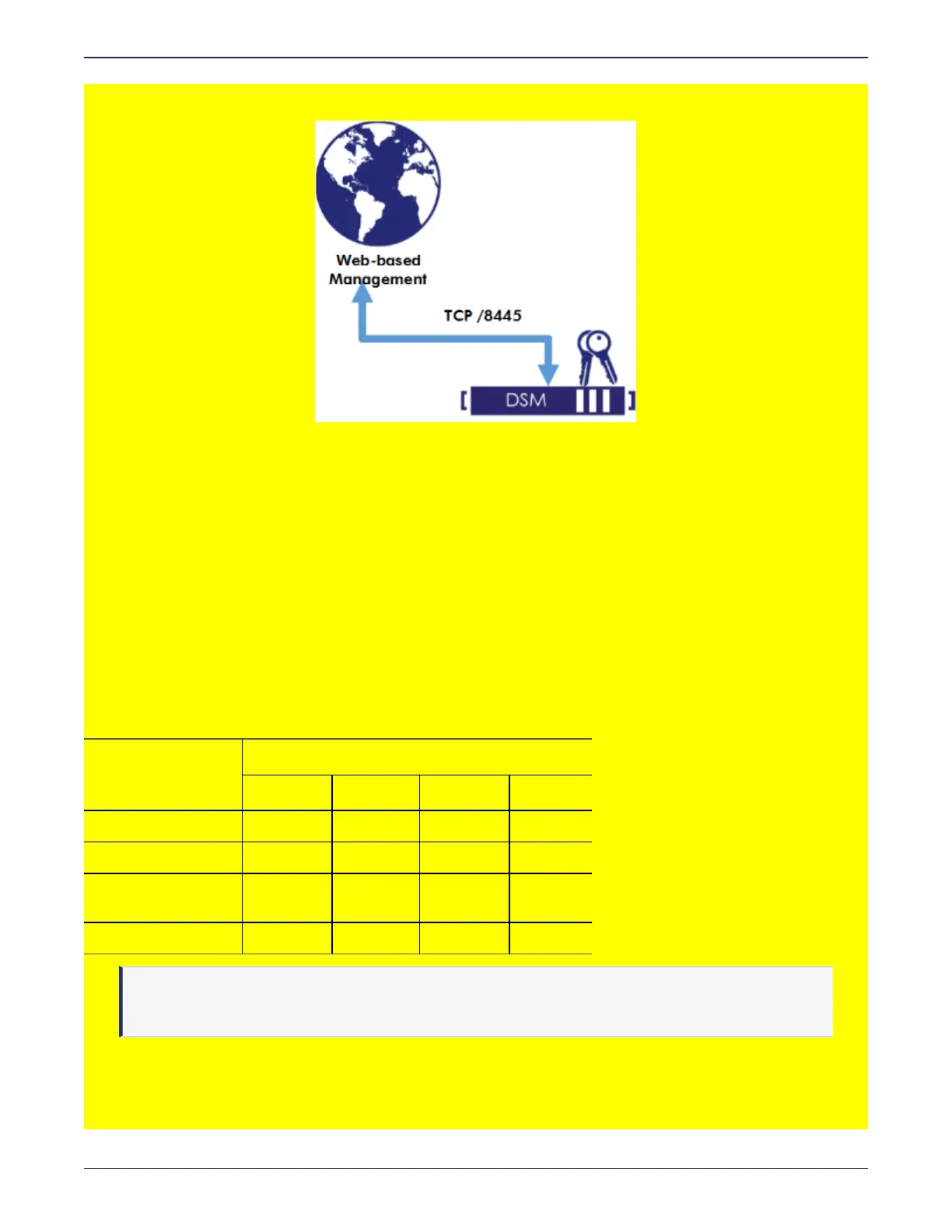
Figure 4-1: Virtual DSM Architecture
Assumptions
l
VMware vSphere Client is installed.
l
DSM virtual appliance software. Obtain the Data Security Manager - Virtual Machine file—OVA file or ISO image
depending on your requirement—from Thales support.
l
The IP address, routing configuration, and DNS addresses for the DSM to allow connectivity to all servers where
VTE/VAE Agents are installed.
Virtual machine hardware requirements
The virtual machine must meet the following requirements:
Number of Agents
1 to 10 11 to 50 Over 250
Number of CPUs 2 4 4 6
RAM (in GB) 8 8 12 16
HD (in GB) for VM
instance
250 250 250 above 250
Cloud instance 120 160 200 250
Table 4-1: Hardware requirements for Virtual Machine
Note
The disk size change was introduced in v5.3.1, however you can still use “thin” provision to minimize
storage utilization.



 To Next Page