© Third Dimension Confidential Document D13-1604-GGUSER-EN-3.4
V7.6
31
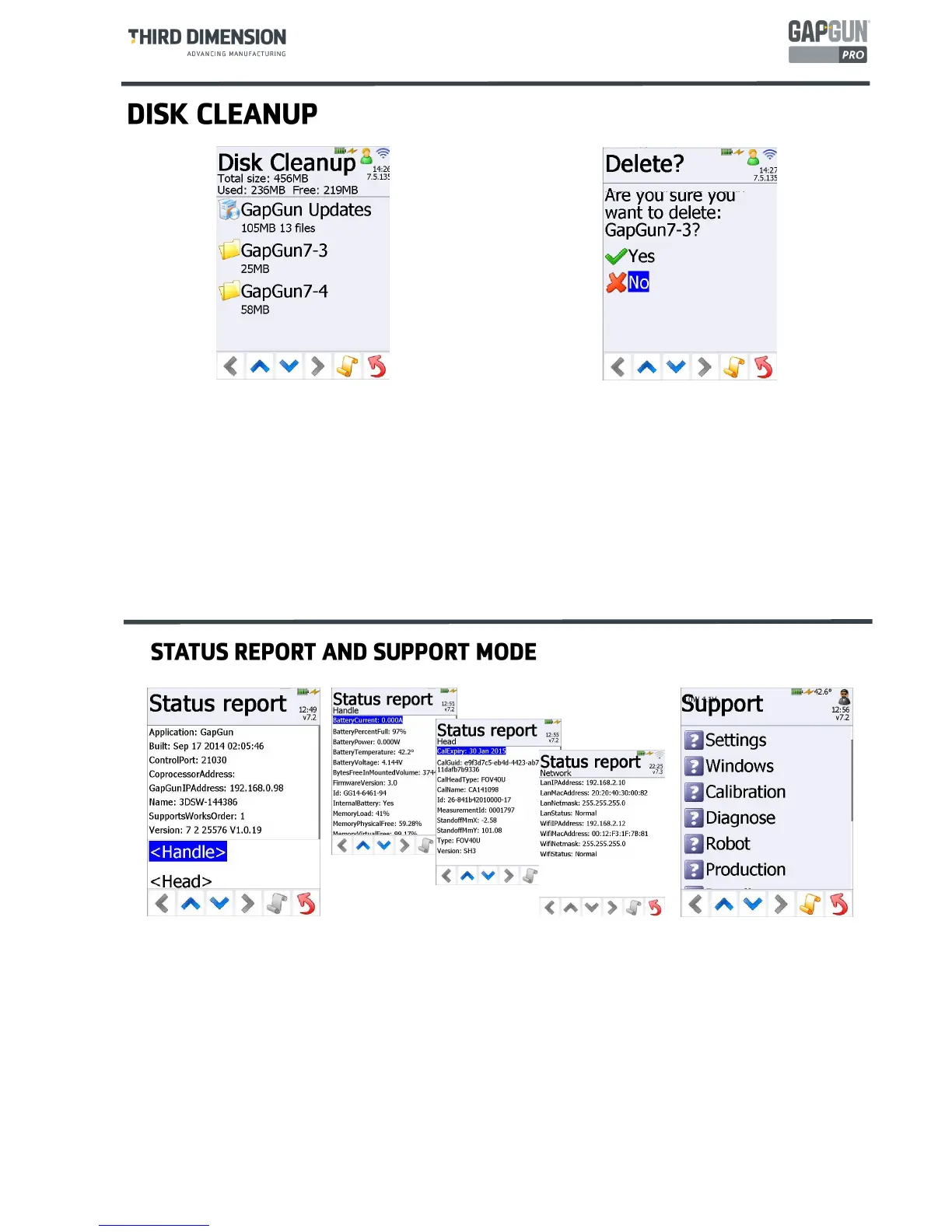
Status Report To diagnose some problems or to provide information to support staff, the status report describes
the current state of the GapGun. The report is broken down into sections describing the Handle, the Head and
the Network.
Support allows access to Support Mode which is only available to Third Support Staff and their distributors. Low-
level configuration and diagnosis tools are available from this menu.
Operator returns the GapGun to Operator mode, locking access to these configuration tools.
The GapGun is able to store many thousands of measurements however over time the on-board storage area may
become congested and the large numbers of files on the GapGun may slow the operating system down. This can also
slow down measurement times.
Measurement results are normally automatically removed when they are uploaded however previous major installa-
tions and installation kits may be left on the handle.
The Disk Cleanup option allows these old folders and files to be removed.



 To Next Page