© Third Dimension Confidential Document D13-1604-GGUSER-EN-3.4
V7.6
7
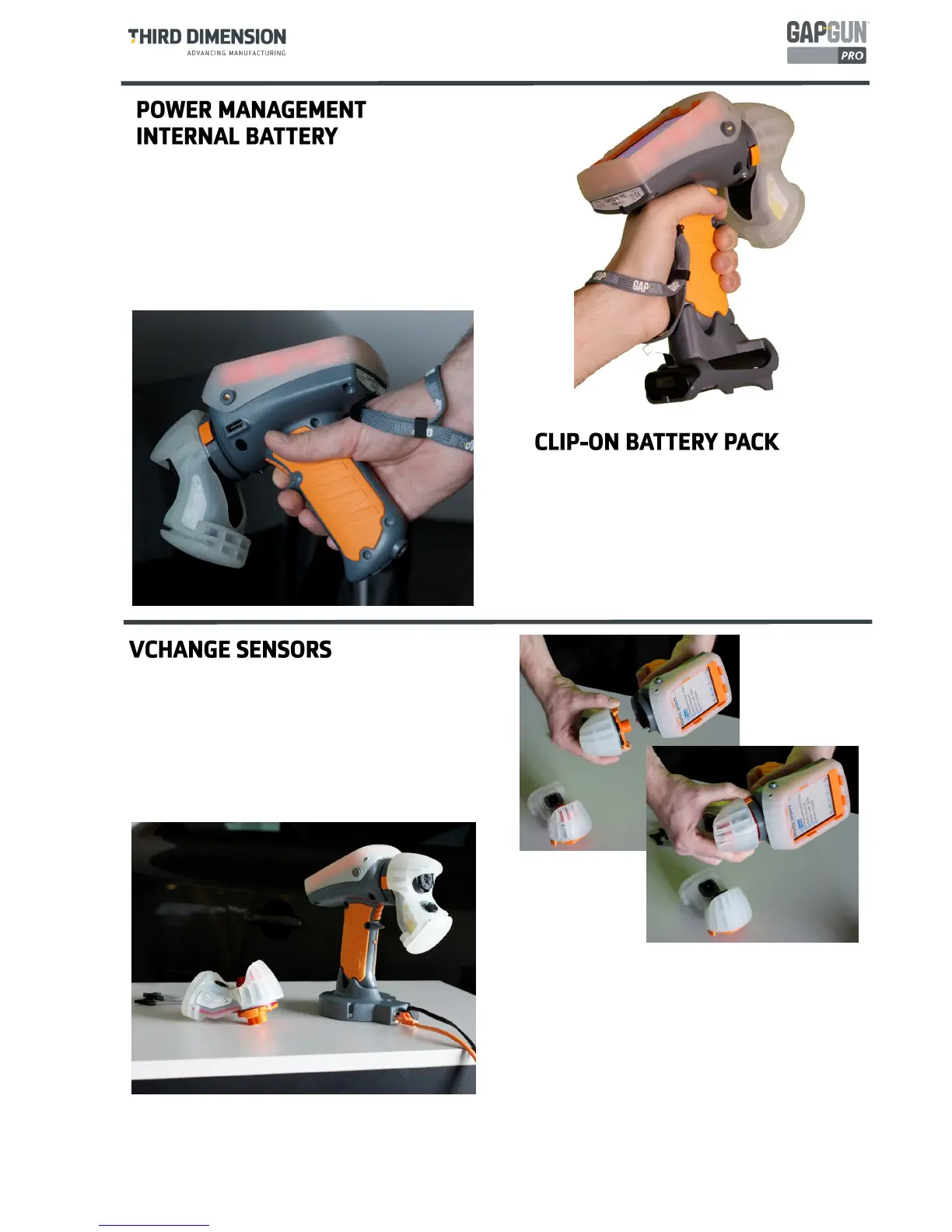
The clip on battery pack attaches onto the base
of the handle and provides power for additional
4-6 hours.
The Desktop charger will recharge the battery in
about 1.5 hours.
The VChange sensor system allows sensor heads
to be quickly and easily changed without using
any tools. The Vchange system can be retrofitted
to existing MX+ handles and sensors. Sensor
heads can be freely interchanged between
different handles.
To swap the sensor head squeeze the orange
release tabs on the Vchange collar and pull the
sensor off the handle. Push the new sensor into
place until the collar lock clicks. The sensor can
be swapped without turning off the GapGun.
The GapGun Pro has an internal battery which can
power the GapGun for 4 to 5 hours of normal use.
The battery can be recharged using the docking
station or via the clip-on battery which can be used to
extend the period of use by a further 4-6 hours.



 To Next Page