Portable Connector End Face Geometry Interferometer Chapter 4: System Preparation
Rev B, April 16, 2019 Page 10
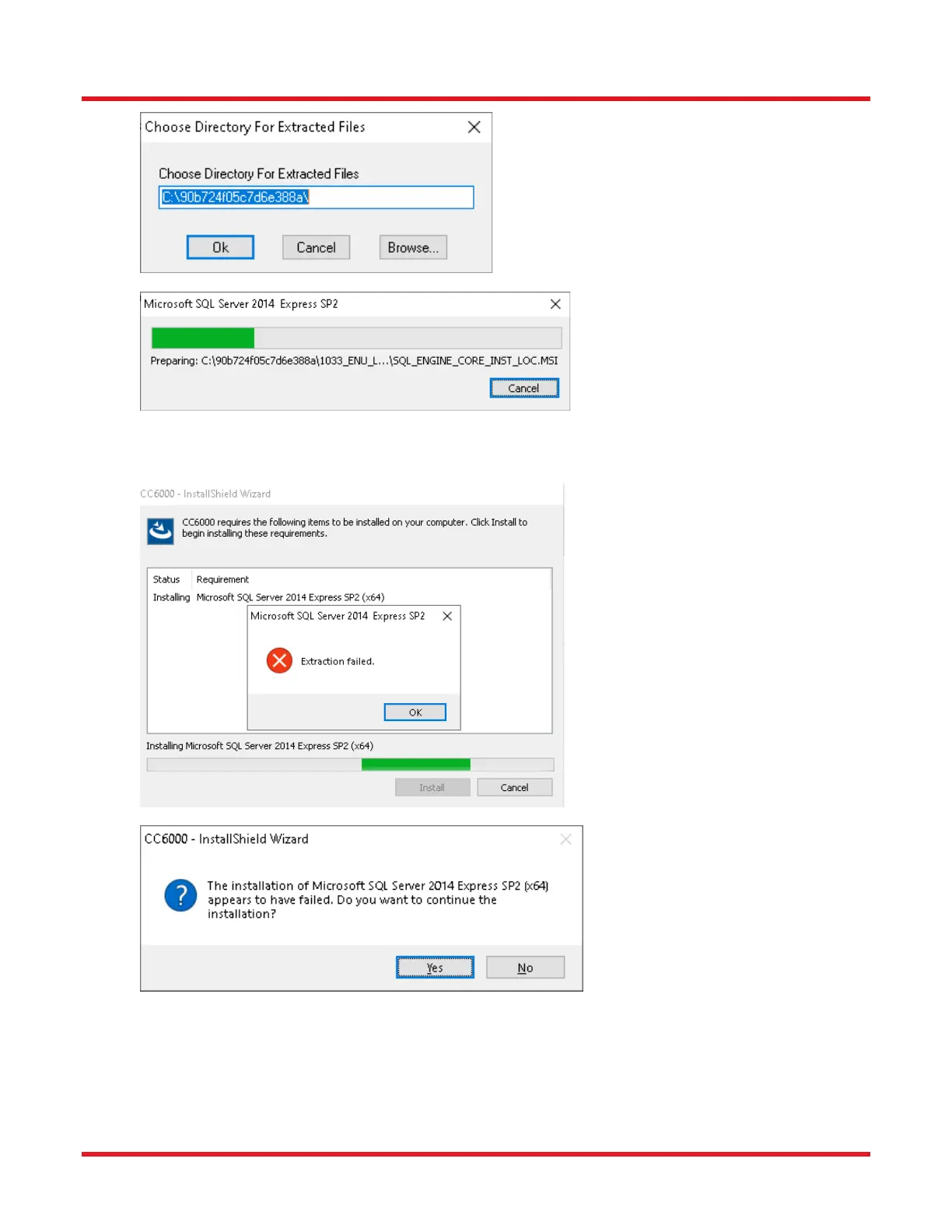
6. If the following “Extraction failed” window appears, click OK, then click NO (when asked if you want to
continue installation), and restart the installation as above.
7. After the SQL Server 2014 installation begins, the following windows will appear. Click the NEXT button for
those windows, unless otherwise directed in this document.



 To Next Page