Portable Connector End Face Geometry Interferometer Chapter 6: Menu Bar Functions
Rev B, April 16, 2019 Page 24
Chapter 6 Menu Bar Functions
6.1. File Menu
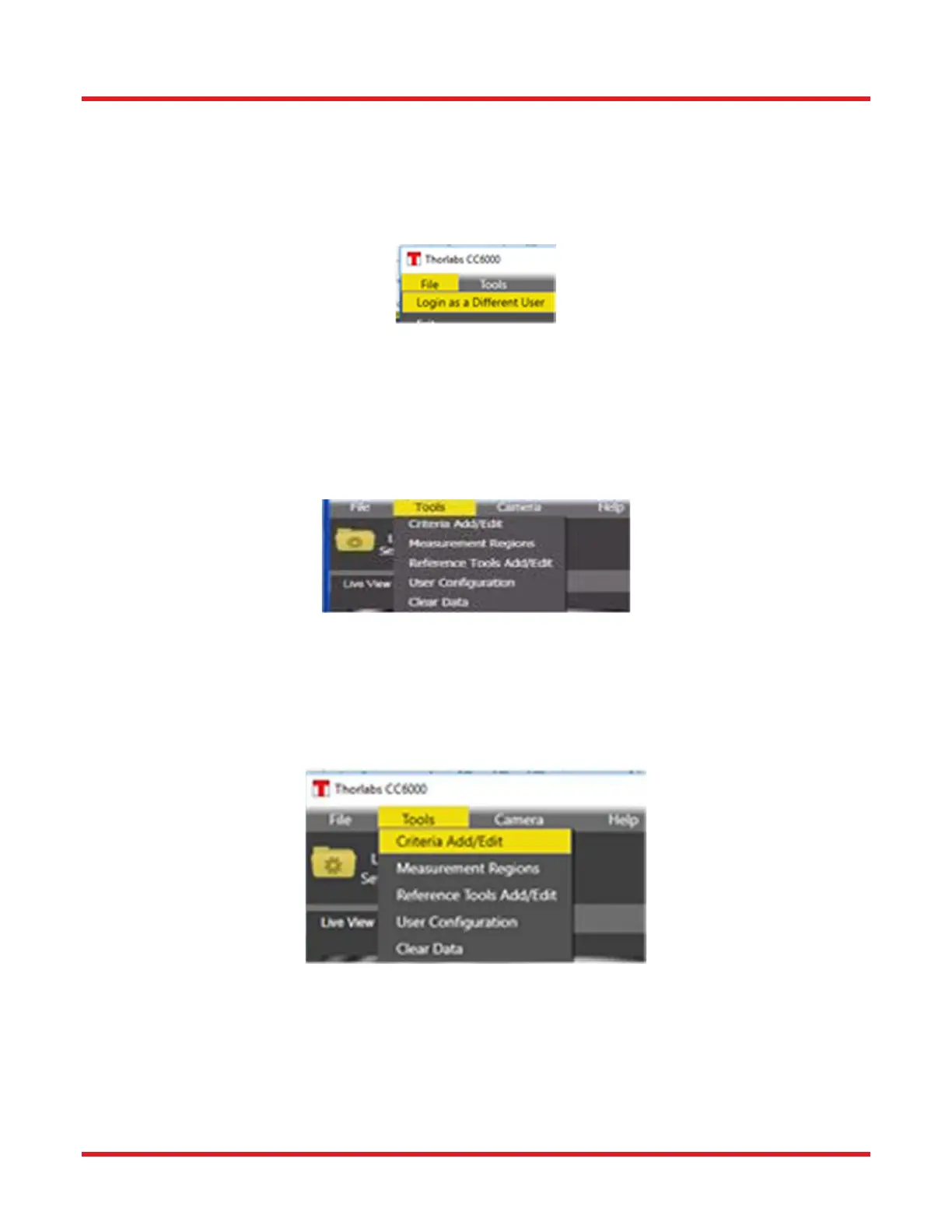
Select “Login as another user” to login as a different user (with different privileges) into CC6000 Software without
closing the application.
Exit: Select Exit from File menu to close the program.
6.2. Tools Menu
The Tools menu contains a set of functions that allow the User to determine how the CC6000 Software program
will operate. These include adding or modifying existing Users, creating or changing Pass-Fail criteria for scans,
defining calibration tools, and clearing out data in the program database to make room for new data. NOTE: This
menu is only available to Administrator-level or higher users.
6.2.1. Criteria Add & Edit (Tools\Criteria Add_Edit):
When selected, the following configuration dialog will open. This dialog allows the User to view, add new, or change
existing measurement criteria sets. These sets, when selected prior to a measurement in the Scan Settings area of
the Scan Options tab, determine whether a scan passes or fails for each type of measurement and ultimately for
the overall scan. CC6000 Software comes equipped with a number of industry-standard predefined criteria sets.
Those factory-supplied sets cannot be changed or deleted.



 To Next Page