Portable Connector Chapter 8: Image Tabs
Page 39 TTN169162-D02
8.2. 3D View Tab
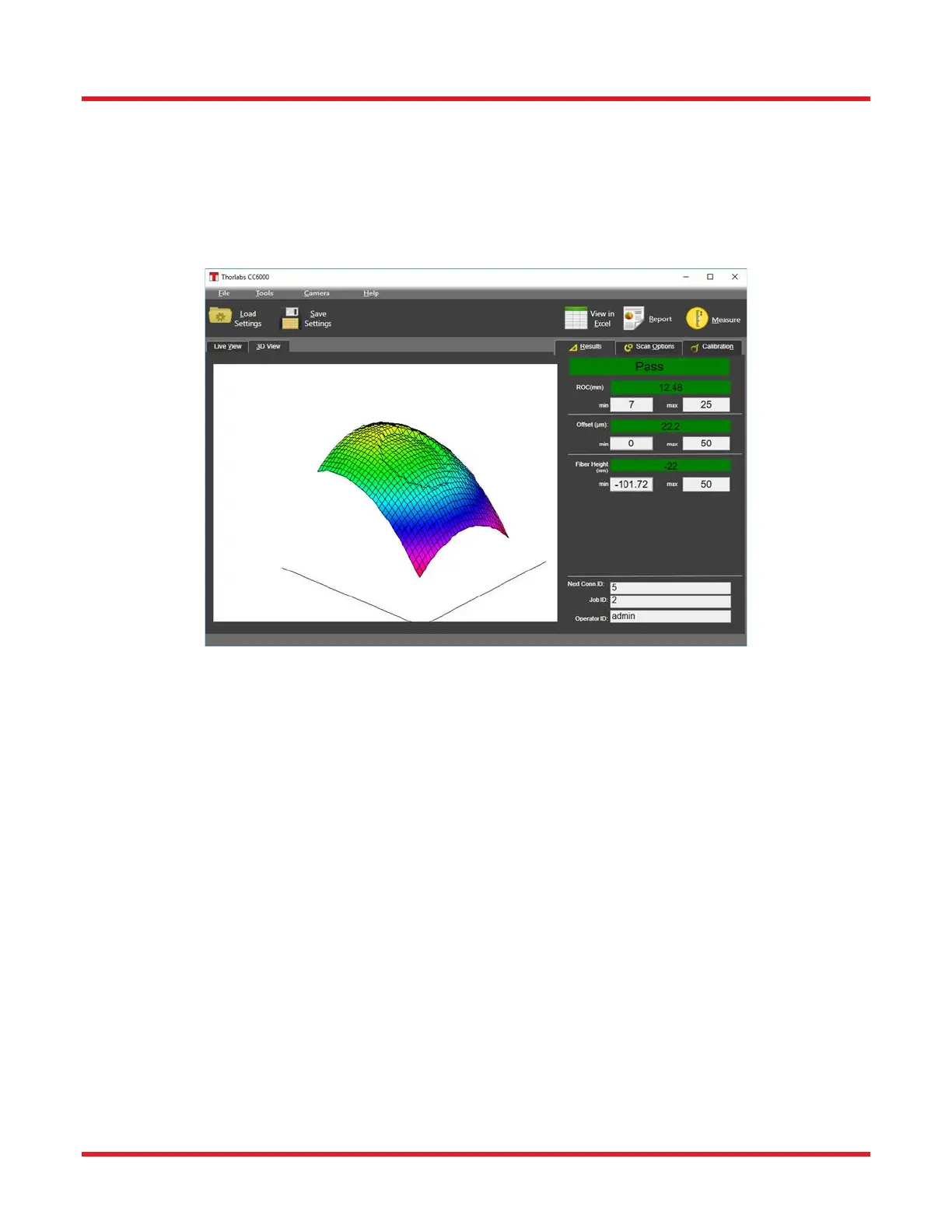
On the main screen of the CC6000 Software program, next to the tab labelled Live View, is a tab for the three
dimensional (3D) picture of the connector endface. The 3D view is a mesh display showing the shape, fiber height,
and apex offset of the scanned connector endface based on the connector’s measured values. The brightest area
indicates location of the highest point of the polish. In the center of the display the fiber area illustrates the measured
fiber height. The size of the 3D view matches the Region of Interest defined by the user in the Tools/Measurement
Regions dialog.
How to Rotate 3D: To rotate the 3D view in X direction (horizontal), first click on its window and then use the
left/right arrows keys on the keyboard. Use the up/down arrow keys for Y rotation (vertical). Zooming in/out can be
done using the keyboard keys “c” (closer) and “f” (farther away).



 To Next Page