Portable Connector Chapter 6: Menu Bar Functions
Page 29 TTN169162-D02
6.3. Camera Menu
6.3.1. Show Brightness Adjustment Tool (BAT)
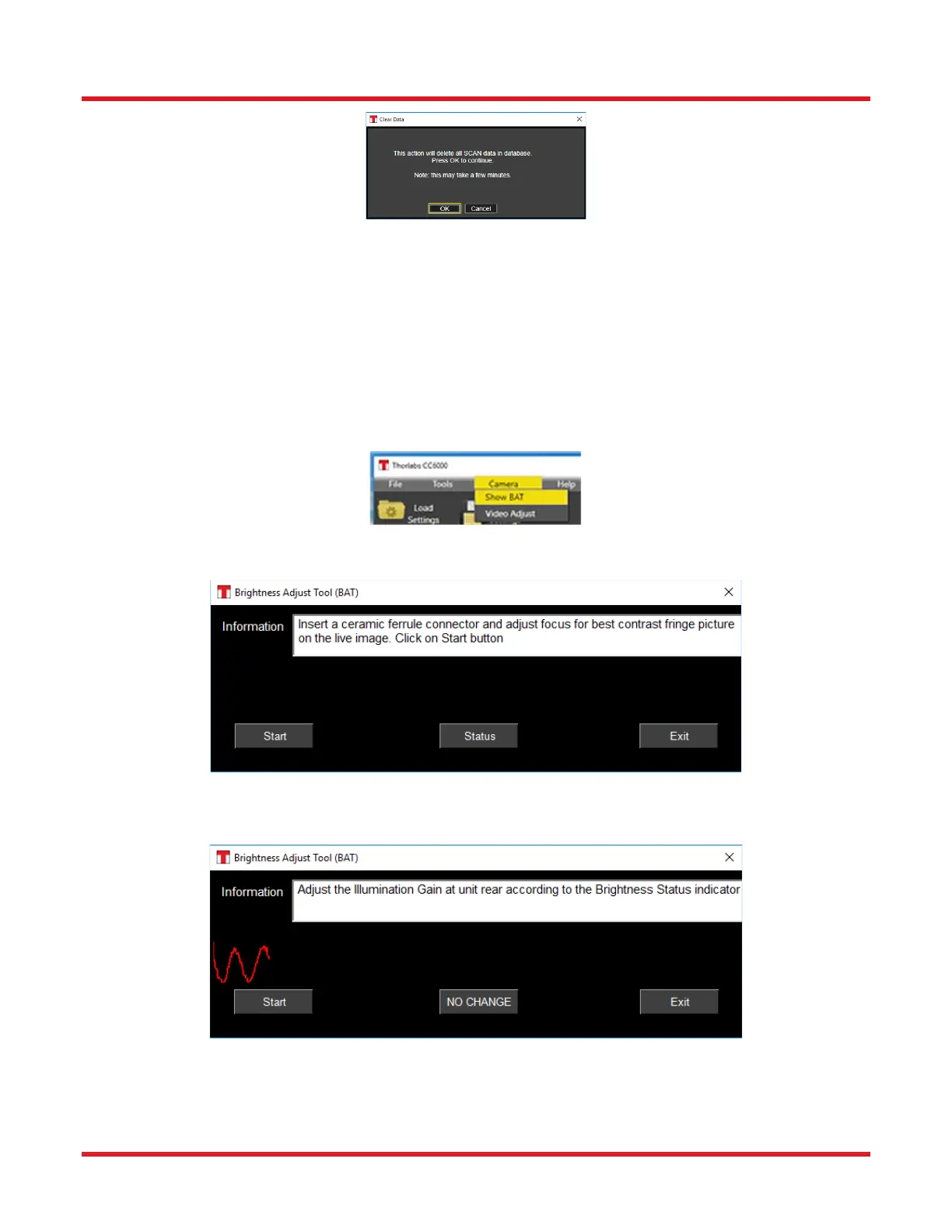
BAT tool provides assistance to the user when illumination adjustment is needed. BAT can be invoked manually,
but will also be automatically invoked if a problem with the image coming from the camera is detected at the start
of CC6000 Software.
Selecting the Show BAT option in the Camera menu launches the Brightness Adjustment Tool which assists the
user to manually adjust illumination for optimal scanning. It should be activated upon first use of your CC6000, and
at least every 6 months afterwards.
Upon selection of the Show BAT option, the following dialog will appear:
The instruction text specifies what user should do. On clicking the Start button an illumination profile and Brightness
status are shown.



 To Next Page