Portable Connector Chapter 7: Toolbar Functions
Page 33 TTN169162-D02
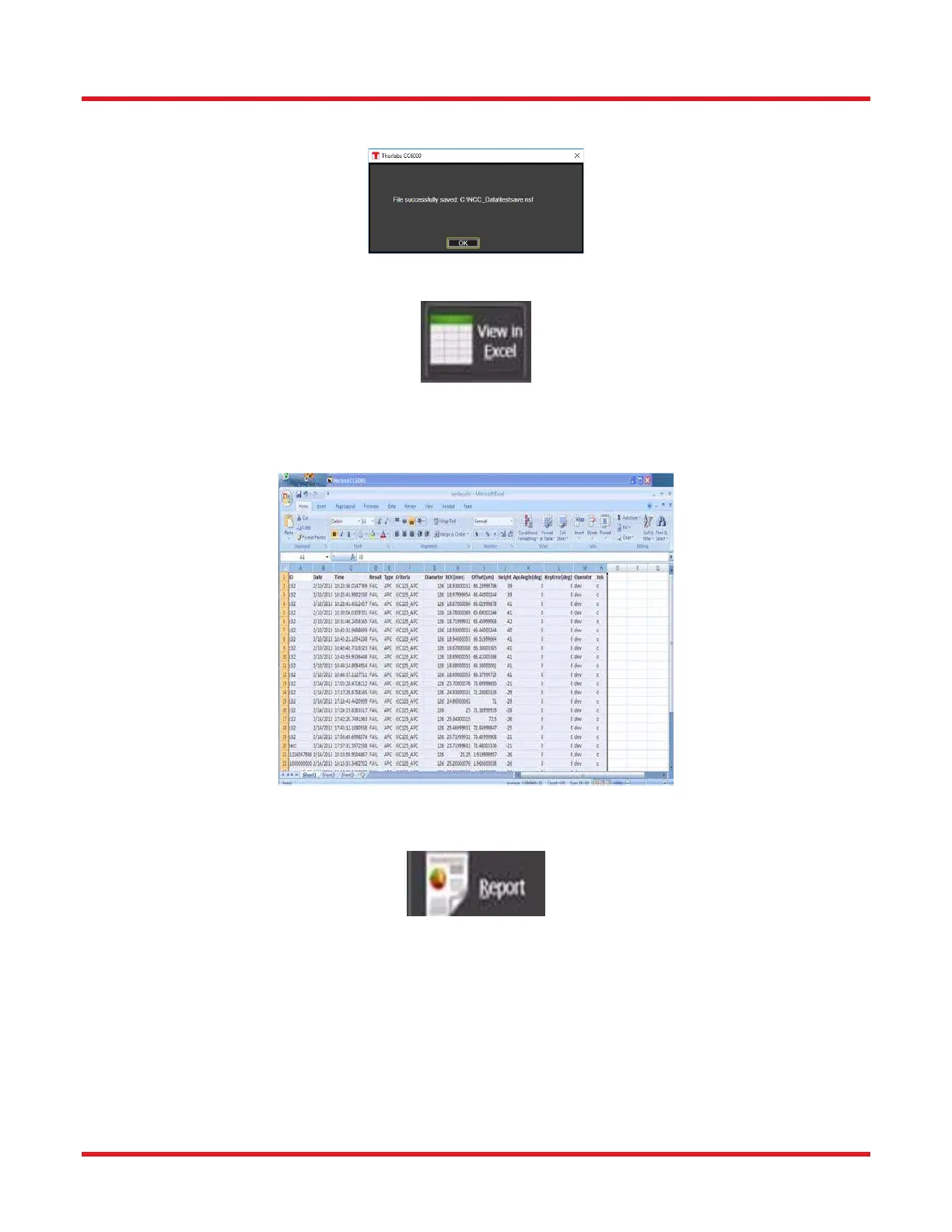
A successful configuration save will be indicated by the appearance of the following message...
7.1.3. View-in-Excel Tool
The View in Excel tool allows for opening the currently-active Microsoft Excel file directly from the CC6000 Software
program. The currently-active file is the one most-recently selected via the Save/ Print Settings subtab of the Scan
Options control tab. This file’s contents can be viewed or edited even if Save Data to Database (also in the Save/
Print Settings subtab) is presently turned OFF.
7.1.4. Report Tool
The Report tool allows for printing of quantitative results, images, and setup parameters of connectors measured.
As of version 4.00 of the software, the report shows the 3D view of the measured endface (older versions showed
fringe picture instead).



 To Next Page