Portable Connector End Face Geometry Interferometer Chapter 7: Toolbar Functions
Rev B, April 16, 2019 Page 32
Chapter 7 Toolbar Functions
7.1. Toolbar
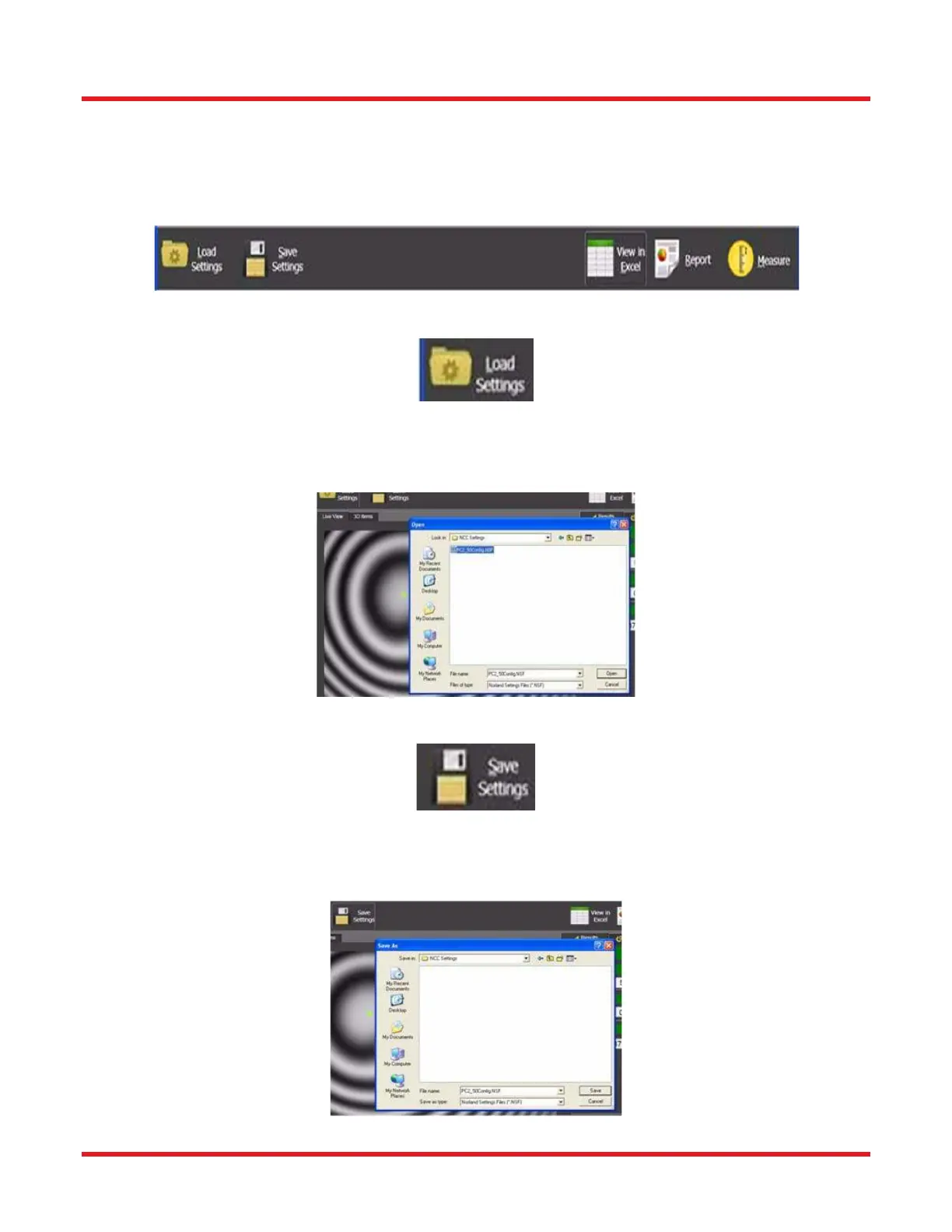
The CC6000 Software Toolbar contains buttons (tools) for activating the most commonly used functions. The
proceeding sections describe each of these tools in more detail.
7.1.1. Load Settings Tool
The Load Settings tool allows for configuring the CC6000 Software program completely from a previously-saved
program configuration file. These files are created by the user with the Save Settings tool, into a location and with
a name determined by the user at that time. They have the extension of “.NSF”.
7.1.2. Save Settings Tool
The Save Settings tool allows for saving the current setup (configuration) of the CC6000 Software program to a file
for later use. The location and name of the file is determined by the user at time of saving. They are automatically
given the extension of “.NSF”.



 To Next Page