Portable Connector Chapter 4: System Preparation
Page 21 TTN169162-D02
2. Upon first installation and program run, the system’s Magnification Calibration will automatically be obtained
from the CC6000 unit (set in the factory before shipment), but an Offset Calibration should be performed
by the user (see page 46.)
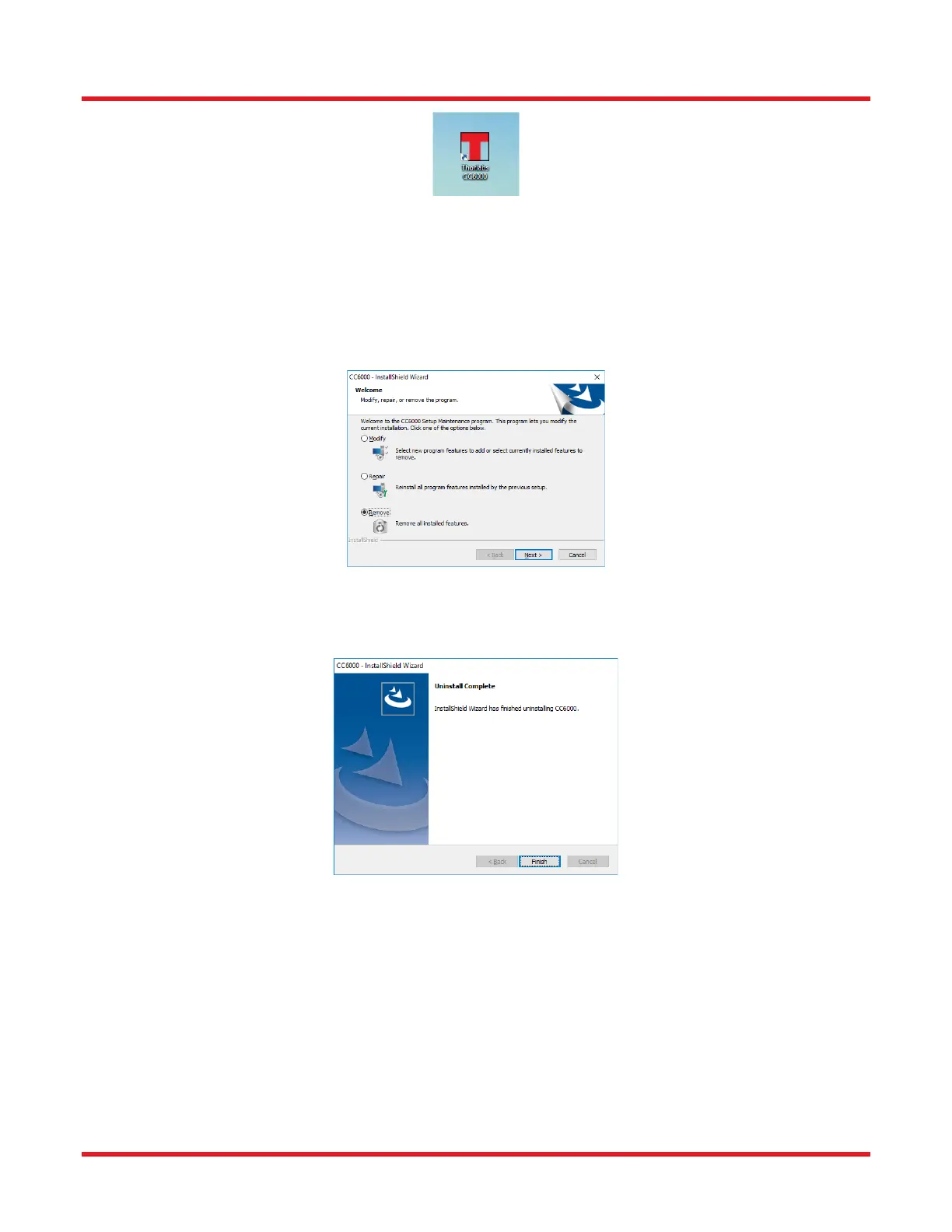
4.3.4. If Software Uninstallation is Desired:
1. Go to the Control Panel, Click Add/Remove Programs. Choose the CC6000 Software and click Remove to
uninstall the software. NOTE: video drivers for the CC000 will remain installed.
2. Click Finish to complete the uninstallation



 To Next Page