Portable Connector End Face Geometry Interferometer Chapter 4: System Preparation
Rev B, April 16, 2019 Page 20
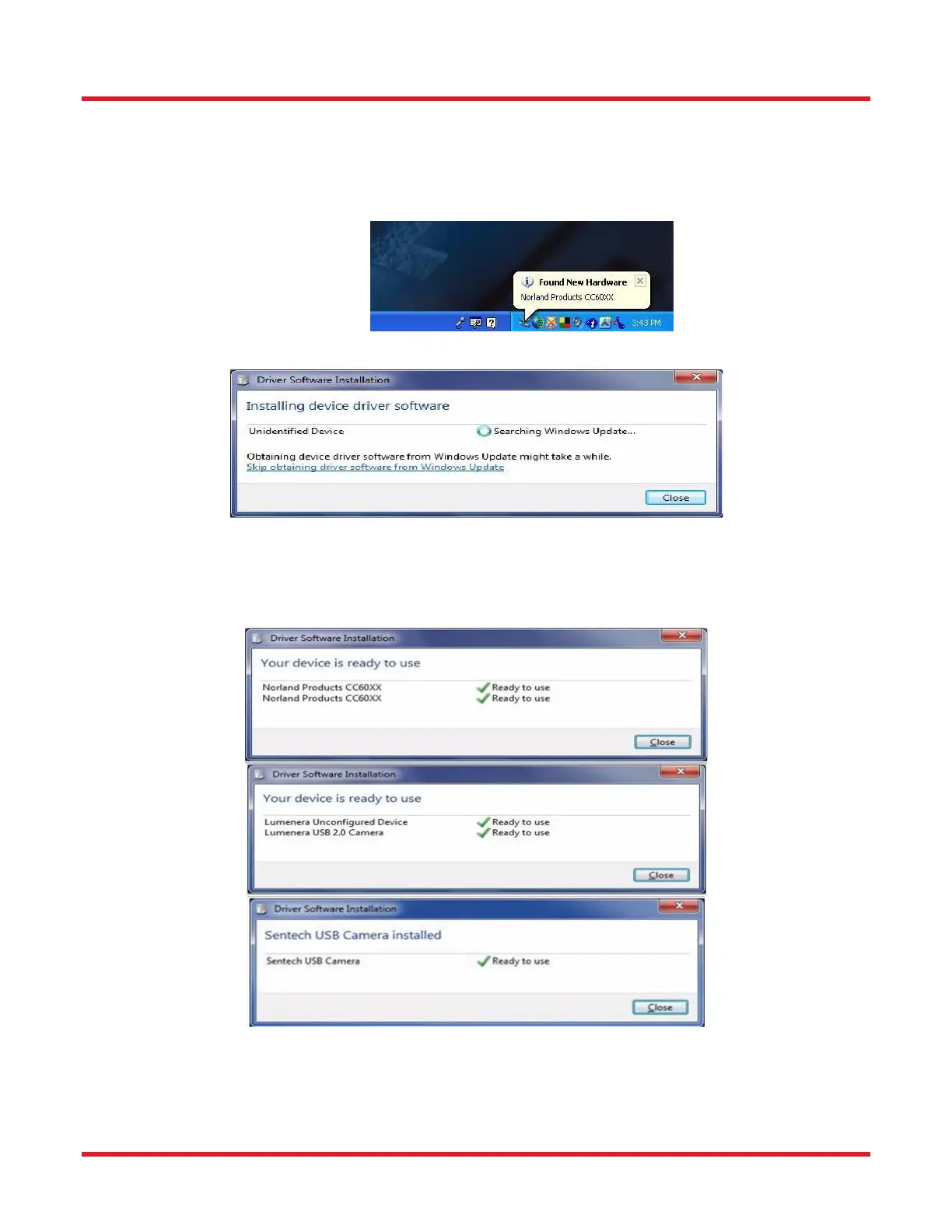
2. If this is the first time for attachment of the CC6000 unit to the computer’s particular USB port, a message
similar to the one pictured below will appear at the bottom right of the computer screen when the computer
detects the USB insertion.
3. If one clicks on this “Found New Hardware” bubble, the following screen can be seen.
4. Ultimately, one of three possible screens will be seen once the driver installation has completed. The
particular video system used in the model of CC6000 owned will determine which one is shown.
4.3.3. Starting the Software
1. Double click the CC6000 SOFTWARE icon on the desktop to start the software.



 To Next Page