Portable Connector Chapter 4: System Preparation
Page 9 TTN169162-D02
4.3. Software Installation
Minimum software requirements:
• Pentium IV or similar
• 1.5GHz
• USB 2.0
• 1 GB RAM
• Windows 7 Operating System
• 1024 x 768 Display Panel Resolution
• Microsoft Excel 2007 installed
NOTE: Contact Thorlabs Sales for the latest version of CC6000 software. Upon request, a link to its
download site will be sent.
4.3.1. Install CC6000 Software
1. Extract all from the downloaded distribution ZIP file.
2. If the CC6000 is currently connected to the computer via a USB cable, disconnect the CC6000 USB plug
from the computer.
3. Right-click on the “Setup.exe” file in the extracted distribution and select “Run as Administrator” (to
successfully run this installation, you must be logged into Windows as an Administrator-level user).
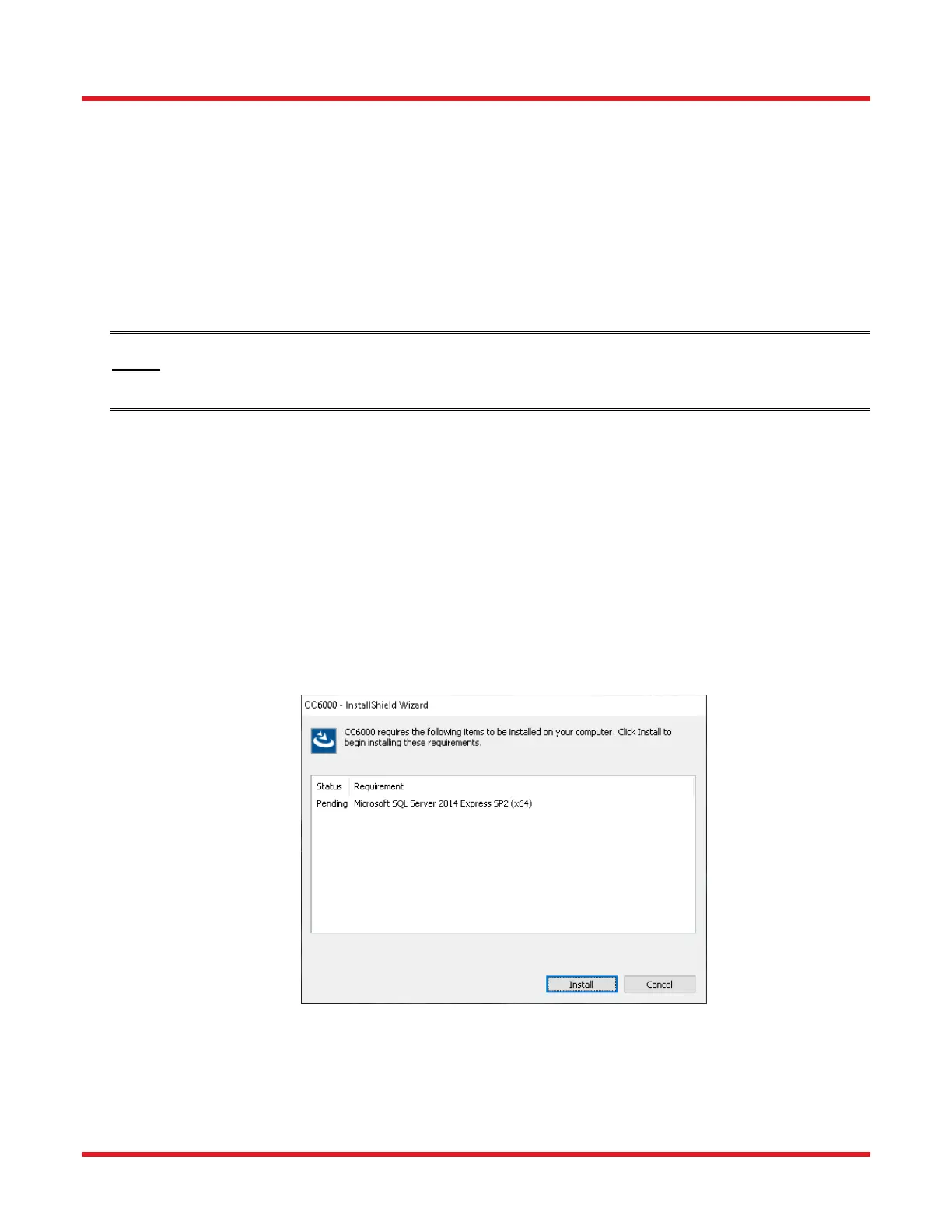
4. A window similar to the one shown below will appear if certain software needed by CC6000 Software is not
detected on the target computer. For example, the CC6000 program requires SQL Server 2014 for its
data storage operations. If so, click on its Install button.
5. Further extraction from an automatically-created temporary file will be needed. To do so, click the OK
button when the next window appears.



 To Next Page