Portable Connector Chapter 6: Menu Bar Functions
Page 25 TTN169162-D02
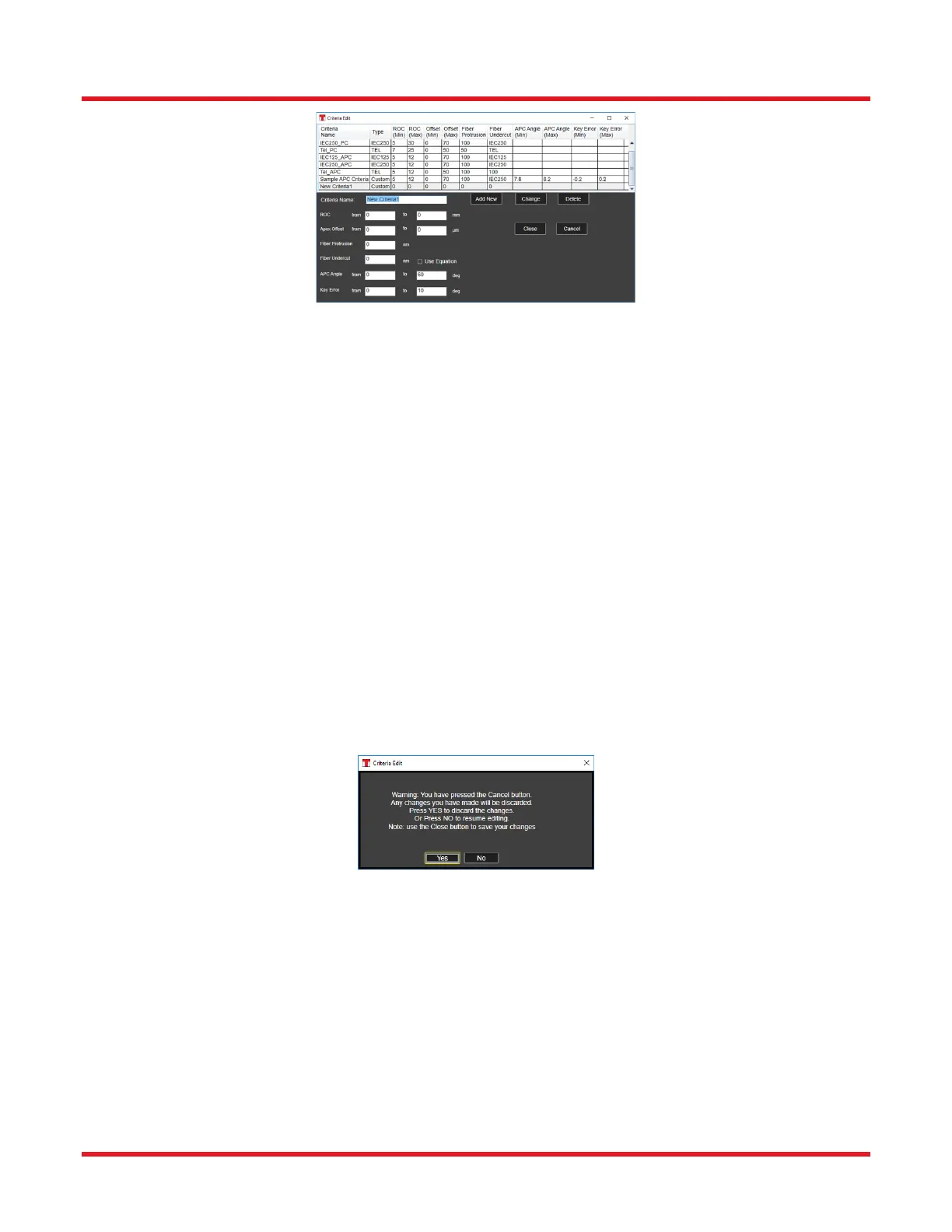
6.2.1.1 How to Change an Existing Criteria
• In the upper portion of the dialog, click on the name of the criteria needing change.
• In the lower portion of the dialog, change the values for that criteria as needed.
• Click the Change button and then click the Close button.
6.2.1.2 How to Add a Criteria
• Click the Add New button.
• In the upper portion of the dialog, find and click on the name of the new criteria.
• In the lower portion of the dialog, enter values for this new criteria as needed.
• Click the Change button and then click the Close button.
6.2.1.3 How to Delete a Criteria
• In the upper portion of the dialog, click on the name of the criteria to delete.
• Click the Delete button and then click the Close button.
6.2.1.4 How to Discard any Changes Made in the Dialog
• Click the Cancel button and then click YES in the warning message that appears.



 To Next Page