Portable Connector End Face Geometry Interferometer Chapter 4: System Preparation
Rev B, April 16, 2019 Page 16
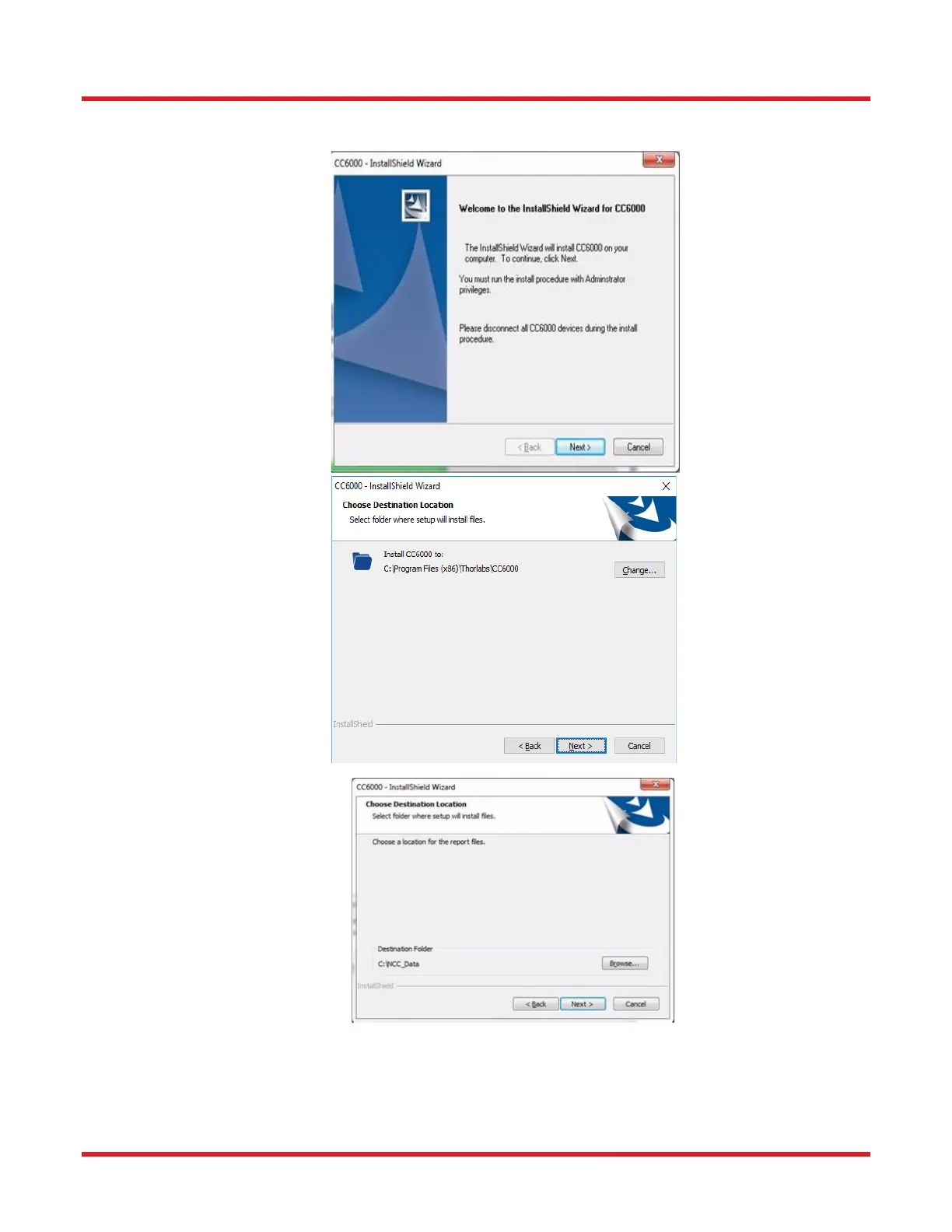
10. Click the [Next] button for the following three windows that appear.
11. Click the [Install] button when “Ready to Install the Program” appears, and the [Next] button when the
“Database Server” window is displayed, accepting all defaults shown.



 To Next Page