Portable Connector End Face Geometry Interferometer Chapter 4: System Preparation
Rev B, April 16, 2019 Page 18
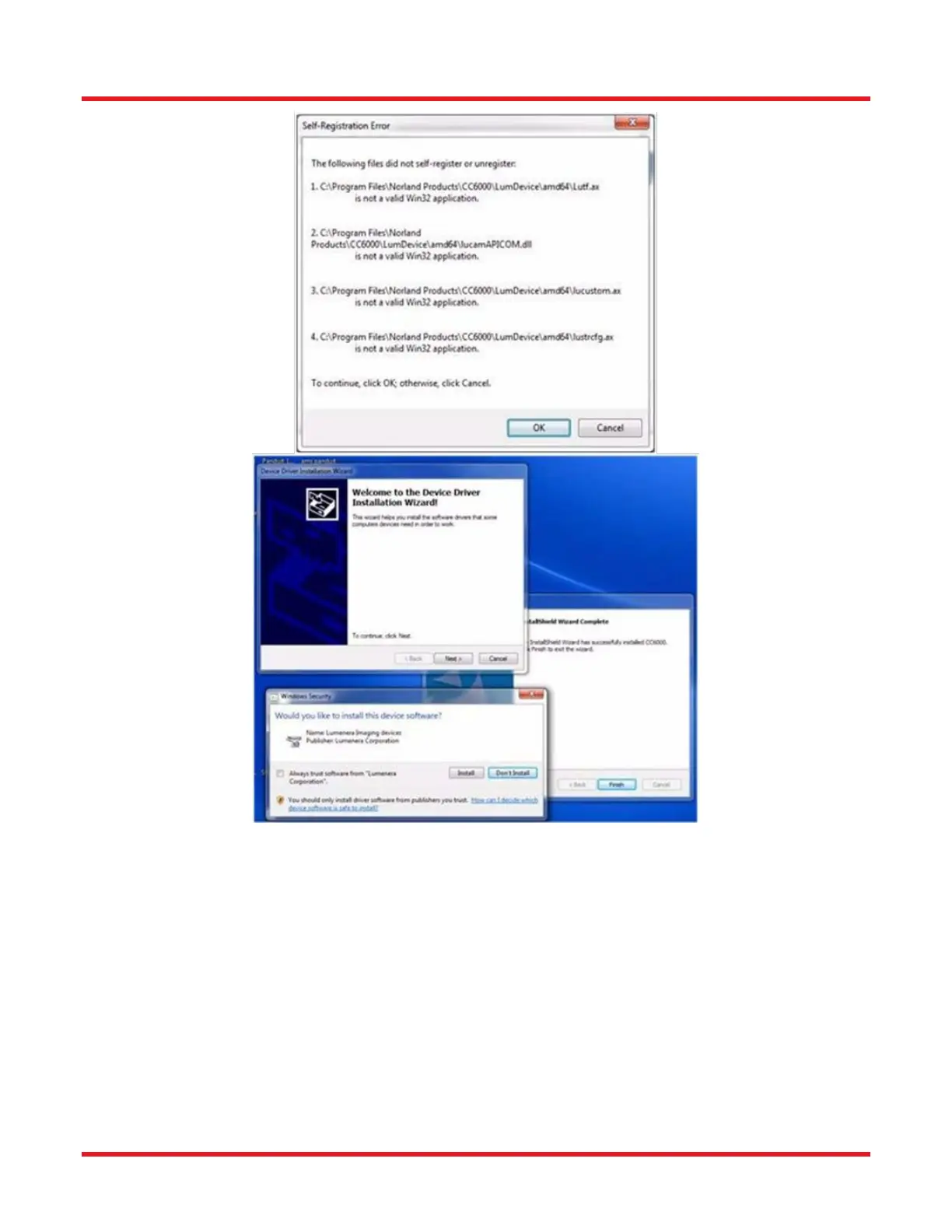
14. The three windows shown in the figure above will appear simultaneously on the desktop screen when Video
Drivers installation begins. First, click the “Windows Security” window’s ‘Always trust software from
“Lumenera Corporation” checkbox and then the [Install] button. Then click the [Next] button in the “Device
Driver Installation Wizard” window and, when the following window appears, click its [Finish] button to
complete the CC6000 Video Driver installation.



 To Next Page