Setting up TiVo Stream on your mobile device
TiVo Stream Operator’s Guide v1.1 • TiVo
®
Proprietary and Confidential 15
The software upgrade process can take up to 20 minutes. The progress bar indicates
elapsed time up to 20 minutes. When the new software has been downloaded, the TiVo
App reboots the TiVo Stream. After the reboot, the TiVo App automatically resumes the
TiVo Stream Setup process.
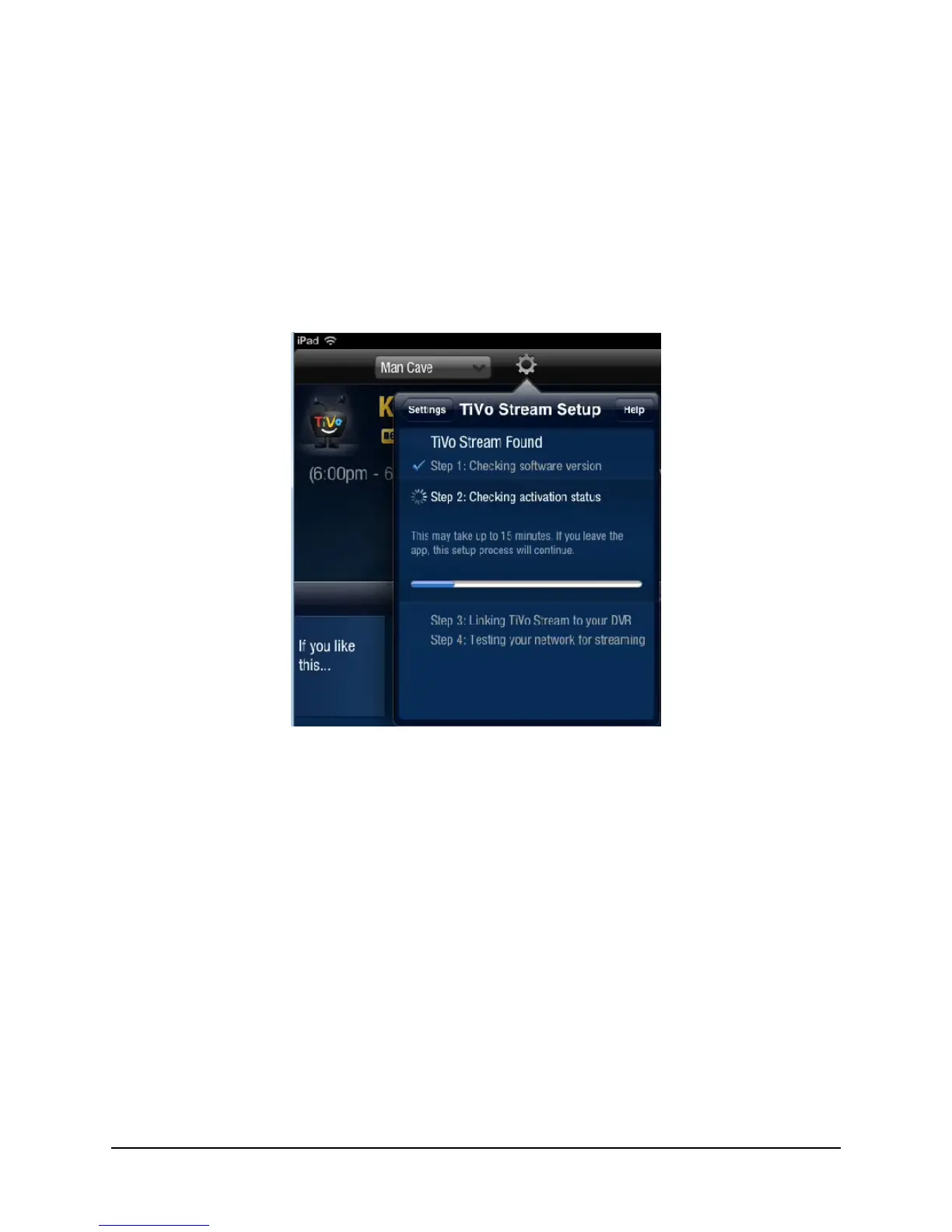
Step 2. Checking activation status
The TiVo Stream Setup process checks to ensure that the TiVo Stream has been activated
(see Figure 2–5).
Figure 2–5: Checking Stream’s activation status
If the TiVo App reports that the TiVo Stream has not been activated:
a. Ensure that activation was sent for this device and that at least ten minutes have
elapsed.
b. Tap I’ve done this, continue.
The TiVo App checks the TiVo Service once per minute. Once the TiVo App sees the
device has been activated, it continues to Step 3 (below).
The progress bar indicates elapsed time up to 15 minutes.



 To Next Page