Controlling the video player
22 TiVo Stream Operator’s Guide v1.1 • TiVo
®
Proprietary and Confidential
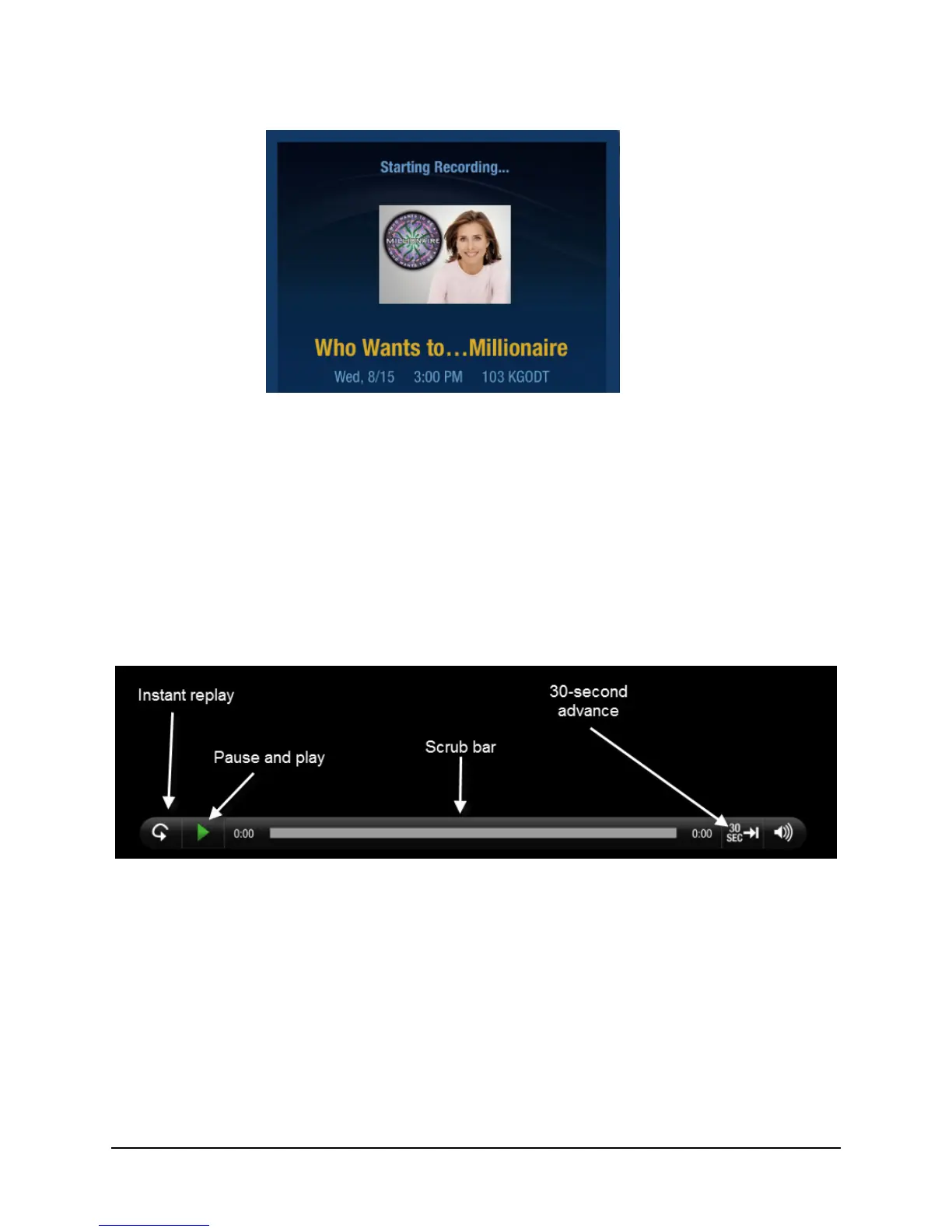
Figure 3–5: Confirmation of program recording and streaming
Controlling the video player
You can control the video player by using the Scrub Bar and the Video Player Header Bar. Both bars
appear automatically when playback begins, and both bars automatically disappear after 8 seconds.
To display the Scrub Bar and the Video Player Header Bar, simply tap anywhere on the screen.
Note: HDMI and Airplay output is disabled on the Apple iOS device during video playback.
The Trick Play® functions are available on the Scrub Bar (see Figure 3–6).
Figure 3–6: Use the Trick Play functions from the Scrub Bar
For fully recorded programs, the recording completion bar is completely green.
Both Instant Replay and 30-second advance are accompanied by sound effects.



 To Next Page