Downloading programs to your mobile device
32 TiVo Stream Operator’s Guide v1.1 • TiVo
®
Proprietary and Confidential
Reordering downloaded programs
You may wish to change the order in which programs will download to your mobile device. To be
able to reorder your downloaded programs, you must have programs currently in the download queue.
To reorder downloaded programs:
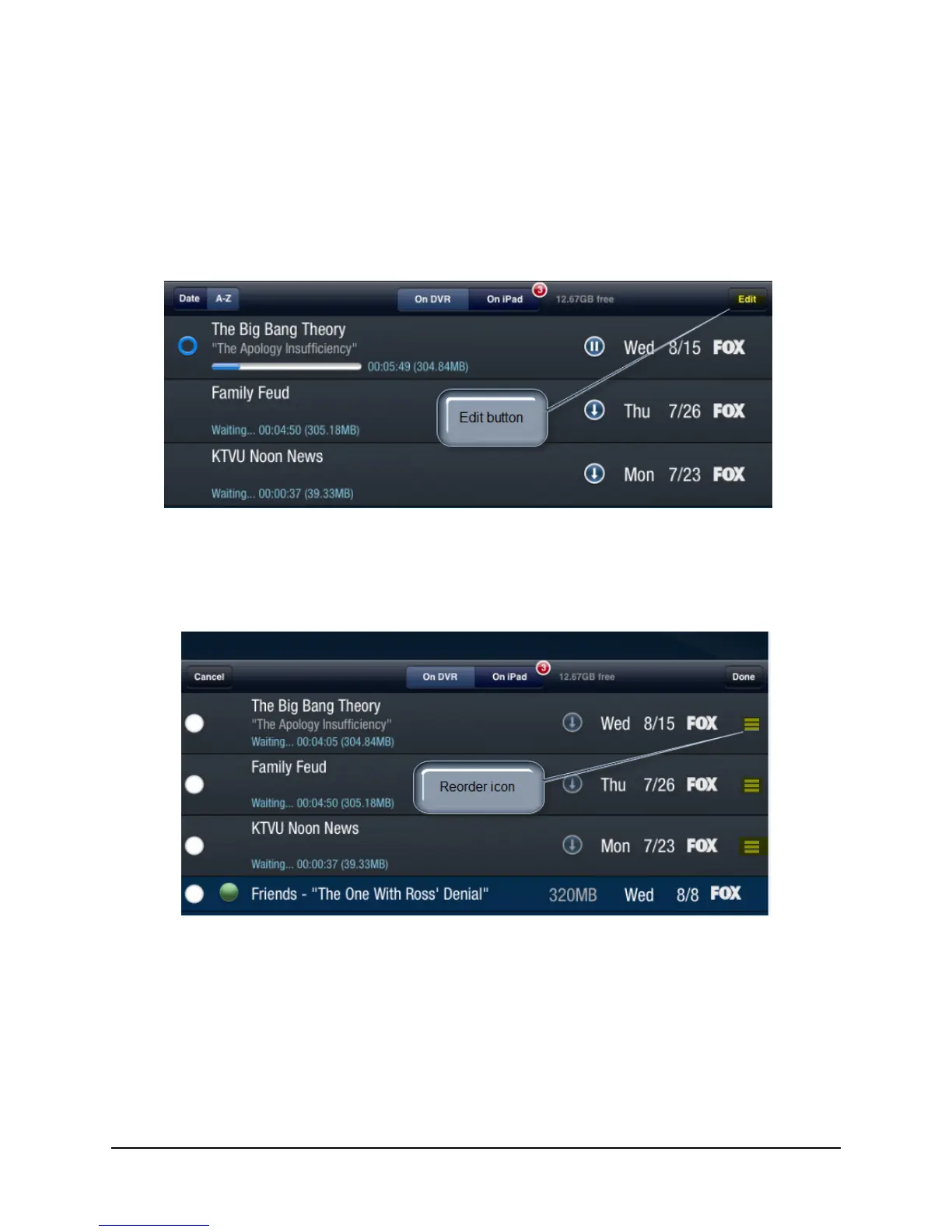
1. Click the Edit button (see Figure 3–18).
Figure 3–18: The Edit button
2. Press and drag the Reorder icon (as shown in Figure 3–19) to move the programs in the
download queue to the download positions you desire.
Figure 3–19: Reordering in-progress downloads
3. When satisfied with the download order, tap Done.



 To Next Page