Setting up TiVo Stream on your mobile device
TiVo Stream Operator’s Guide v1.1 • TiVo
®
Proprietary and Confidential 17
Step 4. Testing your network for streaming
To ensure the throughput is adequate for streaming, the TiVo App starts a test stream by
streaming 15 seconds of the most recent supported recording on your DVR. Thus, there
must be at least one supported recording on your DVR—TiVo Stream can only stream
recordings of linear copy-once and copy-freely television content.
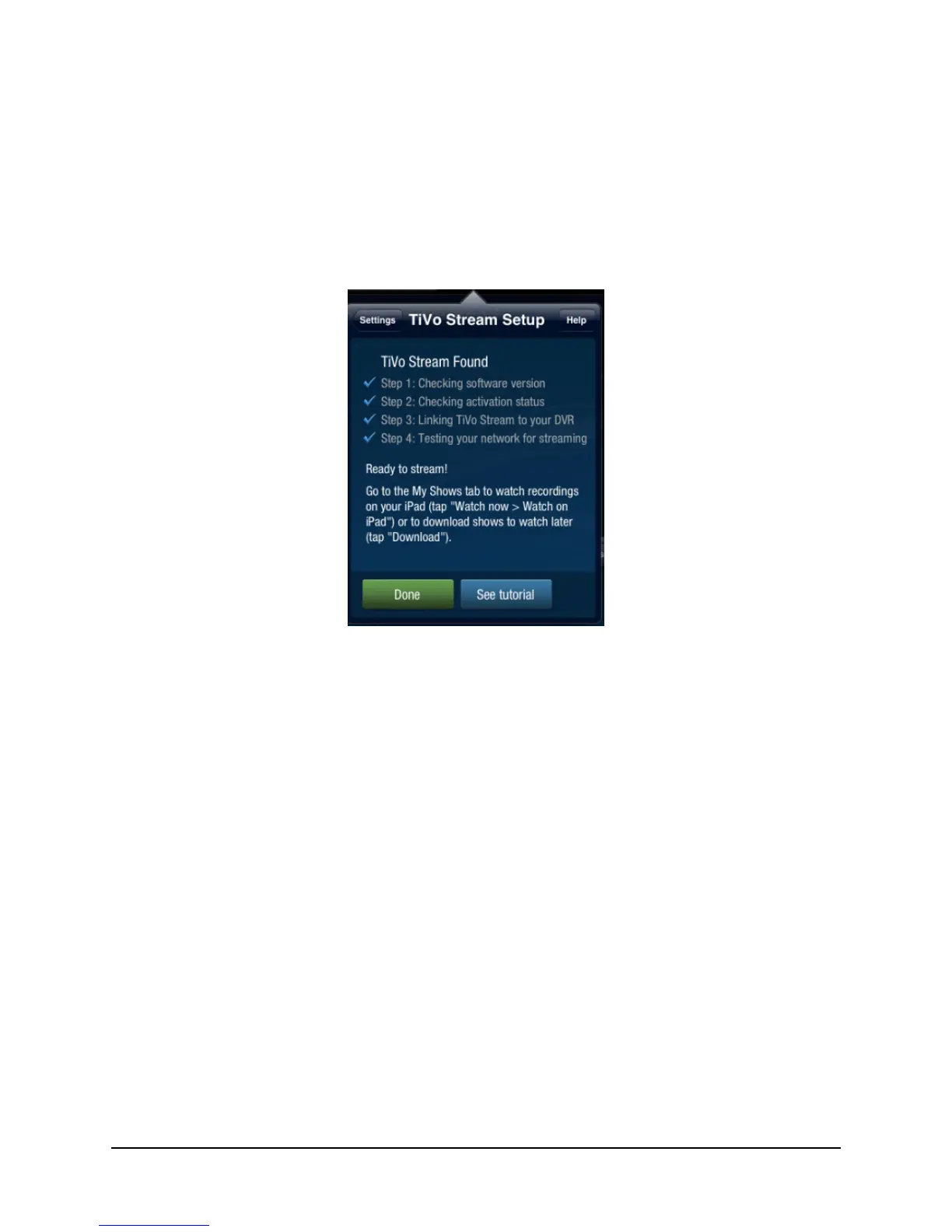
After a successful fifteen-second stream test, you’re ready to stream (see Figure 2–7).
Figure 2–7: Ready to stream
After successfully completing the TiVo Stream Setup, you may choose Done or
See tutorial.
4. To get a tutorial overview of how to use the TiVo Stream features in the TiVo App,
choose See tutorial.



 To Next Page